 Firefox
 1 / 3
1 / 3Loading font…
About Stewart Sans Font
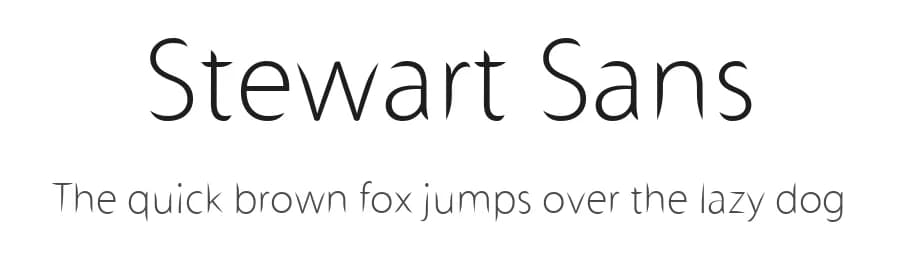
Stewart Sans, designed by Cher and released through the Cher Stewart foundry, is a clean and modern sans-serif typeface with broad appeal for digital and print work. With 155 glyphs supporting over 107 languages using Latin-based scripts, it brings straightforward readability to projects that span international audiences. Its normal weight and unadorned character set make it an accessible choice for designers seeking a dependable foundation without excessive stylistic flourishes. This typeface works particularly well for blog post headers and article titles, where clarity matters as readers scan content, and social media graphics benefit from its legible structure whether for Instagram posts, LinkedIn updates, or promotional materials.
Small business websites can use Stewart Sans effectively for both body text and navigation labels without compromising usability, while presentation slides and printed posters both accommodate its balanced proportions. Interface design projects benefit tremendously from its functional clarity, making it suitable for app labels, form fields, and dashboard typography across various platforms. It's available free for personal use only, with commercial licenses obtainable directly from the designer. Best suited for projects that prioritize accessibility and broad international reach, Stewart Sans makes an ideal choice for functional design work spanning both digital and print media.
Style & Use Cases
- Overall Style
- Clean, Modern, Basic
- Use Case
- Body Text, UI
- Ideal For
- branding, interfaces, and modern layouts
- Pairs With
- a contrasting serif for headings


Stewart Sans Specifications
| Font Family | Stewart Sans |
| Style | Normal |
| Full Name | Stewart Sans |
| Version | Macromedia Fontographer 4.1 2/14/2009 |
| Weight | 400 (Regular) |
| Glyph Count | 155 glyphs |
| PostScript Name | StewartSans |
| Designer | Cher Stewart |
| Format | TTF (TrueType) |
| File Size | 33.9 KB |
Languages Supported
Stewart Sans supports 107 languages.
How to Install Stewart Sans Font
Step-by-step instructions for every platform
- 1Download the Stewart Sans font file (.ttf or .otf).
- 2Locate the downloaded file in your Downloads folder.
- 3Right-click the font file.
- 4Select "Install" to install for the current user, or "Install for all users" to make it available system-wide.
- 5Stewart Sans is now available in Word, Photoshop, Illustrator, and all other apps.
Browse fonts by theme
Curated collections →Saw a font in a picture? Identify any font from an image with our free Font Finder.
More Sans Serif Fonts
Browse all →
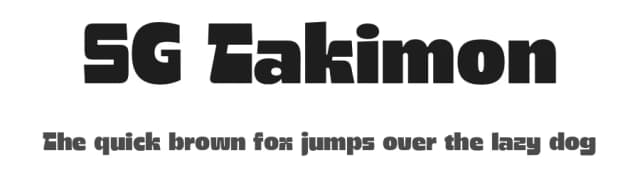
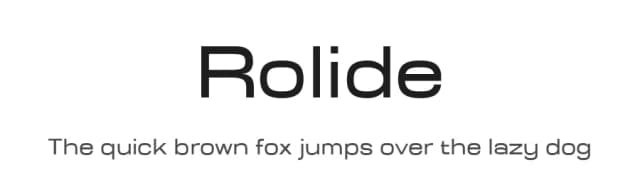
What pairs well with Stewart Sans Font?
Stewart Sans Font is a versatile sans-serif font that works for both headings and body text. Pair it with a contrasting serif or slab serif font to add visual interest and a clear distinction between titles and body copy.


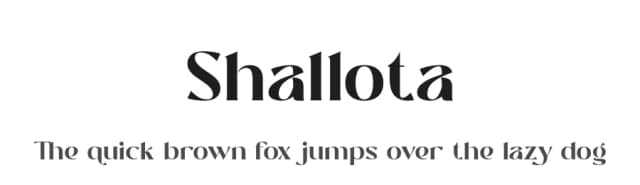

Premium Sans Serif Fonts
★ PremiumWant something with more weights, glyphs, and commercial polish? These premium sans serif fonts are worth a look.


Stewart Sans Font
by Cher
Reviewed by the FontBoxDL team · Updated October 2026
License: Free for personal use