 Firefox
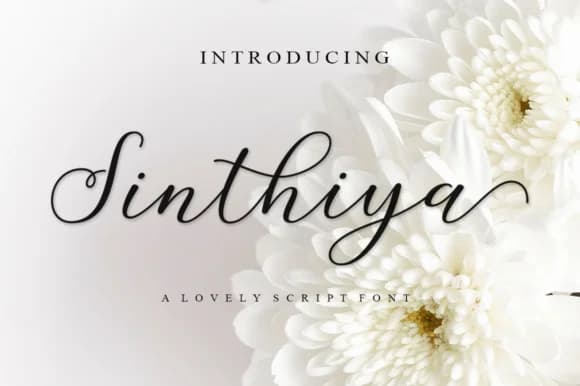 1 / 7
1 / 7About Sinthiya Script Font
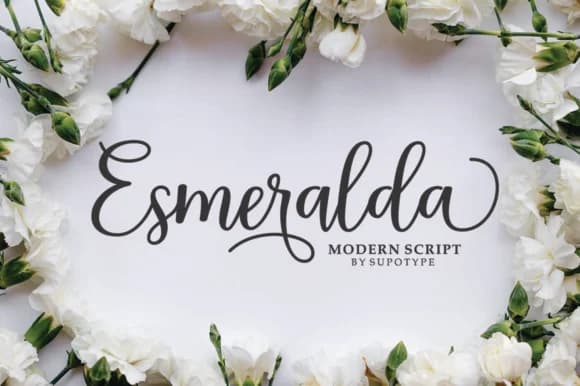
Sinthiya Script Font by supotype is an elegant handwritten script that masterfully balances refined calligraphic forms with casual spontaneity. This feminine typeface brings genuine movement and personality to creative work, offering the distinctive blend of sophistication and approachability that contemporary designers seek for their most important projects.
Whether you're designing wedding invitation suites with romantic aesthetics, crafting Instagram story graphics that stand out in followers' feeds, or creating personalized greeting card designs, Sinthiya delivers visual impact across multiple formats. The font works beautifully for feminine brand logos that need personality without sacrificing elegance, and it's equally well-suited for boutique product packaging labels and book cover titles that demand attention. Its dynamic letterforms add character to any composition while maintaining legibility, making it versatile for display headlines, social media graphics, and other design applications where sophistication matters.
The script includes multiple glyphs and carefully designed stylistic alternates that provide genuine flexibility in crafting unique letter combinations, significantly expanding your creative possibilities beyond what standard typefaces offer. This feature makes it especially valuable for designers who want custom-looking results that feel entirely fresh and distinctive. Discover Sinthiya Script Font on Creative Fabrica and access a typeface designed for work that truly stands out.
Style & Use Cases
- Overall Style
- Elegant, Flowing, Script
- Use Case
- Invitations, Branding
- Ideal For
- wedding stationery, greeting cards, and signatures
- Pairs With
- a simple uppercase sans
How to Install Sinthiya Script Font Font
Step-by-step instructions for every platform
- 1Download the Sinthiya Script Font font file (.ttf or .otf).
- 2Locate the downloaded file in your Downloads folder.
- 3Right-click the font file.
- 4Select "Install" to install for the current user, or "Install for all users" to make it available system-wide.
- 5Sinthiya Script Font is now available in Word, Photoshop, Illustrator, and all other apps.
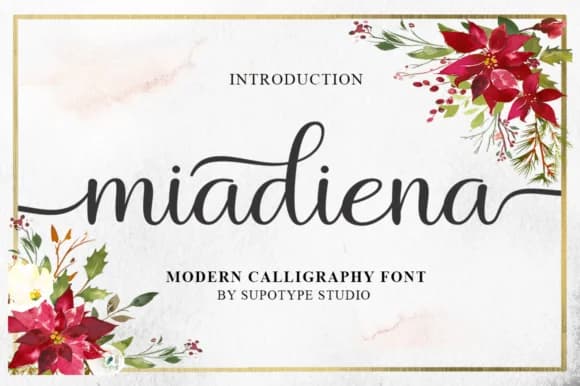
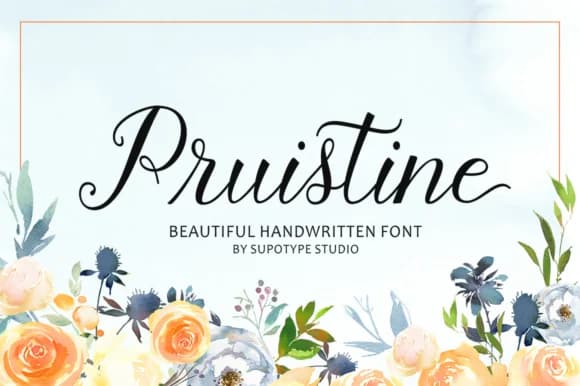
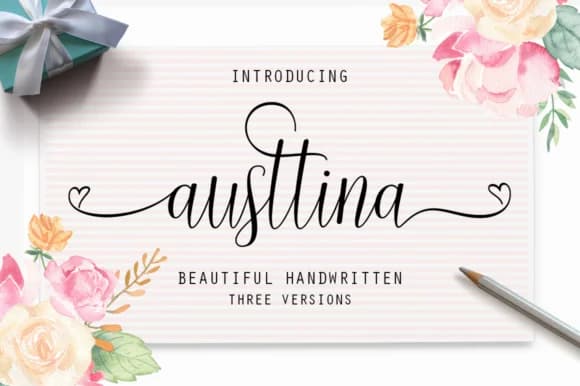
Browse fonts by theme
Curated collections →Saw a font in a picture? Identify any font from an image with our free Font Finder.
More Script Handwritten Fonts
Browse all →







What pairs well with Sinthiya Script Font?
Sinthiya Script Font is a script font that shines as a display or heading face. Pair it with a clean sans-serif or serif font for body text — the contrast creates a clear hierarchy while the two styles stay balanced and easy to read.



Sinthiya Script Font
by supotype
Reviewed by the FontBoxDL team · Updated May 2026