 Firefox
 1 / 8
1 / 8About Shasta Font by FreshTypeINK Font
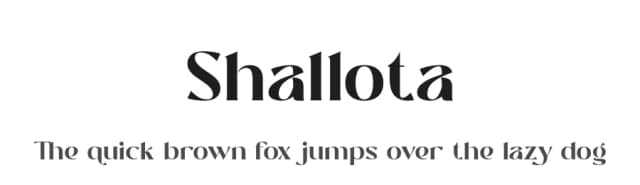
Picture a wedding invitation suite where guests immediately notice the thoughtful letterforms, or a holiday sticker set that feels both modern and warm. That's what Shasta Font by FreshTypeINK brings to your design work. This sans-serif typeface balances soft edges with distinctive strokes, giving it character without veering into overly trendy or rigid territory. The font's personality works because it avoids extremes, instead offering something genuinely useful across a broad range of projects.
Shasta shines in wedding invitation suites and holiday sticker designs where personality matters without overwhelming the message. It's equally at home in logo design work for small studios, sublimation transfers for crafting, and farmhouse-style packaging labels where that softer aesthetic resonates strongly. The typeface includes multiple glyphs and character variations that let you customize your work, plus it runs on Windows and open-source platforms alike, so compatibility isn't a concern regardless of your design workflow or software preferences.
What sets this font apart is how clearly it reads when you push it to larger display sizes, something many softer typefaces struggle to maintain. The glyphs work well for both digital and print applications, giving you genuine flexibility regardless of your next project. Get Shasta Font from Creative Fabrica and add it to your design collection.
Style & Use Cases
- Overall Style
- Clean, Modern, Best Font
- Use Case
- Body Text, UI
- Ideal For
- branding, interfaces, and modern layouts
- Pairs With
- a contrasting serif for headings
How to Install Shasta Font by FreshTypeINK Font
Step-by-step instructions for every platform
- 1Download the Shasta Font by FreshTypeINK font file (.ttf or .otf).
- 2Locate the downloaded file in your Downloads folder.
- 3Right-click the font file.
- 4Select "Install" to install for the current user, or "Install for all users" to make it available system-wide.
- 5Shasta Font by FreshTypeINK is now available in Word, Photoshop, Illustrator, and all other apps.
More by FreshTypeINK
View all →


Browse fonts by theme
Curated collections →Saw a font in a picture? Identify any font from an image with our free Font Finder.
More Sans Serif Fonts
Browse all →
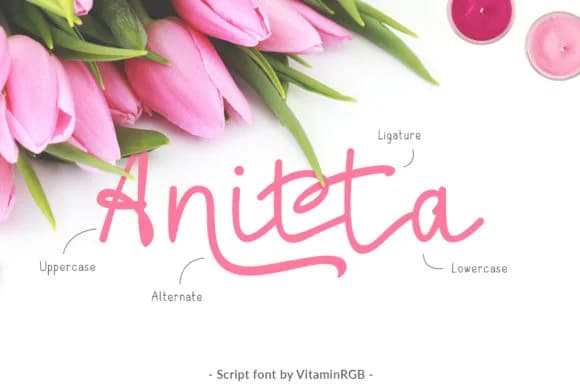
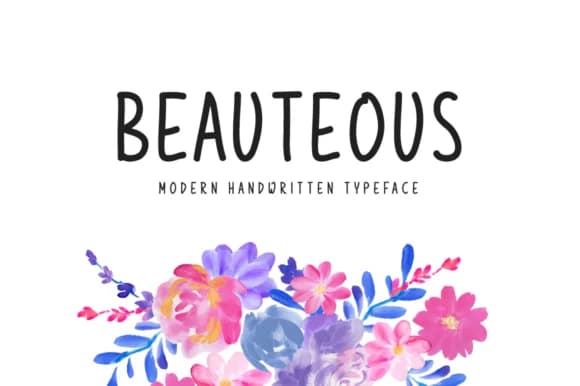
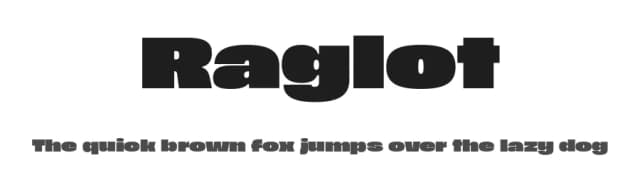




What pairs well with Shasta Font by FreshTypeINK Font?
Shasta Font by FreshTypeINK Font is a versatile sans-serif font that works for both headings and body text. Pair it with a contrasting serif or slab serif font to add visual interest and a clear distinction between titles and body copy.



Shasta Font by FreshTypeINK Font
by FreshTypeINK
Reviewed by the FontBoxDL team · Updated October 2026
One-time purchase