 Firefox
 1 / 3
1 / 3Loading font…
About Scoutie Sans Font
Scoutie Sans is a variable sans-serif typeface designed by Ty Finck for the customer service platform Help Scout . It was created to serve dual roles within the Help Scout brand: a compact, highly legible workhorse for dense UI environments, and a typeface with enough personality to hold its own at display sizes in marketing contexts. The result sits at the intersection of a utility grotesque and a display sans — functional without being anonymous. The family spans a weight range from ExtraLight to ExtraBold (200-800), with matching italics, offered as a variable font. A set of stylistic alternates gives designers control over characters with strong personality: a single-storey a and g , a straight-leg R , a slashed zero, a crossbar-free I , and others. Scoutie Sans supports a broad Latin character set covering Western, Central, and Eastern European languages, as well as a range of African Latin orthographies. To contribute, see github.com/sursly/scoutie .
Style & Use Cases
- Overall Style
- Ultra-light, Clean, Modern, Sans Serif
- Use Case
- Body Text, UI
- Ideal For
- branding, interfaces, and modern layouts
- Pairs With
- a contrasting serif for headings
Scoutie Sans Specifications
| Font Family | Scoutie Sans ExtraLight |
| Style | Regular |
| Full Name | Scoutie Sans ExtraLight |
| Version | 1.001 |
| Weight | 200 (ExtraLight) |
| Glyph Count | 960 glyphs |
| PostScript Name | ScoutieSans-ExtraLight |
| Designer | Ty Finck |
| Format | TTF (TrueType) |
| File Size | 130.4 KB |
OpenType Features
Scoutie Sans ships with 10 OpenType features you can switch on in apps that support them (Illustrator, InDesign, Affinity, Figma, CSS font-feature-settings).
- Case-sensitive forms
- Fractions
- Ordinals
- Proportional figures
- Scientific inferiors
- Subscripts
- Superscripts
- Tabular figures
- Slashed zero
- Stylistic sets (9)
- Variable font · axes: wght
Languages Supported
Scoutie Sans supports 430 languages.
How to Install Scoutie Sans Font
Step-by-step instructions for every platform
- 1Download the Scoutie Sans font file (.ttf or .otf).
- 2Locate the downloaded file in your Downloads folder.
- 3Right-click the font file.
- 4Select "Install" to install for the current user, or "Install for all users" to make it available system-wide.
- 5Scoutie Sans is now available in Word, Photoshop, Illustrator, and all other apps.
More by Tyler Finck
View all →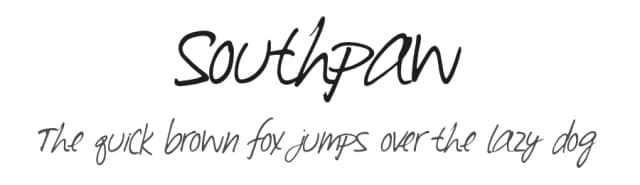
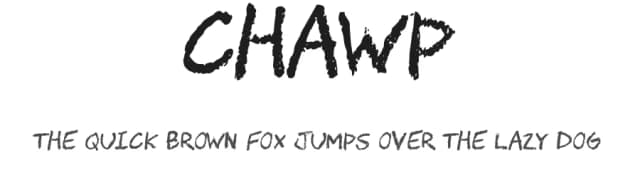
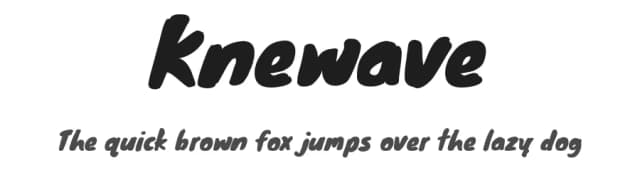
Browse fonts by theme
Curated collections →Saw a font in a picture? Identify any font from an image with our free Font Finder.
More Sans Serif Fonts
Browse all →
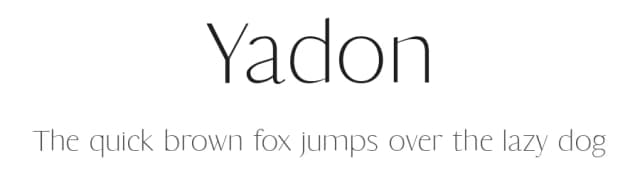
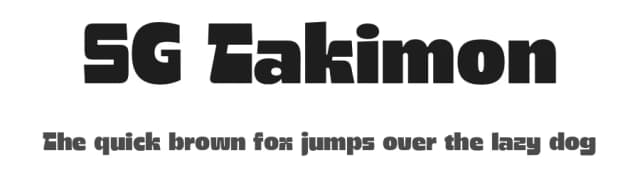
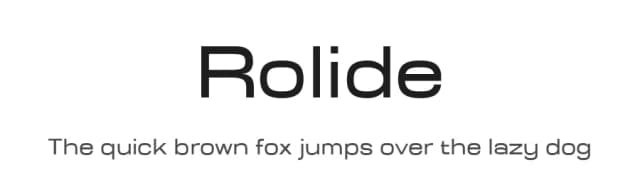
What pairs well with Scoutie Sans Font?
Scoutie Sans Font is a versatile sans-serif font that works for both headings and body text. Pair it with a contrasting serif or slab serif font to add visual interest and a clear distinction between titles and body copy.


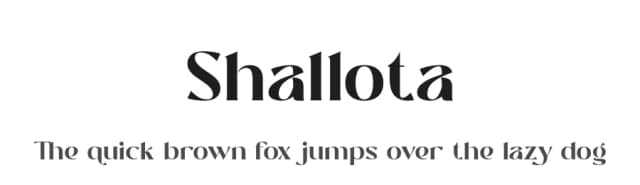

Premium Sans Serif Fonts
★ PremiumWant something with more weights, glyphs, and commercial polish? These premium sans serif fonts are worth a look.


Scoutie Sans Font
by Tyler Finck
Reviewed by the FontBoxDL team · Updated July 2026