 Firefox
 1 / 6
1 / 6About Santiago Hendrick Font
Santiago Hendrick brings that nostalgic hand-lettered charm that defined the 1980s, created by the design duo Pineungtype and Missinklab. The letterforms carry a light, flowing quality with just enough character to feel authentically written rather than clean and digitally sterile. This script sits perfectly in that sweet spot between casual and polished, making it equally at home on vintage-inspired work or contemporary designs that intentionally reference retro aesthetics.
The font works beautifully for wedding invitation suites where you want authentic personality without formality, intimate product labels for artisanal and handmade goods, indie bookstore signage, or even vintage-style event flyers that capture nostalgic charm. Its weight and style also lend themselves well to custom greeting card designs and hand-crafted branding for small businesses looking to stand out in a crowded market. If you're building something that needs warmth and a touch of nostalgia without leaning too hard into kitsch, Santiago Hendrick delivers exactly that feeling.
This is the font for designers and creative entrepreneurs who embrace vintage sensibilities in their work without apology. Grab it from Creative Fabrica and start adding that distinctly 80s-but-not-cheesy character to your next design project.
Style & Use Cases
- Overall Style
- Elegant, Flowing
- Use Case
- Invitations, Branding
- Ideal For
- wedding stationery, greeting cards, and signatures
- Pairs With
- a simple uppercase sans
How to Install Santiago Hendrick Font Font
Step-by-step instructions for every platform
- 1Download the Santiago Hendrick Font font file (.ttf or .otf).
- 2Locate the downloaded file in your Downloads folder.
- 3Right-click the font file.
- 4Select "Install" to install for the current user, or "Install for all users" to make it available system-wide.
- 5Santiago Hendrick Font is now available in Word, Photoshop, Illustrator, and all other apps.
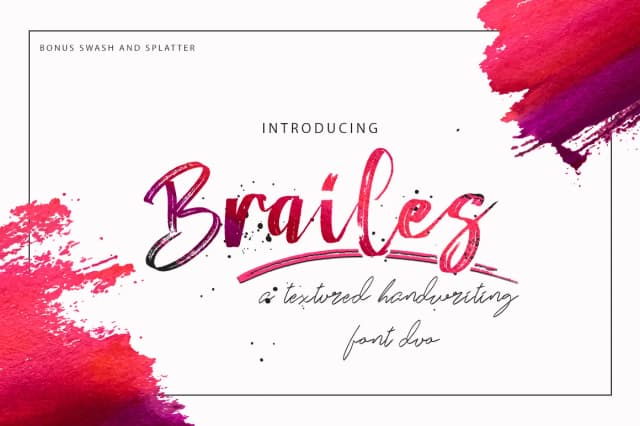
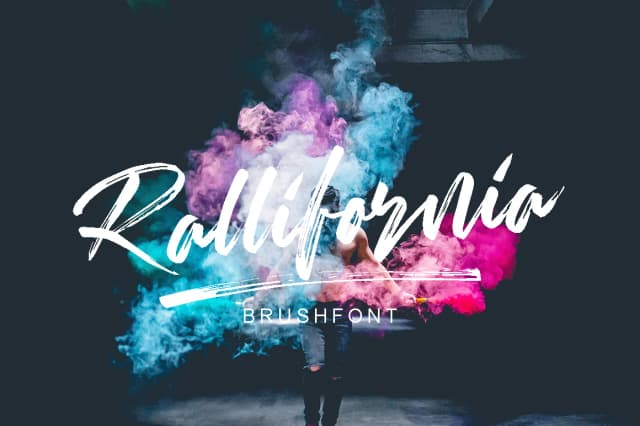
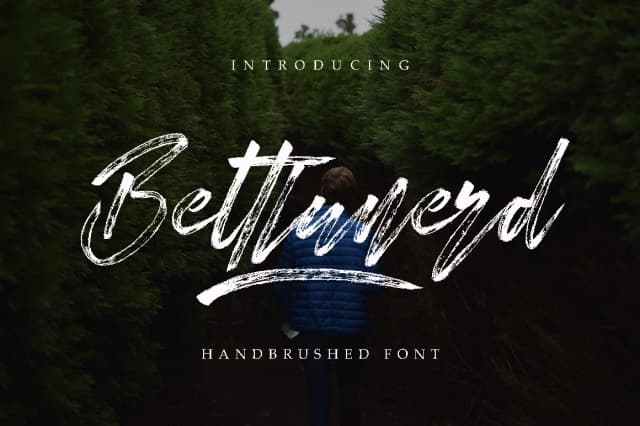
More by Pineungtype & Missinklab
View all →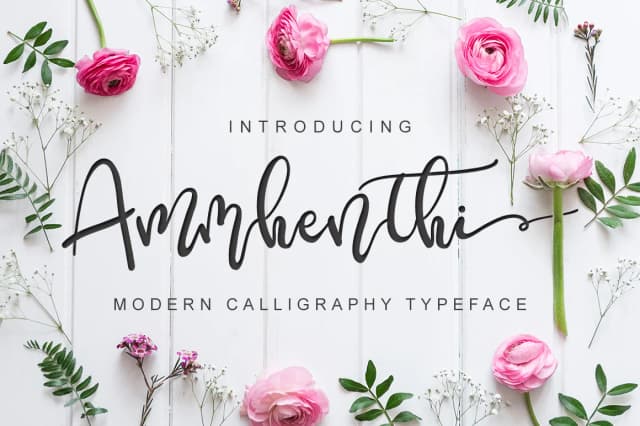
Browse fonts by theme
Curated collections →Saw a font in a picture? Identify any font from an image with our free Font Finder.
More Script Handwritten Fonts
Browse all →







What pairs well with Santiago Hendrick Font?
Santiago Hendrick Font is a script font that shines as a display or heading face. Pair it with a clean sans-serif or serif font for body text — the contrast creates a clear hierarchy while the two styles stay balanced and easy to read.



Santiago Hendrick Font
Reviewed by the FontBoxDL team · Updated July 2026