 Firefox
 1 / 9
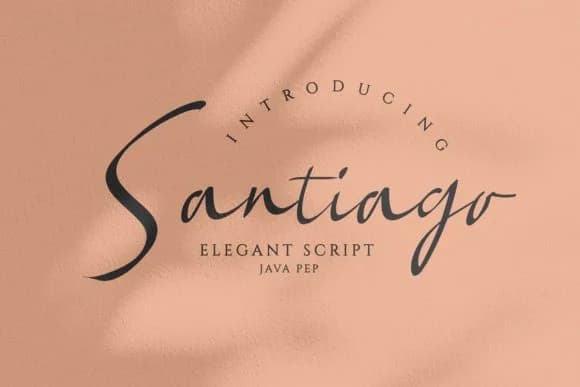
1 / 9About Santiago Font by JavaPep Font
Santiago by JavaPep brings script letterforms with genuine refinement, balancing the flow of handwriting against structural clarity. Its strokes taper elegantly without losing weight, capturing that contemporary sensibility designers crave when they want something personal without the chaos of brush scripts or the coldness of geometric alternatives.
Luxury branding work is where this font truly shines. Wedding invitation suites benefit immediately from its sophistication, as do artisan labels for boutique skincare companies and craft chocolatiers. Restaurant menus read beautifully in Santiago's curves, particularly for establishments that want to signal both craftsmanship and precision. Digital work suits it equally well: think upscale lifestyle blog headers, stationery design, or small-batch goods packaging where that handcrafted-but-professional impression carries weight.
Where most script fonts force display-only use, Santiago actually works in longer passages, giving you flexibility across different applications. For designers and agencies tackling editorial projects or upscale branding work that demands warmth alongside credibility, that's a genuine advantage. If your clients are looking for something that reads modern but not trendy, personal yet refined, Santiago is worth downloading from Creative Fabrica to keep on hand for future projects.
Style & Use Cases
- Overall Style
- Elegant, Flowing, Santiago
- Use Case
- Invitations, Branding
- Ideal For
- wedding stationery, greeting cards, and signatures
- Pairs With
- a simple uppercase sans
How to Install Santiago Font by JavaPep Font
Step-by-step instructions for every platform
- 1Download the Santiago Font by JavaPep font file (.ttf or .otf).
- 2Locate the downloaded file in your Downloads folder.
- 3Right-click the font file.
- 4Select "Install" to install for the current user, or "Install for all users" to make it available system-wide.
- 5Santiago Font by JavaPep is now available in Word, Photoshop, Illustrator, and all other apps.
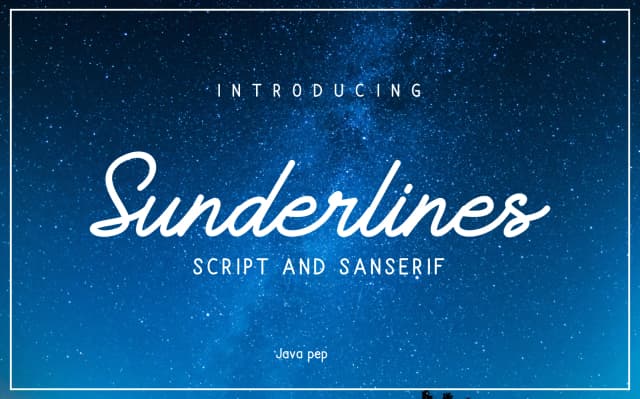

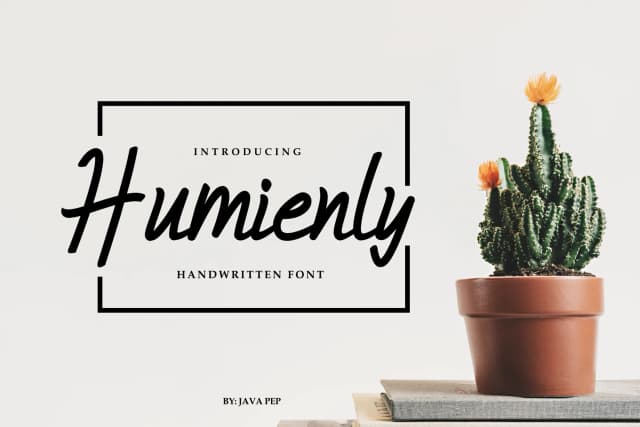

Browse fonts by theme
Curated collections →Saw a font in a picture? Identify any font from an image with our free Font Finder.
More Script Handwritten Fonts
Browse all →







What pairs well with Santiago Font by JavaPep Font?
Santiago Font by JavaPep Font is a script font that shines as a display or heading face. Pair it with a clean sans-serif or serif font for body text — the contrast creates a clear hierarchy while the two styles stay balanced and easy to read.



Santiago Font by JavaPep Font
by JavaPep
Reviewed by the FontBoxDL team · Updated August 2026