 Firefox
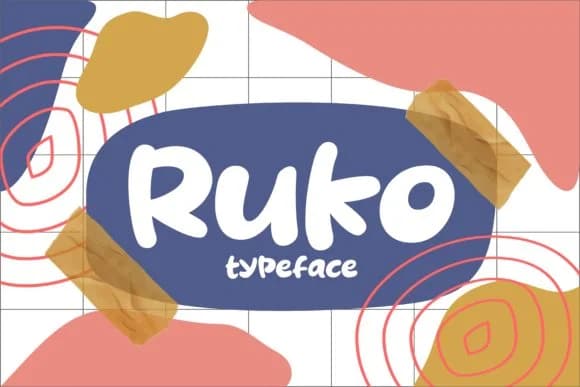 1 / 4
1 / 4About Ruko Font
Ruko by Keithzo is a retro script with a raw, hand-drawn edge that captures that looser 70s aesthetic. The letterforms sit somewhere between refined and rebellious, giving it both character and readability. You'll find this works really well for vintage concert posters, groovy record sleeve layouts, and retro merchandise branding where authenticity matters. The script's organic feel pairs nicely with thrift store logos, nostalgic sticker collections, and sublimation designs that need genuine personality rather than polish. It's equally at home on craft beer labels or handmade product packaging for small businesses chasing that vintage aesthetic. What makes Ruko stand out is how it holds its ground without trying too hard, which is exactly what you need when designing something that should feel discovered rather than manufactured.
The font includes multiple weights and extensive language support, making it flexible enough for both standalone display work and longer applications where you might need a lighter touch. Whether working in print or digital, Ruko brings that nostalgic energy without veering into parody. Its quirky character makes it especially useful for fashion branding, vintage-inspired event designs, and any project where retro credibility counts. Grab Ruko on Creative Fabrica and add a touch of genuine vintage flair to your next design.
Style & Use Cases
- Overall Style
- Elegant, Flowing, Retro Fonts
- Use Case
- Invitations, Branding
- Ideal For
- wedding stationery, greeting cards, and signatures
- Pairs With
- a simple uppercase sans
How to Install Ruko Font Font
Step-by-step instructions for every platform
- 1Download the Ruko Font font file (.ttf or .otf).
- 2Locate the downloaded file in your Downloads folder.
- 3Right-click the font file.
- 4Select "Install" to install for the current user, or "Install for all users" to make it available system-wide.
- 5Ruko Font is now available in Word, Photoshop, Illustrator, and all other apps.
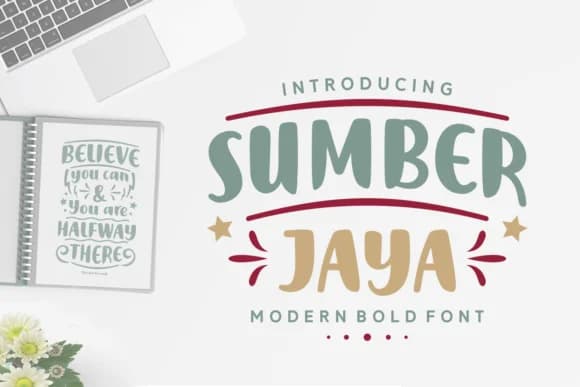
More by Keithzo (7NTypes)
View all →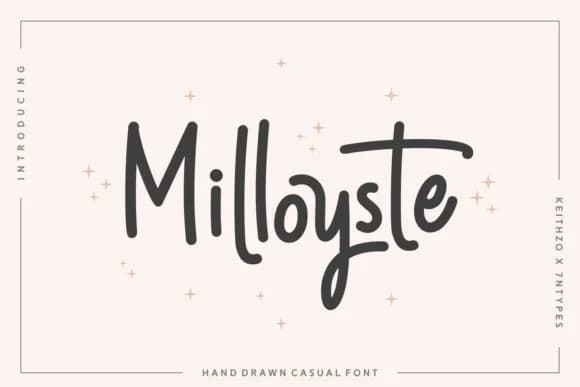
Browse fonts by theme
Curated collections →Saw a font in a picture? Identify any font from an image with our free Font Finder.
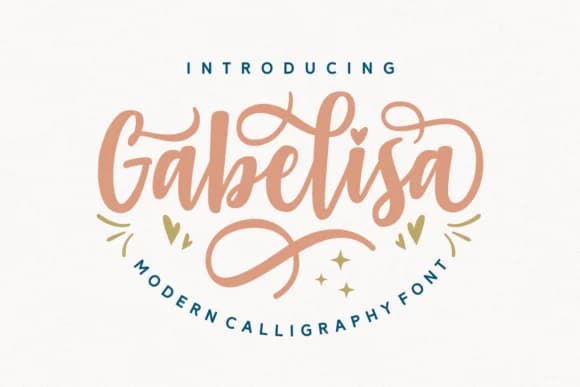
More Script Handwritten Fonts
Browse all →







What pairs well with Ruko Font?
Ruko Font is a script font that shines as a display or heading face. Pair it with a clean sans-serif or serif font for body text — the contrast creates a clear hierarchy while the two styles stay balanced and easy to read.



Ruko Font
Reviewed by the FontBoxDL team · Updated September 2026