 Firefox
 1 / 4
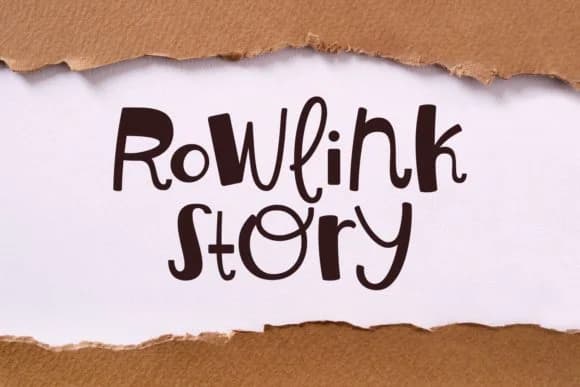
1 / 4About Rowlink Story Font
Picture yourself designing a custom t-shirt for an Etsy boutique, lettering that needs to dance across fabric with genuine personality and visual flair. That's where Rowlink Story enters the picture. Created by designer Keithzo of 7NTypes, this script font channels 70s nostalgia through flowing letterforms that feel genuinely handwritten yet remain clean and professional.
Rowlink Story's real strength emerges in the retro-craft space where versatility matters. It excels on vintage concert poster recreations, where that groovy aesthetic demands an organic, human touch. Retro packaging for small-batch cosmetics and artisan beauty lines benefits tremendously from its approachable character. DIY vinyl decal projects, custom record label graphics, and even handwritten-style branding all find solid ground here. Greeting card suites and diner menu boards showcase the font's ability to scale without losing its charm. Each letterform maintains crisp legibility whether you're working at display sizes or smaller applications.
With built-in SVG and Cricut compatibility, this typeface integrates with your maker toolkit directly. The consistent weight holds up beautifully across projects without requiring multiple variants. Grab Rowlink Story from Creative Fabrica and put this retro font to work on your next project.
Style & Use Cases
- Overall Style
- Elegant, Flowing, Retro Fonts
- Use Case
- Invitations, Branding
- Ideal For
- wedding stationery, greeting cards, and signatures
- Pairs With
- a simple uppercase sans
How to Install Rowlink Story Font Font
Step-by-step instructions for every platform
- 1Download the Rowlink Story Font font file (.ttf or .otf).
- 2Locate the downloaded file in your Downloads folder.
- 3Right-click the font file.
- 4Select "Install" to install for the current user, or "Install for all users" to make it available system-wide.
- 5Rowlink Story Font is now available in Word, Photoshop, Illustrator, and all other apps.
More by Keithzo (7NTypes)
View all →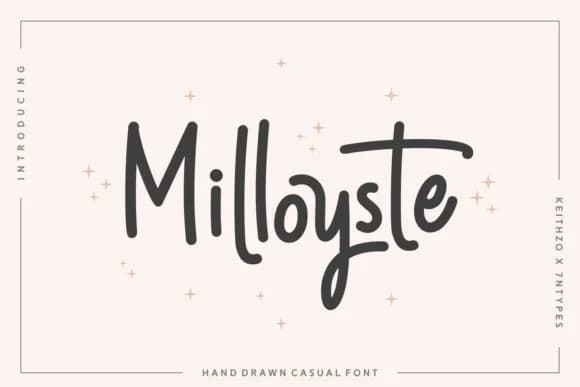
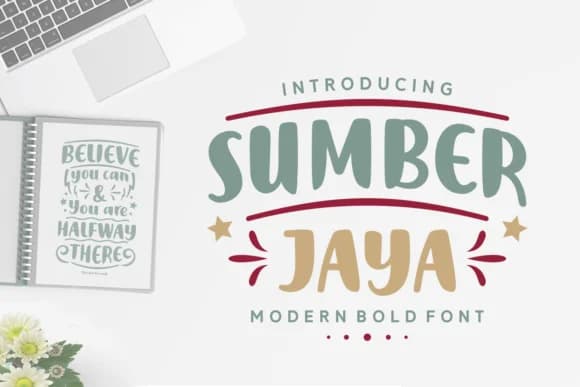
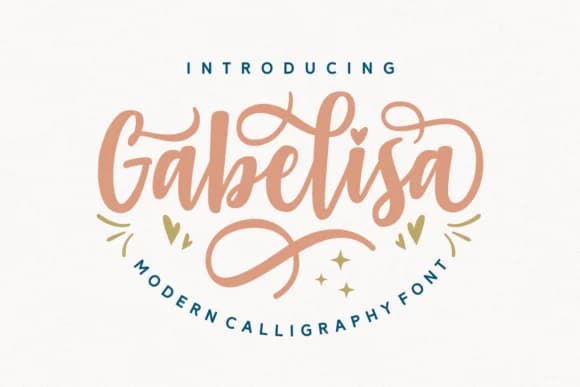
Browse fonts by theme
Curated collections →Saw a font in a picture? Identify any font from an image with our free Font Finder.
More Script Handwritten Fonts
Browse all →







What pairs well with Rowlink Story Font?
Rowlink Story Font is a script font that shines as a display or heading face. Pair it with a clean sans-serif or serif font for body text — the contrast creates a clear hierarchy while the two styles stay balanced and easy to read.



Rowlink Story Font
Reviewed by the FontBoxDL team · Updated September 2026