 Firefox
 1 / 9
1 / 9About Rosemary Font by Typia Nesia Font
Rosemary, designed by Typia Nesia, features flowing letterforms that sit comfortably between formal elegance and everyday warmth. The handwritten character avoids the stiffness of digital scripts, instead conveying a natural rhythm that feels personal without sacrificing readability across different sizes and applications. Each stroke suggests pen on paper, lending authentic presence to designs that demand a human touch rather than algorithmic precision or manufactured uniformity.
This script performs exceptionally well on wedding invitation suites, where its organic energy complements traditional layout proportions beautifully. Etsy sellers reach for it frequently for product labels on artisanal goods, from herbal tea packaging to small-batch candle branding and natural skincare lines. The letterforms work equally well on boutique bakery menus and greeting card interiors, contexts where personality and character outweigh corporate polish. Graphic designers also apply it to handmade branding projects and DIY craft signage, where the approachable letterforms reinforce authenticity and build genuine connection with customers seeking alternatives to standard typefaces.
Rosemary suits anyone building a visual identity rooted in craftsmanship and genuine expression rather than mass production aesthetics. Find it on Creative Fabrica and start incorporating it into your next meaningful design project.
Style & Use Cases
- Overall Style
- Elegant, Flowing, Rosemary
- Use Case
- Invitations, Branding
- Ideal For
- wedding stationery, greeting cards, and signatures
- Pairs With
- a simple uppercase sans
How to Install Rosemary Font by Typia Nesia Font
Step-by-step instructions for every platform
- 1Download the Rosemary Font by Typia Nesia font file (.ttf or .otf).
- 2Locate the downloaded file in your Downloads folder.
- 3Right-click the font file.
- 4Select "Install" to install for the current user, or "Install for all users" to make it available system-wide.
- 5Rosemary Font by Typia Nesia is now available in Word, Photoshop, Illustrator, and all other apps.
More by Typia Nesia
View all →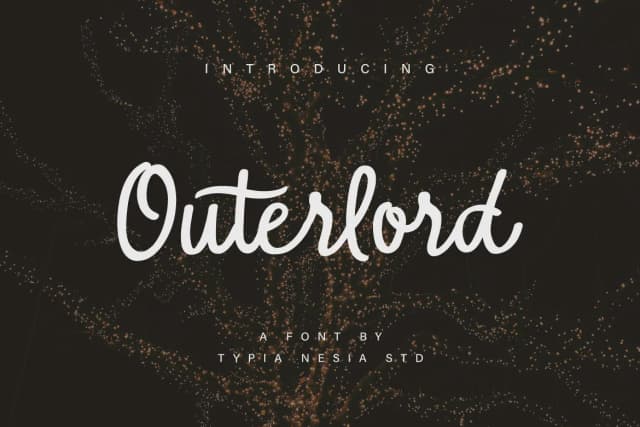
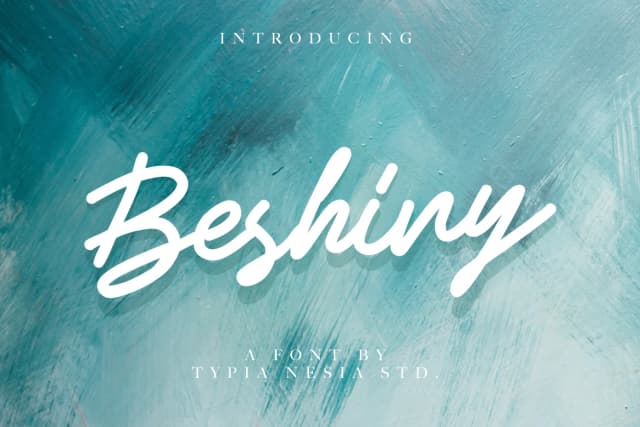
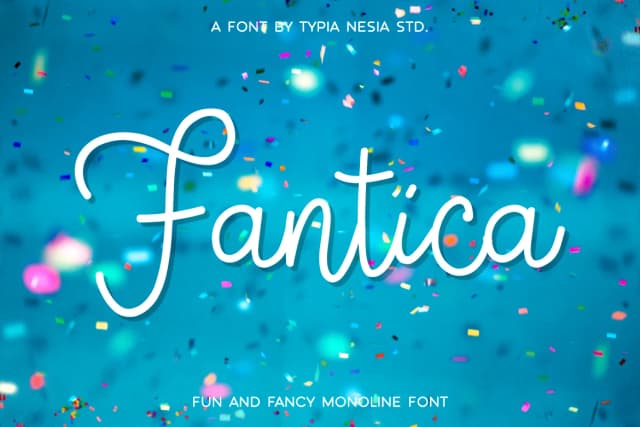
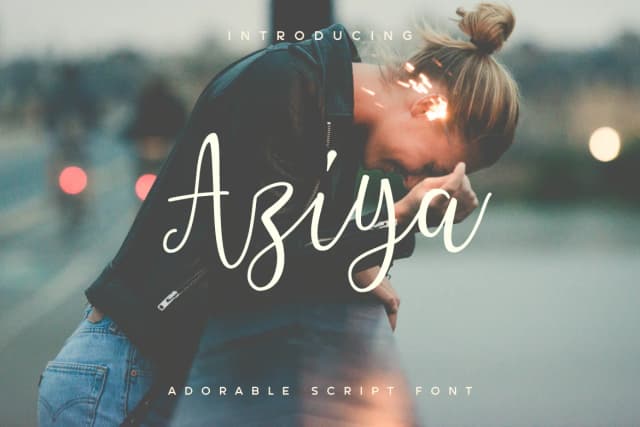
Browse fonts by theme
Curated collections →Saw a font in a picture? Identify any font from an image with our free Font Finder.
More Script Handwritten Fonts
Browse all →







What pairs well with Rosemary Font by Typia Nesia Font?
Rosemary Font by Typia Nesia Font is a script font that shines as a display or heading face. Pair it with a clean sans-serif or serif font for body text — the contrast creates a clear hierarchy while the two styles stay balanced and easy to read.



Rosemary Font by Typia Nesia Font
by Typia Nesia
Reviewed by the FontBoxDL team · Updated September 2026