 Firefox
 1 / 8
1 / 8About Renatta Font
Renatta's flowing letterforms capture that raw, hand-drawn quality without sacrificing readability. Created by CreatypeStudio, this script font strikes the balance between casual warmth and polish that makes it work across different mediums. The curves have a natural bounce to them, with strokes that feel genuinely sketched rather than digitally manufactured. Each letter carries that human imperfection that actually makes handwritten scripts feel trustworthy and lived-in.
You'll find this font pairs beautifully with wedding invitation suites where it can anchor your text with character and personality. It works equally well for Etsy product labels, boutique skincare packaging, and DIY craft signs where that handmade aesthetic actually matters to your audience. Handwritten scripts like Renatta tend to perform well when you're building brand identity for makers, artisans, or small studios that want their work to feel personal rather than corporate. The flowing nature of the letterforms makes it readable even at smaller sizes, which helps when you're layering it into label designs or stamp graphics.
This script suits anyone working on projects where authenticity reads as a selling point. Stationery, packaging for independent brands, and collateral work all come alive with Renatta's handcrafted feel, and you get that effect without doing actual hand lettering. You can find it on Creative Fabrica and add it to your library for whenever you need that human touch.
Style & Use Cases
- Overall Style
- Elegant, Flowing
- Use Case
- Invitations, Branding
- Ideal For
- wedding stationery, greeting cards, and signatures
- Pairs With
- a simple uppercase sans
How to Install Renatta Font Font
Step-by-step instructions for every platform
- 1Download the Renatta Font font file (.ttf or .otf).
- 2Locate the downloaded file in your Downloads folder.
- 3Right-click the font file.
- 4Select "Install" to install for the current user, or "Install for all users" to make it available system-wide.
- 5Renatta Font is now available in Word, Photoshop, Illustrator, and all other apps.
More by CreatypeStudio
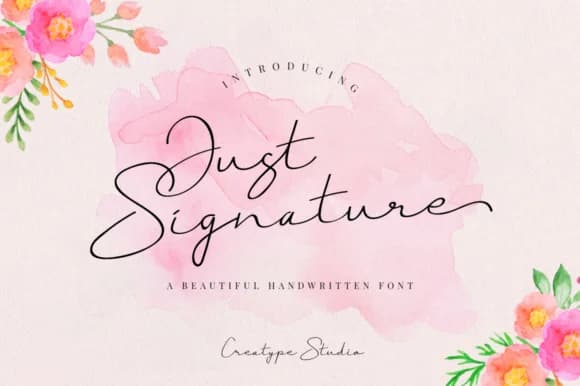
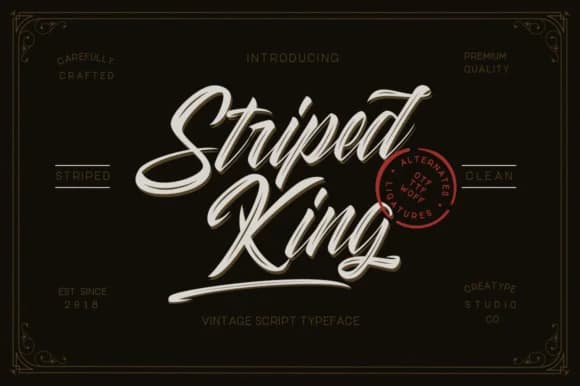
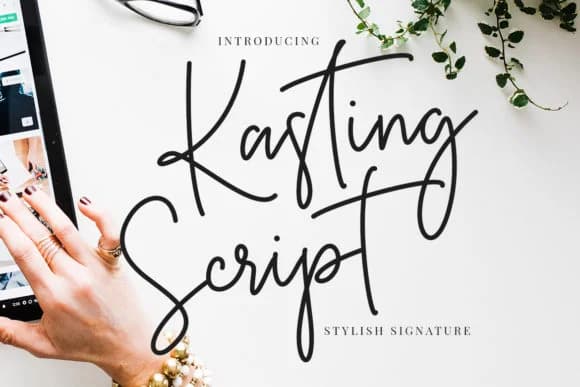
View all →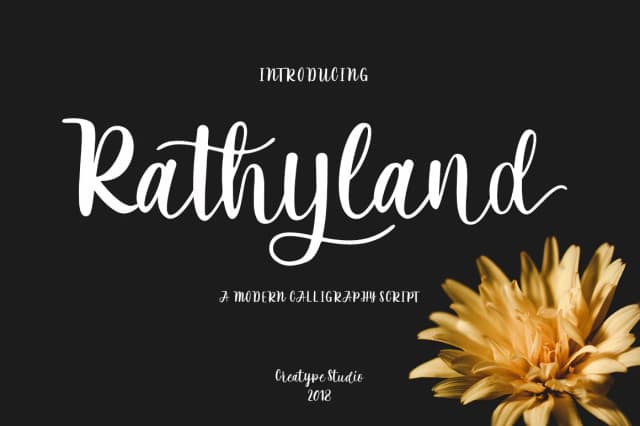
Browse fonts by theme
Curated collections →Saw a font in a picture? Identify any font from an image with our free Font Finder.
More Script Handwritten Fonts
Browse all →







What pairs well with Renatta Font?
Renatta Font is a script font that shines as a display or heading face. Pair it with a clean sans-serif or serif font for body text — the contrast creates a clear hierarchy while the two styles stay balanced and easy to read.



Renatta Font
Reviewed by the FontBoxDL team · Updated September 2026