 Firefox
 1 / 6
1 / 6About Planolla Font
Picture yourself laying out a wedding invitation suite, searching for that handwritten quality that feels personal without being sloppy or too casual. Planolla, created by Ef Studio, is exactly that kind of script. It's delicate and flowing, with the kind of grace you'd see in vintage letterpress work, but designed for modern use on both screen and in print.
The font really earns its place in smaller, intimate applications: custom monogram designs for business cards, handwritten branding on artisan packaging, DIY craft signs with that deliberate, elegant touch. It works beautifully on greeting card sets, product labels for boutique skincare lines, and anywhere else you need that personal connection between maker and customer. Planolla reads cleanly at large display sizes too, which means you won't sacrifice its refined character when you scale it up for posters, headers, or any design that needs presence without losing sophistication.
What matters in practice is how legible it stays even when you're pushing the size and weight. The script maintains that genuine handwritten personality while keeping the consistency and precision you need for professional projects and commercial applications. You get a typeface that feels personal but polished. Grab Planolla on Creative Fabrica and add this one to your handwriting collection.
Style & Use Cases
- Overall Style
- Elegant, Flowing, Planolla
- Use Case
- Invitations, Branding
- Ideal For
- wedding stationery, greeting cards, and signatures
- Pairs With
- a simple uppercase sans
How to Install Planolla Font Font
Step-by-step instructions for every platform
- 1Download the Planolla Font font file (.ttf or .otf).
- 2Locate the downloaded file in your Downloads folder.
- 3Right-click the font file.
- 4Select "Install" to install for the current user, or "Install for all users" to make it available system-wide.
- 5Planolla Font is now available in Word, Photoshop, Illustrator, and all other apps.
More by Ef Studio
View all →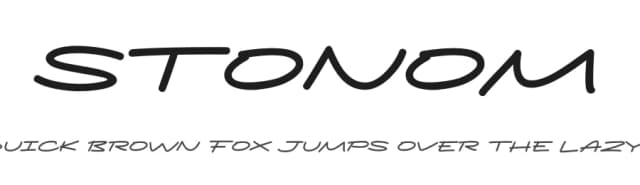
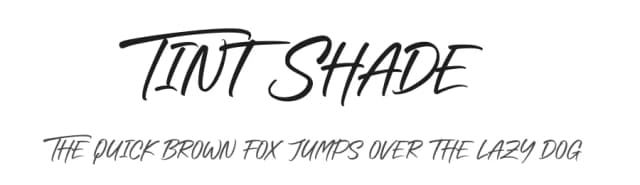
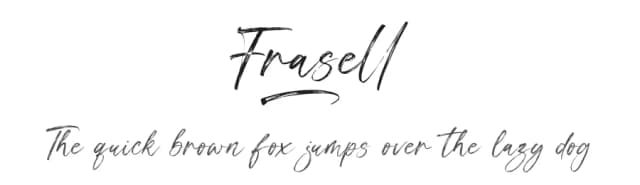
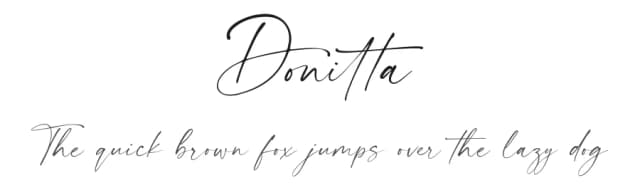
Browse fonts by theme
Curated collections →Saw a font in a picture? Identify any font from an image with our free Font Finder.
More Script Handwritten Fonts
Browse all →







What pairs well with Planolla Font?
Planolla Font is a script font that shines as a display or heading face. Pair it with a clean sans-serif or serif font for body text — the contrast creates a clear hierarchy while the two styles stay balanced and easy to read.



Planolla Font
by Ef Studio
Reviewed by the FontBoxDL team · Updated August 2026