 Firefox
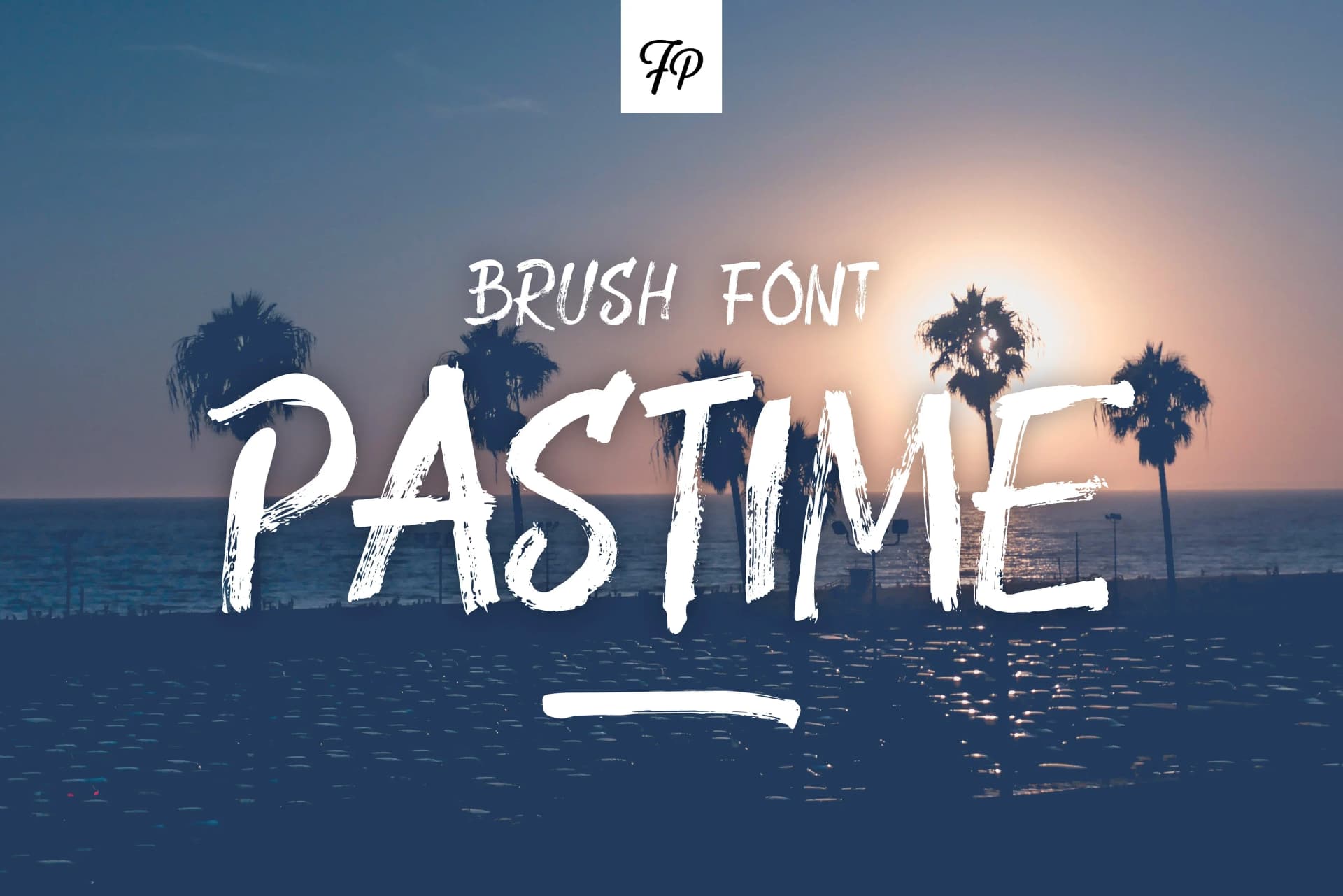 1 / 3
1 / 3About Pastime Font
Pastime by Fresh Pressed Fonts is a painterly handwritten script that captures the authentic spontaneity of acrylic paint applied to textured artist's paper. Each letter flows with deliberate imperfection, carrying the organic character that hand-created letterforms naturally possess. The design celebrates the beauty of human mark-making, transforming traditional typography into something that feels genuinely personal and warm to the viewer.
The font's real power lies in its flexible approach to alternation. With two distinct versions of every letter in the alphabet, you have the freedom to mix and match, creating the authentic textural variation that true handwritten communication possesses. This thoughtful design choice adds genuine rhythm and character to your work. The alternates shine brilliantly across applications including wedding invitation suites, custom greeting card designs, artisan product labeling, and boutique brand identities. The complete character set encompasses numerals, punctuation marks, and special symbols, ensuring you have everything needed to compose cohesively.
Whether you're designing intimate personal stationery, building a distinctive brand identity for a small business, or creating custom event materials, Pastime delivers the handcrafted authenticity that discerning clients expect. The script's painterly origin story adds genuine depth to any project that benefits from a human touch. Discover Pastime on Creative Fabrica and bring its expressive, hand-painted character to your next creative endeavor.
Style & Use Cases
- Overall Style
- Elegant, Flowing, Pastime
- Use Case
- Invitations, Branding
- Ideal For
- wedding stationery, greeting cards, and signatures
- Pairs With
- a simple uppercase sans
How to Install Pastime Font Font
Step-by-step instructions for every platform
- 1Download the Pastime Font font file (.ttf or .otf).
- 2Locate the downloaded file in your Downloads folder.
- 3Right-click the font file.
- 4Select "Install" to install for the current user, or "Install for all users" to make it available system-wide.
- 5Pastime Font is now available in Word, Photoshop, Illustrator, and all other apps.
More by Fresh Pressed Fonts
View all →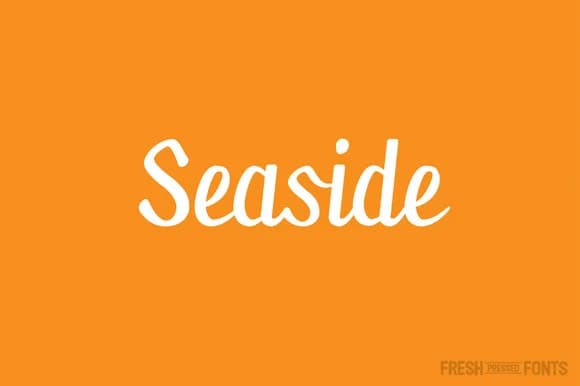


Browse fonts by theme
Curated collections →Saw a font in a picture? Identify any font from an image with our free Font Finder.
More Script Handwritten Fonts
Browse all →







What pairs well with Pastime Font?
Pastime Font is a script font that shines as a display or heading face. Pair it with a clean sans-serif or serif font for body text — the contrast creates a clear hierarchy while the two styles stay balanced and easy to read.



Pastime Font
Reviewed by the FontBoxDL team · Updated May 2026