 Firefox
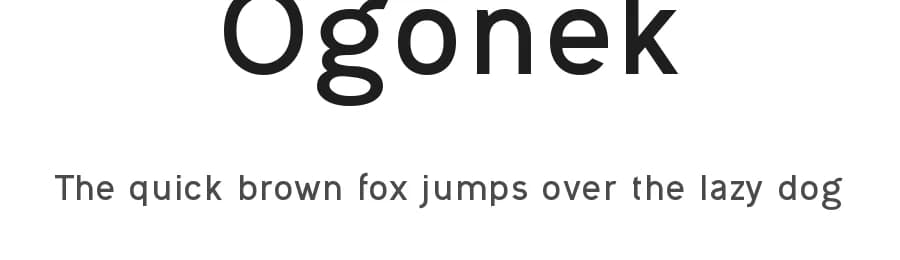 1 / 3
1 / 3Loading font…
About Ogonek Font
Ogonek was created with the express role of having a neutral, unsophisticated, easily readable, but hardly identifyable font, worthy of any lorem ipsum text - a case when no obvious font style is needed to distract the reader (imagine a dummy text with a dummy font!), removing hints of Arial or Helvetica and leave everything to the pure act of reading, even if at its core it's a Swiss Gothic font design and the basic character construction rules cannot be overlooked.
In order to create a simple and "easy-to-follow" font, generous spacing was added to the letters and words, extra shapes and angles were used at a minimum and the open curves kept at a fair distance to allow more space in the paragraph.
If I'd have to describe it, it would be "just an other random sans font like all the other", and that's what I'm after. A font with familiar shapes, created for their sole utility of forming a sentence, but one that reminds me of each favorite sans. Truth to be told, Ogonek was born out of a personal frustration regarding sans fonts, where at least one character always seemed out of place, when "not every song of the album is a top ten material". This won't make Ogonek a remix, this can go as a synthesis of most of the things I learned and loved so far in a sans font.
Something between niche and cliché, to please my eyes from A to Z.
Style & Use Cases
- Overall Style
- Bold, Clean, Modern, Basic
- Use Case
- Body Text, UI
- Ideal For
- branding, interfaces, and modern layouts
- Pairs With
- a contrasting serif for headings

Ogonek Specifications
| Font Family | Ogonek |
| Style | Bold |
| Full Name | Ogonek Bold |
| Version | 1.00 January 3, 2017, initial release |
| Weight | 700 (Bold) |
| Glyph Count | 662 glyphs |
| PostScript Name | Ogonek-Bold |
| Designer | Levi Szekeres |
| Format | TTF (TrueType) |
| File Size | 38.7 KB |
Languages Supported
Ogonek supports 294 languages.
How to Install Ogonek Font
Step-by-step instructions for every platform
- 1Download the Ogonek font file (.ttf or .otf).
- 2Locate the downloaded file in your Downloads folder.
- 3Right-click the font file.
- 4Select "Install" to install for the current user, or "Install for all users" to make it available system-wide.
- 5Ogonek is now available in Word, Photoshop, Illustrator, and all other apps.
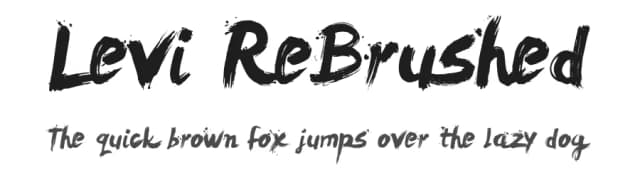
More by Levi Szekeres
View all →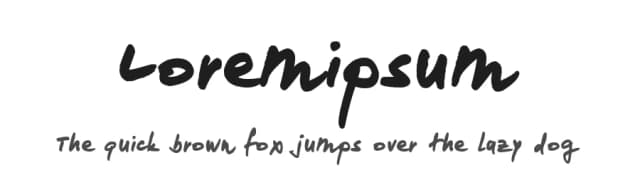
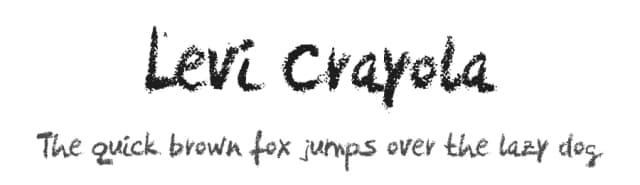
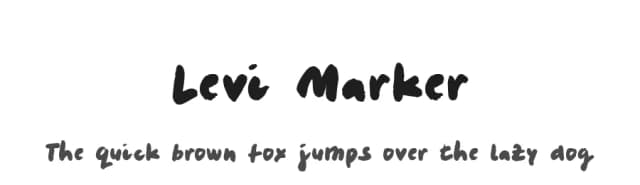
Browse fonts by theme
Curated collections →Saw a font in a picture? Identify any font from an image with our free Font Finder.
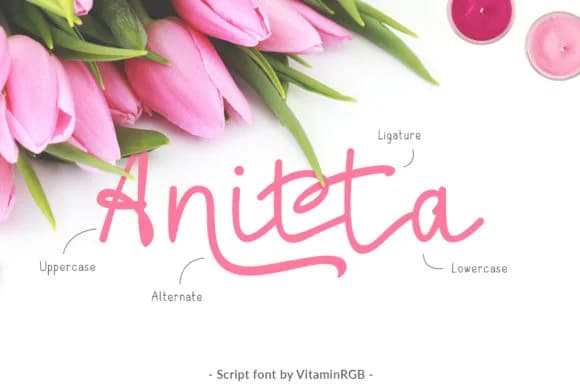
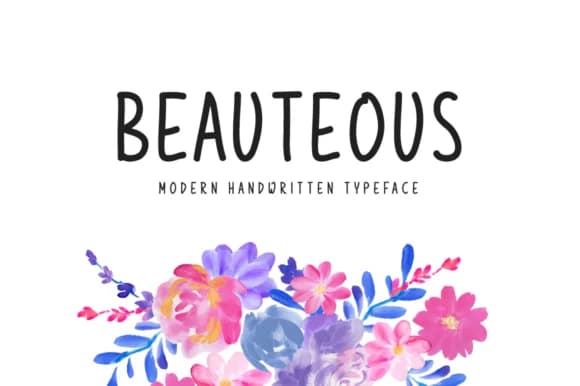
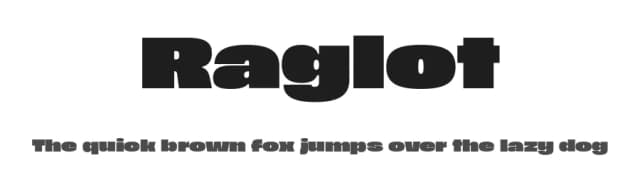
More Sans Serif Fonts
Browse all →
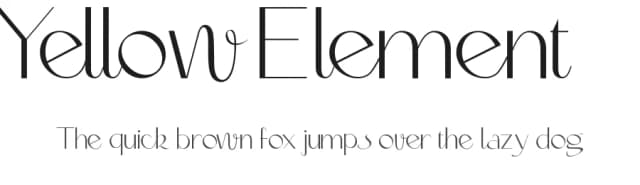
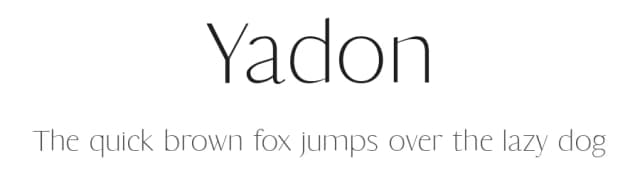
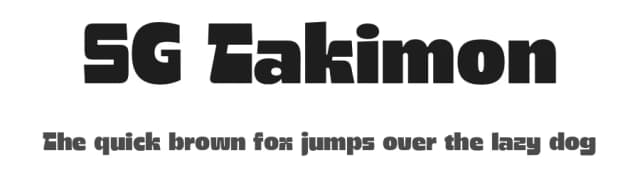
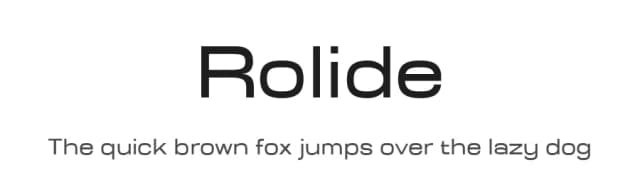
What pairs well with Ogonek Font?
Ogonek Font is a versatile sans-serif font that works for both headings and body text. Pair it with a contrasting serif or slab serif font to add visual interest and a clear distinction between titles and body copy.



Premium Sans Serif Fonts
★ PremiumWant something with more weights, glyphs, and commercial polish? These premium sans serif fonts are worth a look.


Ogonek Font
Reviewed by the FontBoxDL team · Updated June 2026
License: Free for personal use