 Firefox
 1 / 9
1 / 9About My Mecca Font
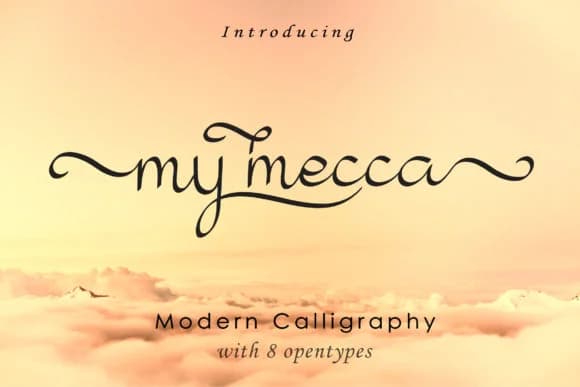
My Mecca is a modern calligraphy script designed by aminmario that captures the fluidity and personal touch of hand lettering. The letterforms flow with natural rhythm, connecting smoothly from letter to letter while maintaining a contemporary elegance that reads as both refined and human. This balance between formal calligraphy and relaxed, organic handwriting gives the font its distinctive character.
The script works beautifully in luxury brand applications, where that personal, crafted feel commands attention without sacrificing sophistication. Wedding invitation suites and formal stationery gain genuine character from its connected strokes, while beauty and cosmetics packaging benefits from the high-end, artisanal quality the letterforms convey. Photographers use it for watermarks that integrate naturally with imagery, and designers reach for it when creating social media captions, monogram designs, and personal signatures where authentic handwritten charm makes a real difference. The script handles both headlines and running passages with grace and consistency.
This font belongs with designers building brands that value handcrafted aesthetics without compromising modern sensibility. Find My Mecca on Creative Fabrica to bring this sophisticated, hand-lettered touch to your next luxury or lifestyle project.
Style & Use Cases
- Overall Style
- Elegant, Flowing, Love
- Use Case
- Invitations, Branding
- Ideal For
- wedding stationery, greeting cards, and signatures
- Pairs With
- a simple uppercase sans
How to Install My Mecca Font Font
Step-by-step instructions for every platform
- 1Download the My Mecca Font font file (.ttf or .otf).
- 2Locate the downloaded file in your Downloads folder.
- 3Right-click the font file.
- 4Select "Install" to install for the current user, or "Install for all users" to make it available system-wide.
- 5My Mecca Font is now available in Word, Photoshop, Illustrator, and all other apps.
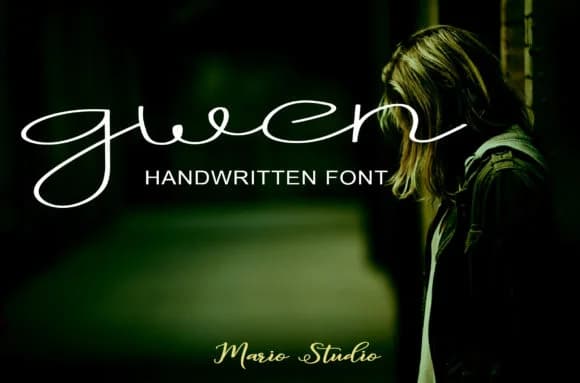
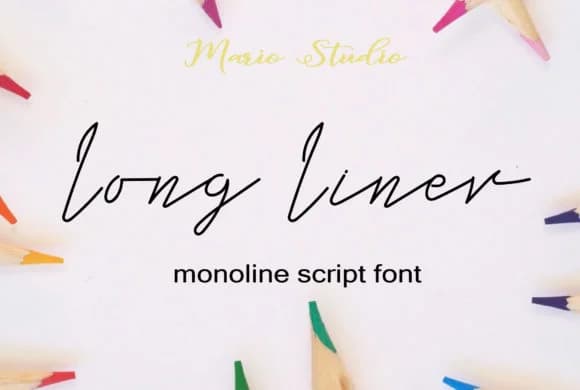
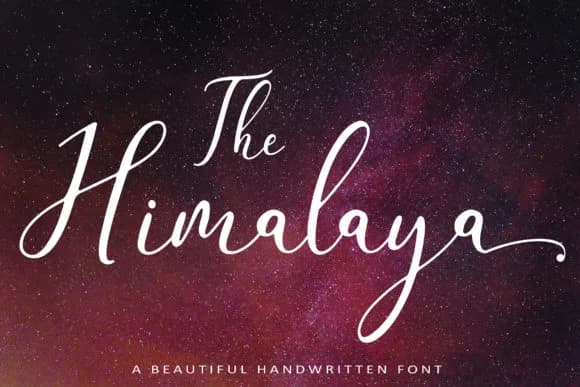
Browse fonts by theme
Curated collections →Saw a font in a picture? Identify any font from an image with our free Font Finder.
More Script Handwritten Fonts
Browse all →







What pairs well with My Mecca Font?
My Mecca Font is a script font that shines as a display or heading face. Pair it with a clean sans-serif or serif font for body text — the contrast creates a clear hierarchy while the two styles stay balanced and easy to read.



My Mecca Font
by aminmario
Reviewed by the FontBoxDL team · Updated June 2026