 Firefox
 1 / 5
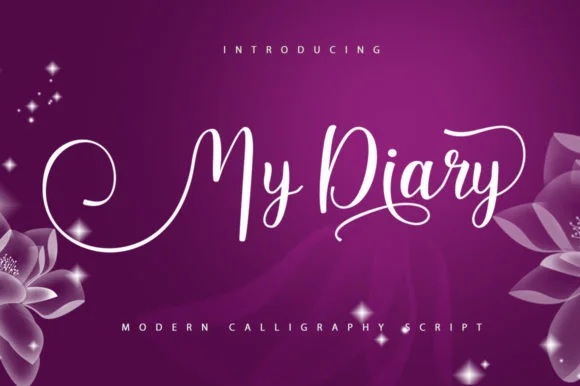
1 / 5About My Diary Font
This script radiates playful energy and genuine warmth, with letterforms that feel like they were written by hand in a single, inspired moment. My Diary Font, designed by Stellar Studio, is a handwritten typeface that captures the informal, intimate charm of personal journaling and quick sketch notes in a notebook.
The characters dance across the page with lively rhythm and generous spacing, bringing real authenticity to any project where personality matters. You'll find it shines for wedding invitation suites where guests encounter actual handwriting rather than a computer font, small-batch Etsy product labels for indie brands that depend on genuine character, personalized greeting cards written by hand (or made to feel that way), and DIY craft signage designed to look homemade on purpose. The script comes with multiple alternates and stylistic variations so you can layer in different letterforms without ever repeating the same glyph, capturing that natural irregularity you see in real handwriting.
Pair My Diary with a clean, modern sans-serif for body text and supporting information, letting the script take the spotlight as your display typeface. Find it on Creative Fabrica and add that authentic human voice to your next design.
Style & Use Cases
- Overall Style
- Elegant, Flowing, My Diary
- Use Case
- Invitations, Branding
- Ideal For
- wedding stationery, greeting cards, and signatures
- Pairs With
- a simple uppercase sans
How to Install My Diary Font Font
Step-by-step instructions for every platform
- 1Download the My Diary Font font file (.ttf or .otf).
- 2Locate the downloaded file in your Downloads folder.
- 3Right-click the font file.
- 4Select "Install" to install for the current user, or "Install for all users" to make it available system-wide.
- 5My Diary Font is now available in Word, Photoshop, Illustrator, and all other apps.
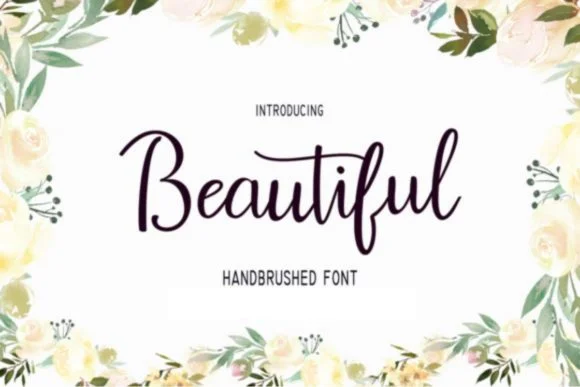
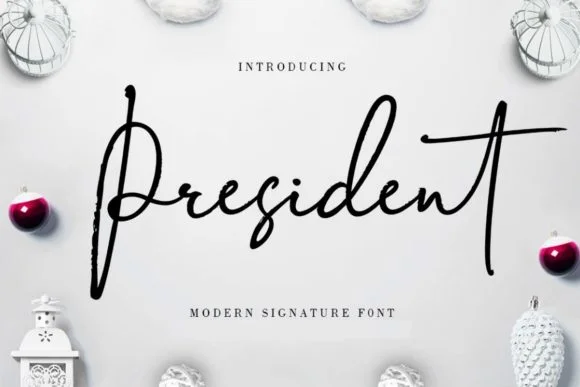
More by Stellar Studio
View all →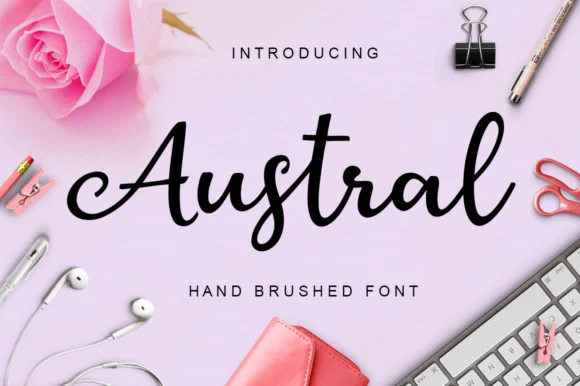
Browse fonts by theme
Curated collections →Saw a font in a picture? Identify any font from an image with our free Font Finder.
More Script Handwritten Fonts
Browse all →







What pairs well with My Diary Font?
My Diary Font is a script font that shines as a display or heading face. Pair it with a clean sans-serif or serif font for body text — the contrast creates a clear hierarchy while the two styles stay balanced and easy to read.




My Diary Font
Reviewed by the FontBoxDL team · Updated August 2026