 Firefox
 1 / 10
About Monthe Font
The brushy, informal strokes of Monthe, designed by Letterafa Studio, give this handwritten script a bold personality that commands attention without feeling overwrought. Heavy downstrokes and organic letterforms create visual weight where it counts, making this display font work equally well as a headline anchor or supporting accent. The hand-drawn quality feels genuine, not digitally smoothed or sterilized, which gives every word character and life.
You'll find Monthe at home on modern wedding invitation suites where a personal touch matters, organic product labels for independent makers and small shops, informal greeting cards that need warmth, and experimental posters that benefit from its raw energy and attitude. The script reads clearly even at smaller sizes, though it truly shines when you give it room to breathe and let the brush strokes do their work. Pair it with simpler typefaces and it becomes a natural accent for packaging, retail signage, and web headers where you want personality without chaos.
Designers building identity systems for lifestyle brands, handmade shops, and creative studios will appreciate how Monthe balances playfulness with genuine legibility. You can grab it on Creative Fabrica whenever you're ready to bring this confident script into your next project.
Style & Use Cases
- Overall Style
- Elegant, Flowing
- Use Case
- Invitations, Branding
- Ideal For
- wedding stationery, greeting cards, and signatures
- Pairs With
- a simple uppercase sans
How to Install Monthe Font
Step-by-step instructions for every platform
- 1Download the Monthe font file (.ttf or .otf).
- 2Locate the downloaded file in your Downloads folder.
- 3Right-click the font file.
- 4Select "Install" to install for the current user, or "Install for all users" to make it available system-wide.
- 5Monthe is now available in Word, Photoshop, Illustrator, and all other apps.
More by Letterafa Studio
View all →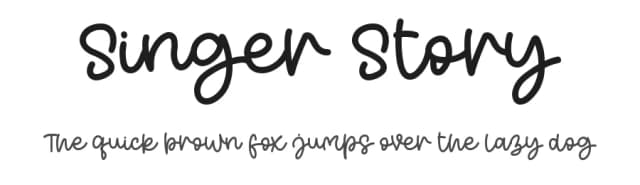
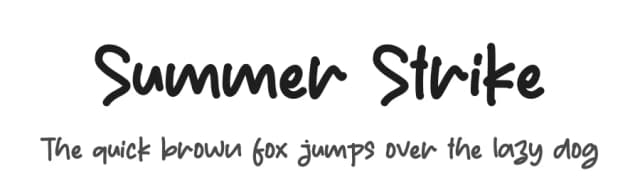
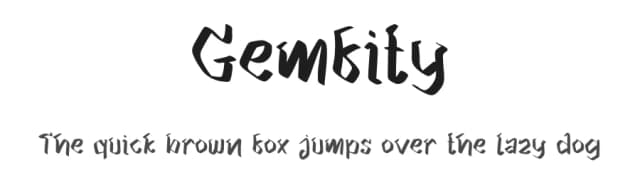
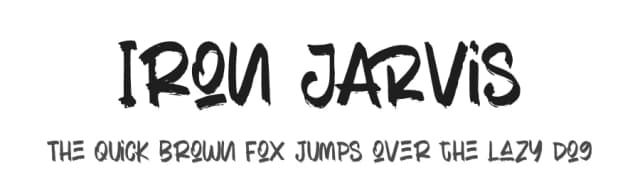
Browse fonts by theme
Curated collections →Saw a font in a picture? Identify any font from an image with our free Font Finder.
More Script Handwritten Fonts
Browse all →







What pairs well with Monthe Font?
Monthe Font is a script font that shines as a display or heading face. Pair it with a clean sans-serif or serif font for body text — the contrast creates a clear hierarchy while the two styles stay balanced and easy to read.



Monthe Font
Reviewed by the FontBoxDL team · Updated July 2026