 Firefox
 1 / 3
1 / 3Loading font…
About Modera Font
ATTENTION !!!
This font is provided as a demo version for PERSONAL USE ONLY.
Any commercial use including but not limited to branding, business promotion, client projects, product packaging, digital or physical sales, social media campaigns, advertising, and monetized content is STRICTLY PROHIBITED without a valid commercial license.
🚨 Please be aware:
Our company employs advanced tracking systems to monitor unauthorized usage of our fonts across websites, print materials, social media, and digital platforms.
Unauthorized commercial use will be treated as a copyright infringement and may result in legal actions, including financial penalties and takedown notices.
🛡️ Protect yourself and your projects:
Purchase the full licensed version here:
https://vultypefont.com/product/modera-font-full-version-original/
🎨 Discover more premium fonts at:
https://vultypefont.com
📩 For custom licensing, multi-seat licensing, or corporate use inquiries, contact us directly:
[email protected]
📜 Full licensing terms can be reviewed here:
https://vultypefont.com/license/
Respecting license terms not only protects you legally it also supports independent creators who make high-quality resources for the creative community.
More...
Thank you for your understanding and responsible use of our work.
Style & Use Cases
- Overall Style
- Clean, Modern, Basic
- Use Case
- Body Text, UI
- Ideal For
- branding, interfaces, and modern layouts
- Pairs With
- a contrasting serif for headings
Similar Fonts
Fonts that look visually alike — matched by our Font Finder model.


Modera Specifications
| Font Family | MODERA |
| Style | Regular |
| Full Name | MODERA |
| Version | 1.001 |
| Weight | 400 (Regular) |
| Glyph Count | 228 glyphs |
| PostScript Name | MODERA |
| Designer | Vultype Co |
| Format | OTF (CFF) |
| File Size | 21.2 KB |
Languages Supported
Modera supports 217 languages.
How to Install Modera Font
Step-by-step instructions for every platform
- 1Download the Modera font file (.ttf or .otf).
- 2Locate the downloaded file in your Downloads folder.
- 3Right-click the font file.
- 4Select "Install" to install for the current user, or "Install for all users" to make it available system-wide.
- 5Modera is now available in Word, Photoshop, Illustrator, and all other apps.
More by Vultype
View all →


Browse fonts by theme
Curated collections →Saw a font in a picture? Identify any font from an image with our free Font Finder.
More Sans Serif Fonts
Browse all →
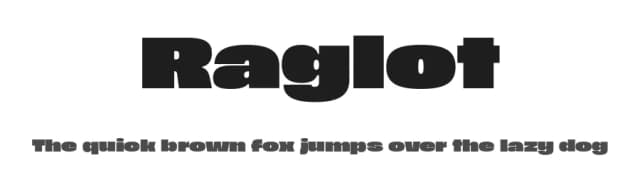
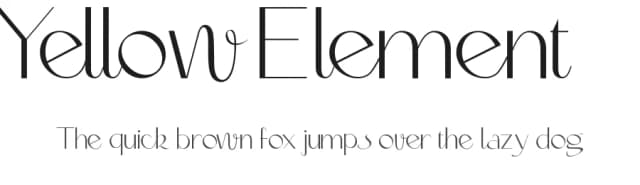
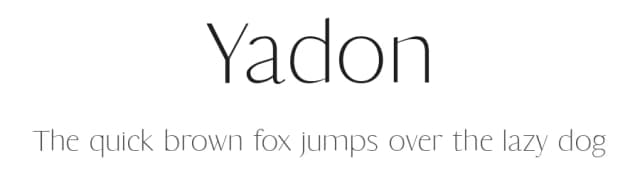
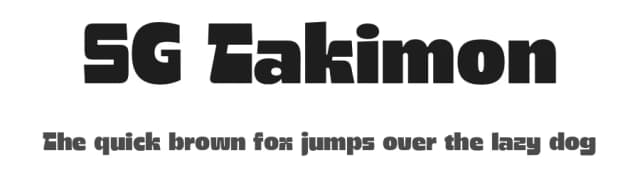
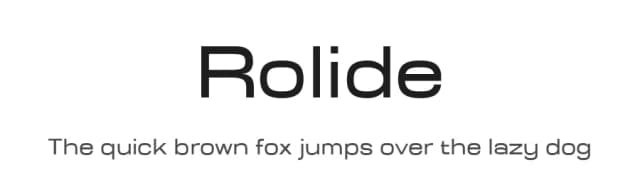
What pairs well with Modera Font?
Modera Font is a versatile sans-serif font that works for both headings and body text. Pair it with a contrasting serif or slab serif font to add visual interest and a clear distinction between titles and body copy.


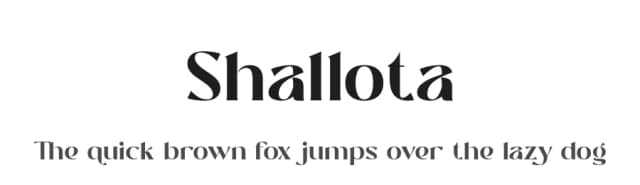

Premium Sans Serif Fonts
★ PremiumWant something with more weights, glyphs, and commercial polish? These premium sans serif fonts are worth a look.


Modera Font
by Vultype
Reviewed by the FontBoxDL team · Updated June 2026
License: Free for personal use