 Firefox
 1 / 6
1 / 6About Mistice Font
Mistice captures that energetic, carefree feeling you get from genuine handwritten letters. Created by lyanatha, this script font brings personality and warmth to every project it touches.
The bold letterforms move with confidence across the page, making Mistice ideal for wedding invitation suites, hand-lettered event announcements, and greeting card designs that need authentic character. It works equally well on branding projects for creative small businesses, boutique product labels, and DIY craft signage where personality and handmade appeal matter most. The font carries enough warmth to feel personal without becoming difficult to read, which is why it performs so well at larger display sizes and headlines. Handwritten scripts like this one thrive when given room to breathe, so they're particularly effective for social media graphics and poster design where bold typography takes center stage. The weight and style stay legible even at smaller scales, making it versatile enough for varied applications.
Pair Mistice with a clean, minimal sans-serif to balance the script's lively energy and keep layouts from feeling visually cluttered. This thoughtful contrast lets the handwriting style shine while maintaining readability and balance across the design. You'll find Mistice on Creative Fabrica, ready to add genuine character to your next project.
Style & Use Cases
- Overall Style
- Elegant, Flowing, Mistice
- Use Case
- Invitations, Branding
- Ideal For
- wedding stationery, greeting cards, and signatures
- Pairs With
- a simple uppercase sans
How to Install Mistice Font Font
Step-by-step instructions for every platform
- 1Download the Mistice Font font file (.ttf or .otf).
- 2Locate the downloaded file in your Downloads folder.
- 3Right-click the font file.
- 4Select "Install" to install for the current user, or "Install for all users" to make it available system-wide.
- 5Mistice Font is now available in Word, Photoshop, Illustrator, and all other apps.
More by lyanatha
View all →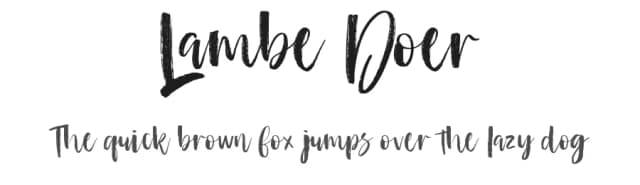
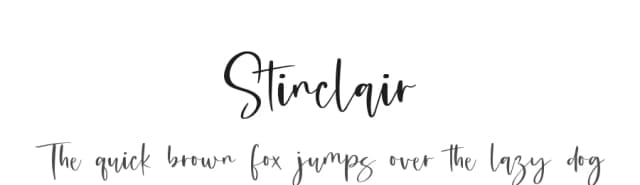
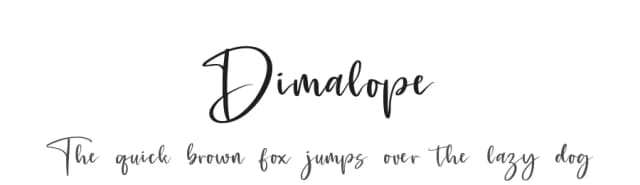
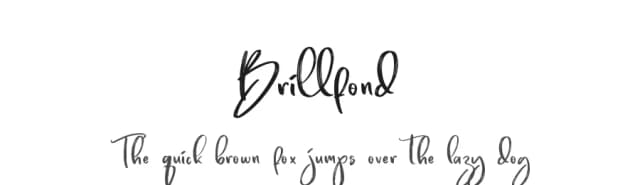
Browse fonts by theme
Curated collections →Saw a font in a picture? Identify any font from an image with our free Font Finder.
More Script Handwritten Fonts
Browse all →







What pairs well with Mistice Font?
Mistice Font is a script font that shines as a display or heading face. Pair it with a clean sans-serif or serif font for body text — the contrast creates a clear hierarchy while the two styles stay balanced and easy to read.



Mistice Font
by lyanatha
Reviewed by the FontBoxDL team · Updated September 2026