 Firefox
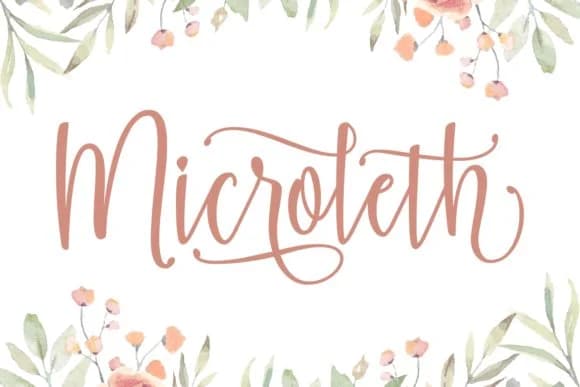 1 / 5
1 / 5About Microleth Font
Picture yourself designing a poster for a retro vinyl shop in the 1970s, hunting for lettering that captures that exact era. Microleth, designed by Keithzo at 7NTypes, is a script font built specifically for that kind of nostalgia-soaked work. It carries a friendly, hand-drawn quality that works beautifully for everything from vintage record store posters to groovy event signage to retro clothing brand labels. The casual stroke work reads warmly at larger display sizes, which is why it works particularly well for sublimation projects on t-shirts and tumblers, vintage packaging design, and building a cohesive retro brand identity across print collateral and digital layouts.
The script's real strength lies in how its personality shows through without feeling cutesy or overdone. Applications like handwritten cafe signage, groovy wedding suite design, DIY craft labels, and boutique branding all benefit from its authentic warmth. The letterforms carry genuine character rather than the stiffness that plagues many retro scripts, which means your designs read as intentional and crafted rather than generic or purely nostalgic. Its solid performance at larger sizes makes it equally at home on social media and in print. Pick up Microleth on Creative Fabrica and bring all that retro energy into your next design project.
Style & Use Cases
- Overall Style
- Elegant, Flowing, Retro Fonts
- Use Case
- Invitations, Branding
- Ideal For
- wedding stationery, greeting cards, and signatures
- Pairs With
- a simple uppercase sans
How to Install Microleth Font Font
Step-by-step instructions for every platform
- 1Download the Microleth Font font file (.ttf or .otf).
- 2Locate the downloaded file in your Downloads folder.
- 3Right-click the font file.
- 4Select "Install" to install for the current user, or "Install for all users" to make it available system-wide.
- 5Microleth Font is now available in Word, Photoshop, Illustrator, and all other apps.
More by Keithzo (7NTypes)
View all →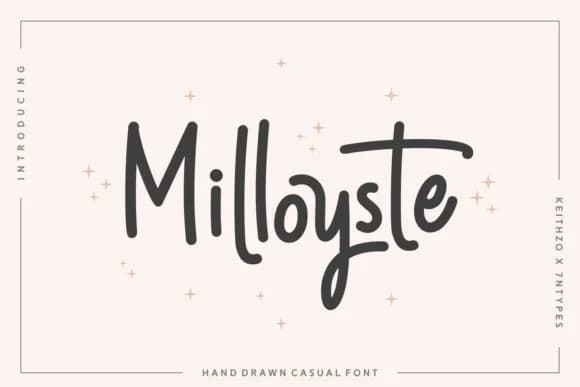
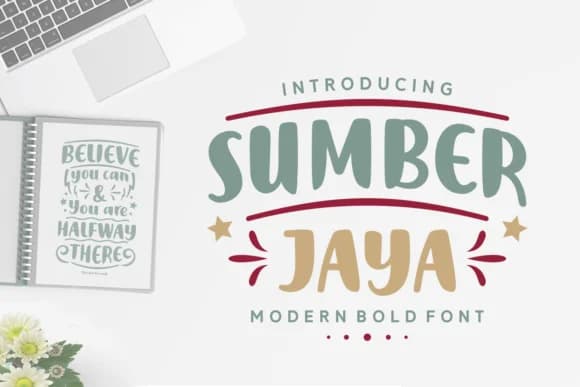
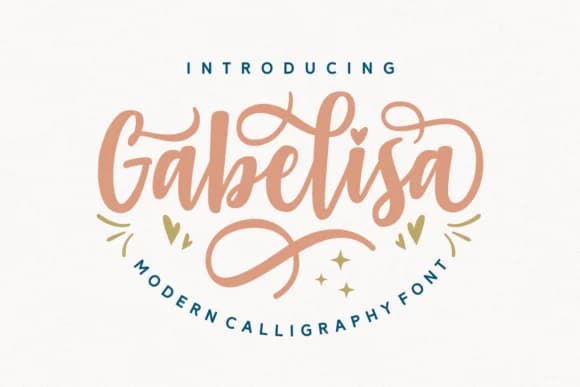
Browse fonts by theme
Curated collections →Saw a font in a picture? Identify any font from an image with our free Font Finder.
More Script Handwritten Fonts
Browse all →







What pairs well with Microleth Font?
Microleth Font is a script font that shines as a display or heading face. Pair it with a clean sans-serif or serif font for body text — the contrast creates a clear hierarchy while the two styles stay balanced and easy to read.



Microleth Font
Reviewed by the FontBoxDL team · Updated August 2026