 Firefox
 1 / 9
1 / 9About Marlita Font
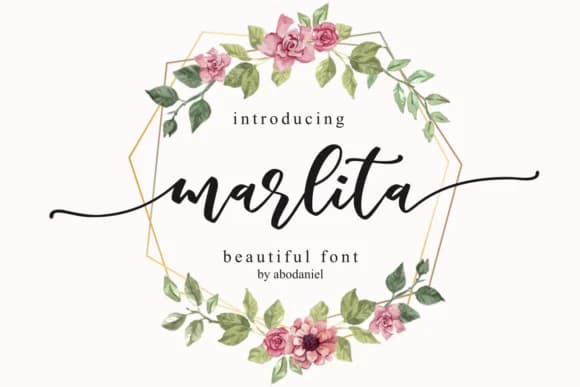
Picture yourself designing wedding invitation suites or hand-lettered product labels for a boutique maker. Marlita Font by Abodaniel is a script typeface that brings warmth and genuine personality to projects like these. This handwritten style works equally well for Etsy product packaging, boutique skincare branding, and DIY craft signage, while maintaining enough refinement to avoid looking hastily scrawled.
The script has real character that digitized handwriting fonts often miss. Where many feel stiff or overstyled, Marlita stays rooted in natural letterforms that actually read like someone's careful penmanship. It's the kind of typeface you reach for when you want something personal but professional enough for actual branding work. The font includes Ending and Titling variations, which means you can layer details and play with hierarchy in your layouts without needing multiple font files.
At large sizes, the letterforms stay clean and readable, which matters a lot when stretching this across a poster or social media graphic. Scale it down and it still feels intentional rather than cramped. Whether you're building a cohesive brand system or adding a single special touch to one project, Marlita handles the range smoothly. Get it on Creative Fabrica and bring that hand-drawn warmth into your work.
Style & Use Cases
- Overall Style
- Elegant, Flowing, Marlita
- Use Case
- Invitations, Branding
- Ideal For
- wedding stationery, greeting cards, and signatures
- Pairs With
- a simple uppercase sans
How to Install Marlita Font Font
Step-by-step instructions for every platform
- 1Download the Marlita Font font file (.ttf or .otf).
- 2Locate the downloaded file in your Downloads folder.
- 3Right-click the font file.
- 4Select "Install" to install for the current user, or "Install for all users" to make it available system-wide.
- 5Marlita Font is now available in Word, Photoshop, Illustrator, and all other apps.
More by Abodaniel
View all →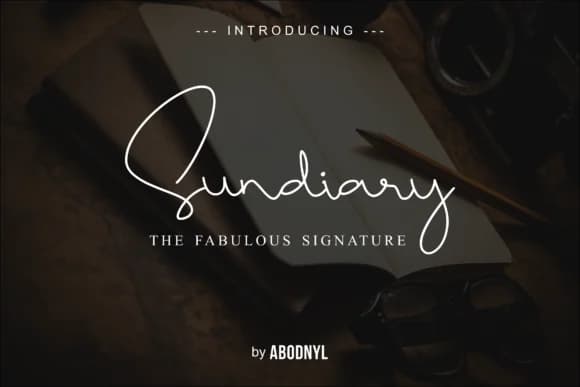
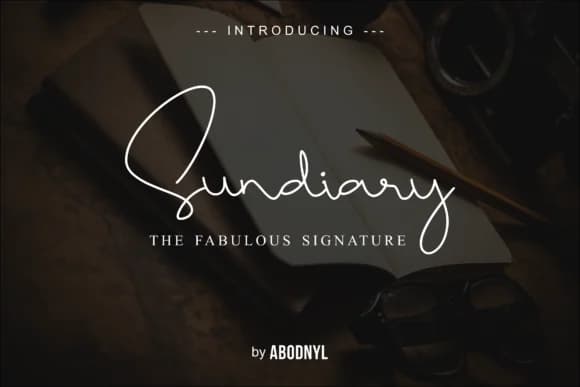
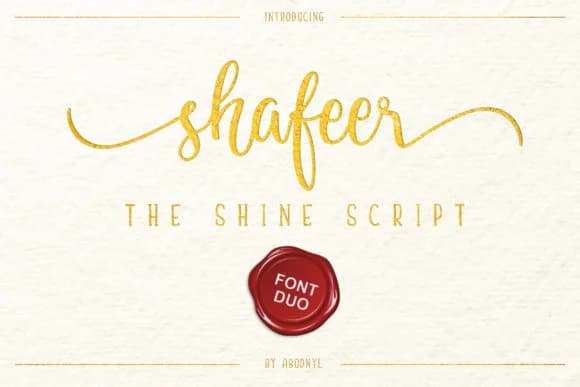
Browse fonts by theme
Curated collections →Saw a font in a picture? Identify any font from an image with our free Font Finder.
More Script Handwritten Fonts
Browse all →







What pairs well with Marlita Font?
Marlita Font is a script font that shines as a display or heading face. Pair it with a clean sans-serif or serif font for body text — the contrast creates a clear hierarchy while the two styles stay balanced and easy to read.



Marlita Font
by Abodaniel
Reviewed by the FontBoxDL team · Updated September 2026