 Firefox
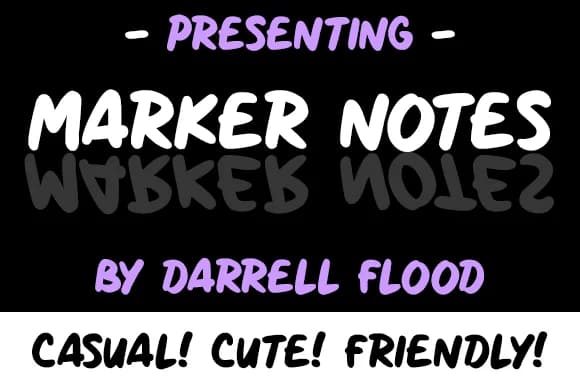
About Marker Notes Font
Imagine creating a handwritten menu for a weekend cafe pop-up, or designing a chalkboard welcome sign that feels genuinely personal rather than sterile. Marker Notes Font by Dadiomouse brings that relaxed, sketch-like character to your projects. The font captures the warmth of marker-drawn lettering without the inconsistency that makes actual handwriting unreliable for design work. Its casual rhythm works beautifully for cafe menu cards, craft fair signage, bookshelf genre labels, and event seating cards, where a loose, organic touch beats anything overly formal.
Since the letterforms carry real warmth, this typeface works well at display sizes (think large cafe signage or hand-lettered event posters) without ever feeling too cute or contrived. The informal stroke weight keeps everything readable while maintaining that marker-drawn quality audiences respond to emotionally. You'll notice the characters have enough personality to stand out individually yet still feel cohesive as a system.
That balance between friendliness and usability makes this typeface work particularly well for projects needing genuine human touch without looking amateurish. The italic variant offers flexibility when you need emphasis or visual variety. Get Marker Notes Font on Creative Fabrica and bring that handwritten feel to your next project.
Style & Use Cases
- Overall Style
- Elegant, Flowing, Marker Notes
- Use Case
- Invitations, Branding
- Ideal For
- wedding stationery, greeting cards, and signatures
- Pairs With
- a simple uppercase sans
How to Install Marker Notes Font Font
Step-by-step instructions for every platform
- 1Download the Marker Notes Font font file (.ttf or .otf).
- 2Locate the downloaded file in your Downloads folder.
- 3Right-click the font file.
- 4Select "Install" to install for the current user, or "Install for all users" to make it available system-wide.
- 5Marker Notes Font is now available in Word, Photoshop, Illustrator, and all other apps.
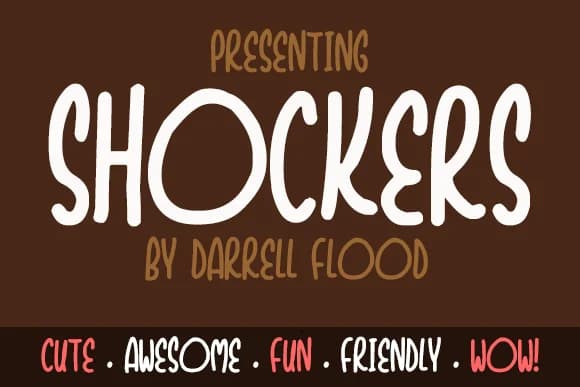
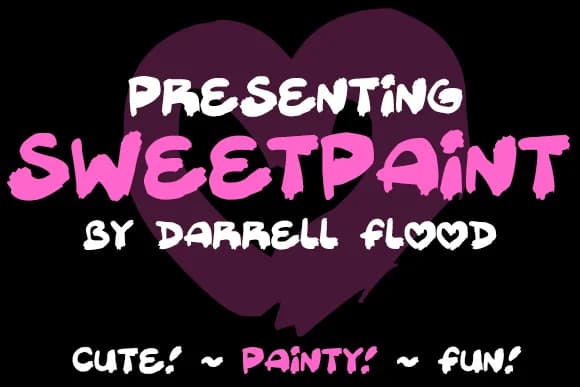
More by Dadiomouse
View all →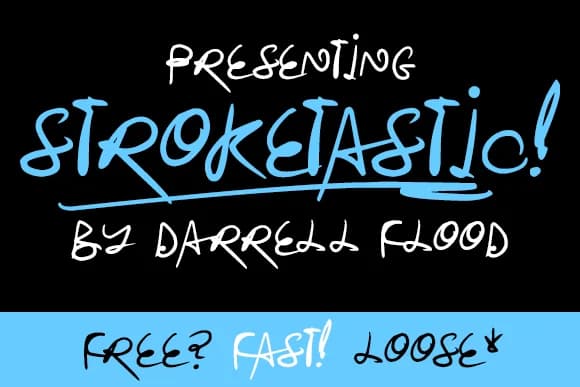
Browse fonts by theme
Curated collections →Saw a font in a picture? Identify any font from an image with our free Font Finder.
More Script Handwritten Fonts
Browse all →







What pairs well with Marker Notes Font?
Marker Notes Font is a script font that shines as a display or heading face. Pair it with a clean sans-serif or serif font for body text — the contrast creates a clear hierarchy while the two styles stay balanced and easy to read.



Marker Notes Font
by Dadiomouse
Reviewed by the FontBoxDL team · Updated June 2026