 Firefox
 1 / 8
1 / 8About Mark the Date Font
Mark the Date by Typia Nesia is a flowing script with a casual, hand-drawn calligraphy feel that brings genuine personality to type-driven work. The letterforms balance improvisational handwriting with refined letterpress sensibility, making it equally comfortable in intimate, quiet projects and bold applications where you need distinct character without sacrificing readability or flow. There's a lightness threaded through the forms that keeps everything feeling fresh, contemporary, and human-scaled rather than mechanical.
You'll find this script shines brightest on save-the-date cards, where its natural rhythm and expressive baseline set exactly the emotional tone you want to land. Event calendars and planning materials gain real warmth from the friendly weight distribution and organic forms. Anniversary announcements feel genuinely celebratory rather than forced or generic, while personalized journal covers and handmade stationery suites benefit immediately from that hand-crafted quality modern designers often chase but rarely nail convincingly. DIY timeline posters, custom greeting cards, and signature-style headers all come alive with this font's personality intact.
The flowing baseline lends itself to creative text passages and impactful single words depending entirely on your vision for the piece. Every letterform carries enough carefully considered personality to make your finished work feel intentional and deliberately constructed. Get Mark the Date from Creative Fabrica and start marking the moments that truly matter.
Style & Use Cases
- Overall Style
- Elegant, Flowing, Mark The Date
- Use Case
- Invitations, Branding
- Ideal For
- wedding stationery, greeting cards, and signatures
- Pairs With
- a simple uppercase sans
How to Install Mark the Date Font Font
Step-by-step instructions for every platform
- 1Download the Mark the Date Font font file (.ttf or .otf).
- 2Locate the downloaded file in your Downloads folder.
- 3Right-click the font file.
- 4Select "Install" to install for the current user, or "Install for all users" to make it available system-wide.
- 5Mark the Date Font is now available in Word, Photoshop, Illustrator, and all other apps.
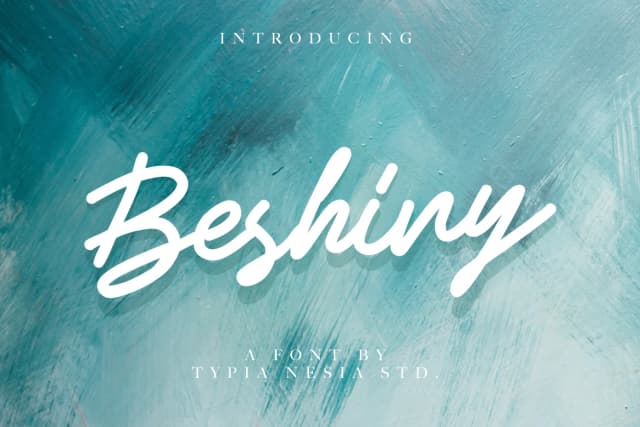
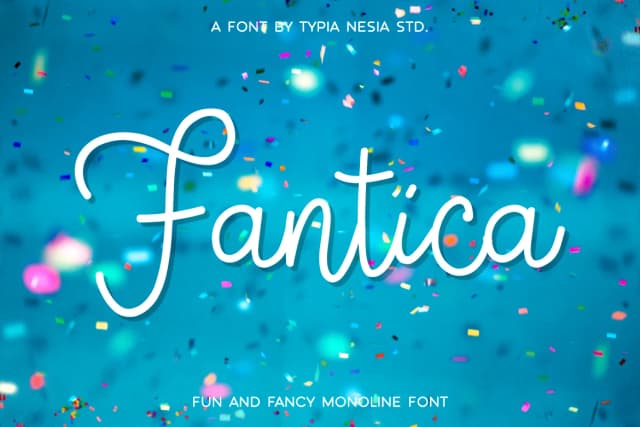
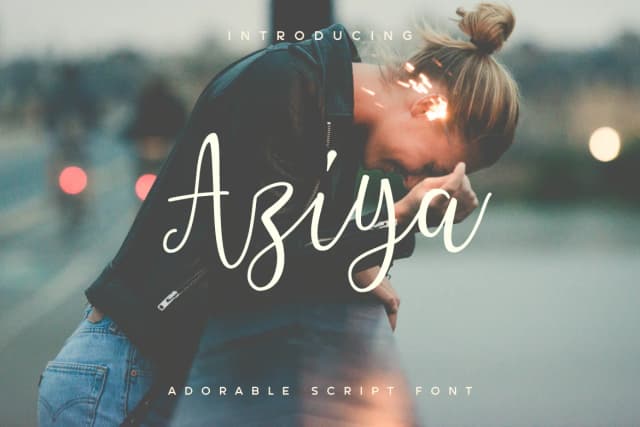
More by Typia Nesia
View all →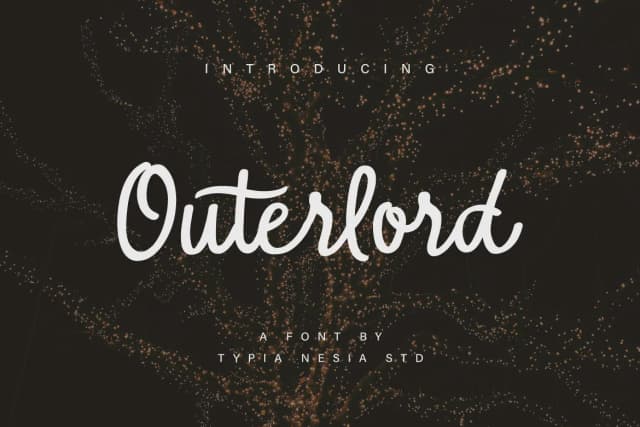
Browse fonts by theme
Curated collections →Saw a font in a picture? Identify any font from an image with our free Font Finder.
More Script Handwritten Fonts
Browse all →







What pairs well with Mark the Date Font?
Mark the Date Font is a script font that shines as a display or heading face. Pair it with a clean sans-serif or serif font for body text — the contrast creates a clear hierarchy while the two styles stay balanced and easy to read.



Mark the Date Font
by Typia Nesia
Reviewed by the FontBoxDL team · Updated August 2026