 Firefox
 1 / 3
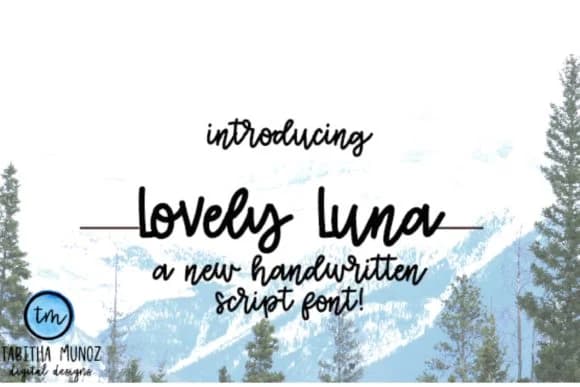
1 / 3About Lovely Luna Font
Lovely Luna by tabitha_beam is a playful script font that brings genuine warmth to any project with its hand-lettered appeal. The energetic letterforms have a natural bounce that works beautifully across a range of applications: from wedding invitation suites and personalized greeting cards to indie cosmetics packaging and handmade craft market signage. Its cheerful character remains readable at any size, which is why so many designers reach for it when they need personality that doesn't sacrifice legibility or visual clarity.
What sets Lovely Luna apart is how naturally it captures that handmade quality without feeling overwrought or forced. The script flows smoothly from letter to letter, making it perfect for gift tag sets, children's book illustrations, and social media templates where warmth and authenticity drive the entire visual voice. Layer it with display type or body text and you'll notice the glyphs maintain consistent style and weight across all cap and lowercase combinations, making it work equally well as a bold headline or a subtle accent throughout your layout.
This is the font you reach for when a project needs genuine charm and human warmth. Get Lovely Luna on Creative Fabrica and bring that handmade feeling to your next design.
Style & Use Cases
- Overall Style
- Elegant, Flowing, Lovely Luna
- Use Case
- Invitations, Branding
- Ideal For
- wedding stationery, greeting cards, and signatures
- Pairs With
- a simple uppercase sans
How to Install Lovely Luna Font Font
Step-by-step instructions for every platform
- 1Download the Lovely Luna Font font file (.ttf or .otf).
- 2Locate the downloaded file in your Downloads folder.
- 3Right-click the font file.
- 4Select "Install" to install for the current user, or "Install for all users" to make it available system-wide.
- 5Lovely Luna Font is now available in Word, Photoshop, Illustrator, and all other apps.
More by tabitha_beam
View all →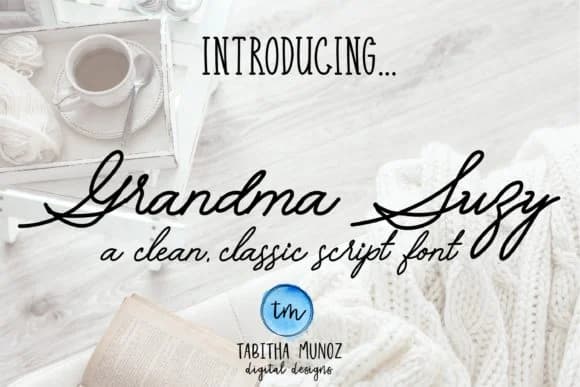
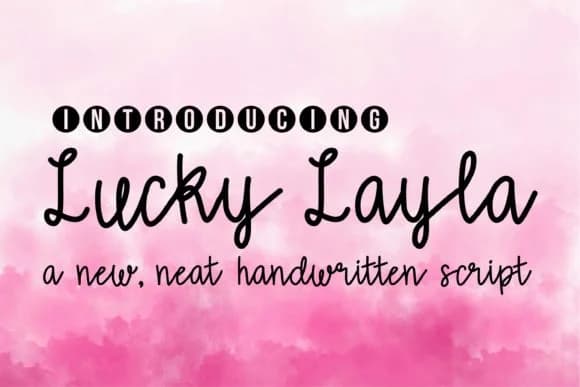
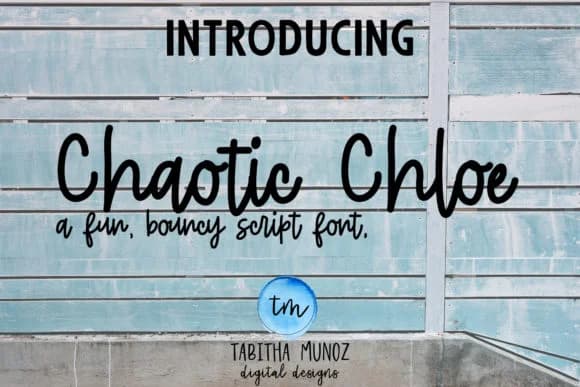
Browse fonts by theme
Curated collections →Saw a font in a picture? Identify any font from an image with our free Font Finder.
More Script Handwritten Fonts
Browse all →







What pairs well with Lovely Luna Font?
Lovely Luna Font is a script font that shines as a display or heading face. Pair it with a clean sans-serif or serif font for body text — the contrast creates a clear hierarchy while the two styles stay balanced and easy to read.



Lovely Luna Font
by tabitha_beam
Reviewed by the FontBoxDL team · Updated August 2026