 Firefox
 1 / 3
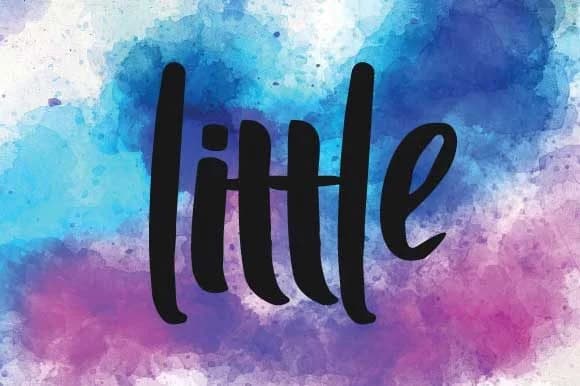
1 / 3About Little Font
There's immediate energy in this typeface that feels like it was drawn in one confident stroke. Little Font, designed by goodigital, captures the raw, spontaneous quality of brush lettering while keeping a contemporary, street-level edge.
This script thrives when your design needs attitude and movement. Pull it in for band poster lettering and album artwork, graffiti-inspired social media graphics, skateboard and sneaker brand labels, handwritten-style menu boards for trendy independent cafes, or even tattoo design mockups. Its brush character remains legible across large display sizes without sacrificing its hand-drawn personality, making it equally strong as a logo anchor or music festival announcement. Gritty and hand-painted, the texture avoids feeling overwrought, instead delivering the kind of authentic visual language that resonates with audiences exhausted by slick, hyper-polished typefaces. You get that real, unfiltered quality without losing professional functionality at any scale.
The unpretentious stroke quality works beautifully in both short bursts and longer headlines, adapting to how you need it. Pair Little Font with a clean, minimal sans-serif for body copy to create contrast that lets the script shine without overwhelming the page composition. You'll find it on Creative Fabrica, ready to bring genuine, street-smart personality to your next project.
Style & Use Cases
- Overall Style
- Elegant, Flowing, Bold
- Use Case
- Invitations, Branding
- Ideal For
- wedding stationery, greeting cards, and signatures
- Pairs With
- a simple uppercase sans
How to Install Little Font Font
Step-by-step instructions for every platform
- 1Download the Little Font font file (.ttf or .otf).
- 2Locate the downloaded file in your Downloads folder.
- 3Right-click the font file.
- 4Select "Install" to install for the current user, or "Install for all users" to make it available system-wide.
- 5Little Font is now available in Word, Photoshop, Illustrator, and all other apps.
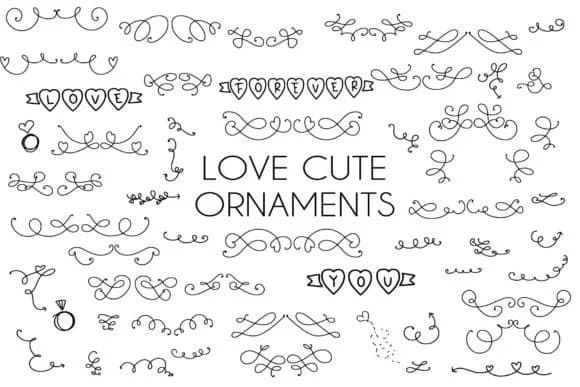
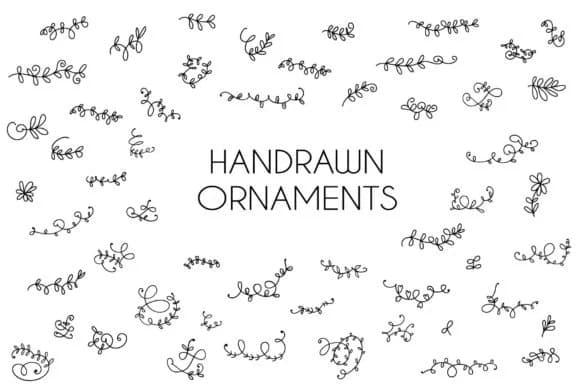
More by goodigital
View all →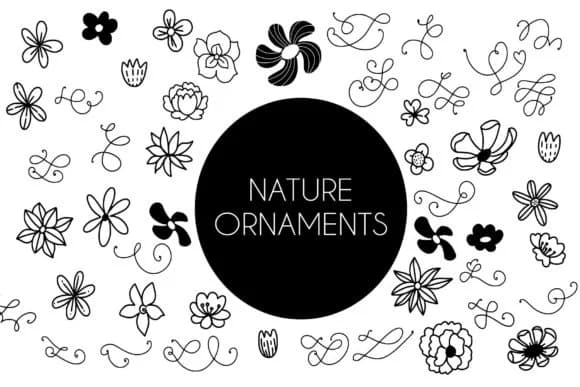
Browse fonts by theme
Curated collections →Saw a font in a picture? Identify any font from an image with our free Font Finder.
More Script Handwritten Fonts
Browse all →







What pairs well with Little Font?
Little Font is a script font that shines as a display or heading face. Pair it with a clean sans-serif or serif font for body text — the contrast creates a clear hierarchy while the two styles stay balanced and easy to read.



Little Font
by goodigital
Reviewed by the FontBoxDL team · Updated September 2026