 Firefox
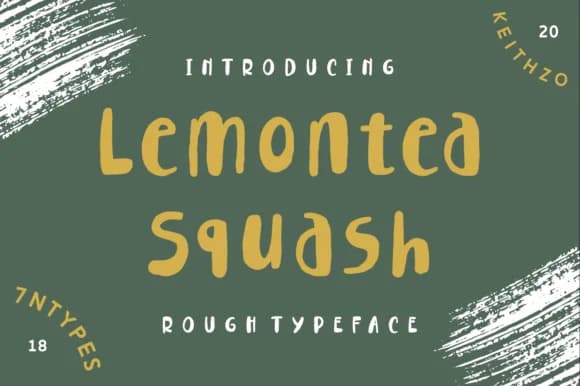 1 / 4
1 / 4About Lemontea Squash Font
Lemontea Squash by Keithzo is a playful hand-lettered script with an organic, irregular texture that brings casual charm to typography. The design captures a youthful, approachable aesthetic that resonates particularly well with projects aimed at younger audiences or those seeking friendly, informal warmth in their visual communication. The inclusion of both regular and italic styles provides designers with essential flexibility for creating emphasis and variation while maintaining the font's inherent personality throughout a design system. This handwritten style excels at generous sizing, where its distinctive rough edges and flowing letterforms become true focal points rather than background elements. The strong readability at large scales makes it exceptionally well-suited for creating eye-catching children's book covers, designing whimsical greeting cards and birthday party stationery suites, crafting seasonal summer camp promotional materials and posters, and developing playful product packaging for kids' brands. Whether you're building classroom decoration signage, illustrating informal educational materials, or designing invitations for children's celebrations, Lemontea Squash maintains consistent character and legibility that prevents the roughness from compromising communication. The textured, hand-drawn quality makes this a font that feels both friendly and professional, a rare combination that works across different design contexts. Add Lemontea Squash to your Creative Fabrica collection to access a versatile tool for any project requiring casual, authentic character.
Style & Use Cases
- Overall Style
- Elegant, Flowing, Playful Fonts
- Use Case
- Invitations, Branding
- Ideal For
- wedding stationery, greeting cards, and signatures
- Pairs With
- a simple uppercase sans
How to Install Lemontea Squash Font Font
Step-by-step instructions for every platform
- 1Download the Lemontea Squash Font font file (.ttf or .otf).
- 2Locate the downloaded file in your Downloads folder.
- 3Right-click the font file.
- 4Select "Install" to install for the current user, or "Install for all users" to make it available system-wide.
- 5Lemontea Squash Font is now available in Word, Photoshop, Illustrator, and all other apps.
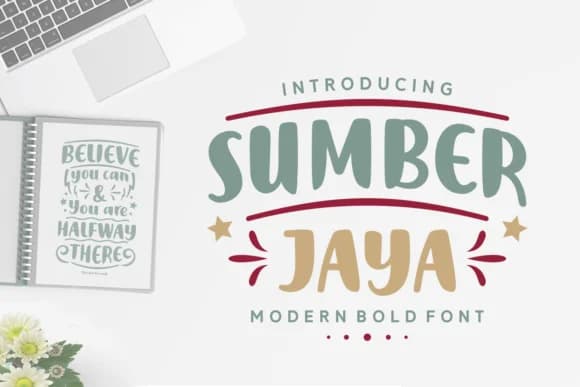
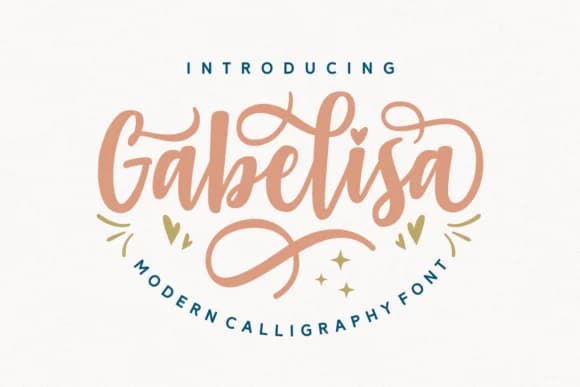
More by Keithzo (7NTypes)
View all →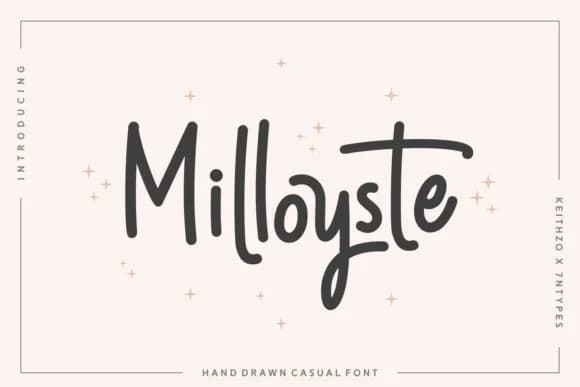
Browse fonts by theme
Curated collections →Saw a font in a picture? Identify any font from an image with our free Font Finder.
More Script Handwritten Fonts
Browse all →







What pairs well with Lemontea Squash Font?
Lemontea Squash Font is a script font that shines as a display or heading face. Pair it with a clean sans-serif or serif font for body text — the contrast creates a clear hierarchy while the two styles stay balanced and easy to read.



Lemontea Squash Font
Reviewed by the FontBoxDL team · Updated May 2026