 Firefox
 1 / 7
1 / 7About Le Discussioni Font
Picture an invitation resting on cream cardstock, its flowing letterforms catching light through a studio window. Le Discussioni by Studio_Art delivers that personal, handwritten character to projects where genuine craft matters more than automated precision. This script-handwritten typeface finds its strongest home in wedding invitation suites, boutique stationery branding, hand-lettered event signage, and artisanal packaging designs where you need elegance with just enough informality to feel human and authentic rather than stiff.
The bold strokes give each letterform real presence without sacrificing readability, so it performs at both large display sizes and within body-copy applications. You'll reach for this most often in luxury branding work, greeting card layouts, fine art book covers, and small-batch product labels where customers expect to see genuine craftsmanship in the details. The weight carries beautifully across print mediums and strikes hard in monochromatic applications, so you're not dependent on color to make it work or stand out. Even at large sizes, the handwritten quality stays personal and engaged, which means clients will notice the care you took choosing it for their project.
Le Discussioni is live on Creative Fabrica, ready to integrate into your next design whenever you need it.
Style & Use Cases
- Overall Style
- Elegant, Flowing, Le Discussioni
- Use Case
- Invitations, Branding
- Ideal For
- wedding stationery, greeting cards, and signatures
- Pairs With
- a simple uppercase sans
How to Install Le Discussioni Font Font
Step-by-step instructions for every platform
- 1Download the Le Discussioni Font font file (.ttf or .otf).
- 2Locate the downloaded file in your Downloads folder.
- 3Right-click the font file.
- 4Select "Install" to install for the current user, or "Install for all users" to make it available system-wide.
- 5Le Discussioni Font is now available in Word, Photoshop, Illustrator, and all other apps.
More by Studio_Art
View all →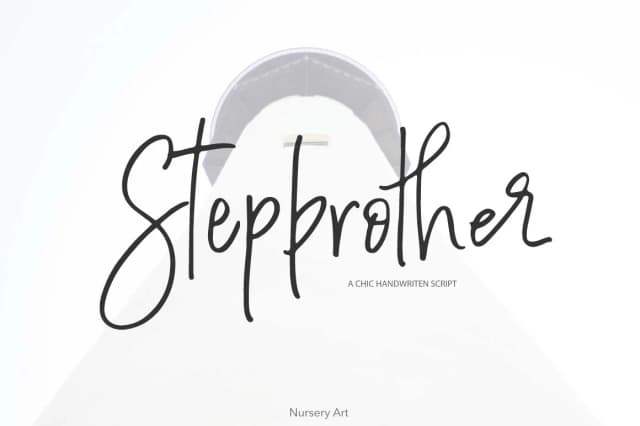
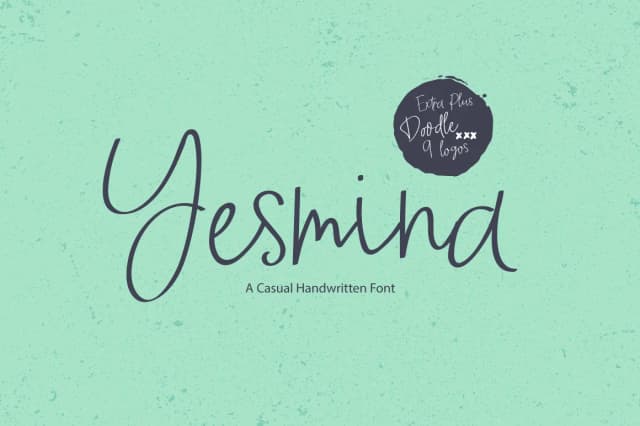
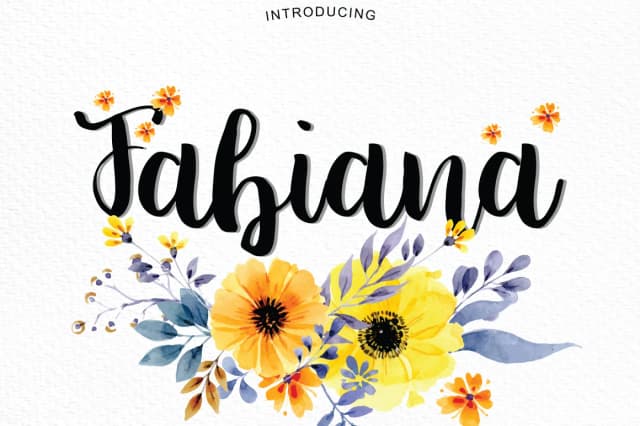
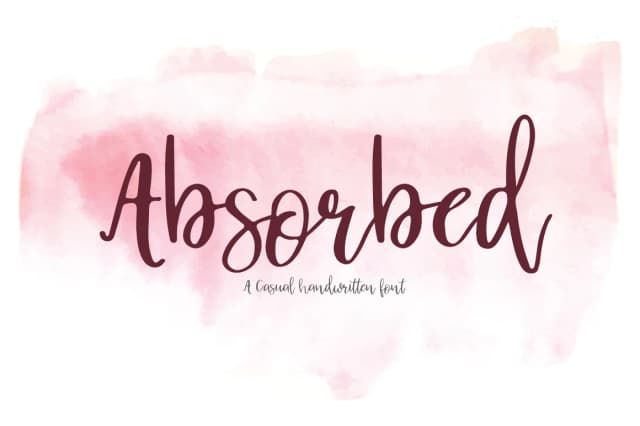
Browse fonts by theme
Curated collections →Saw a font in a picture? Identify any font from an image with our free Font Finder.
More Script Handwritten Fonts
Browse all →







What pairs well with Le Discussioni Font?
Le Discussioni Font is a script font that shines as a display or heading face. Pair it with a clean sans-serif or serif font for body text — the contrast creates a clear hierarchy while the two styles stay balanced and easy to read.



Le Discussioni Font
by Studio_Art
Reviewed by the FontBoxDL team · Updated August 2026