 Firefox
 1 / 3
1 / 3Loading font…
About Kiona Font
Check out my new Font Blog to stay up to see when I release new fonts!
http://murafonts.blogspot.com/
-----------------------
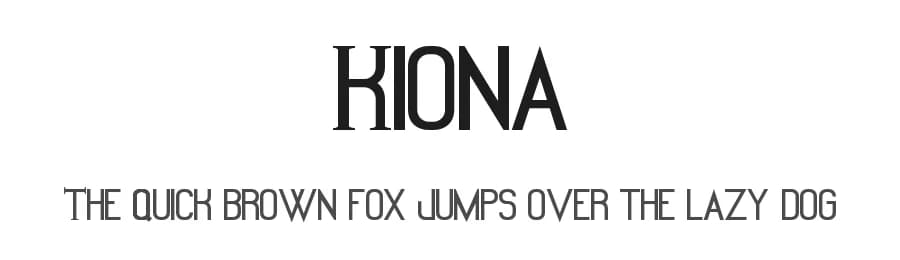
I had 2 friends that both didn't like their names so they made everyone call them something else, which was both funny and interesting, but could be confusing at times. Also a side note, both of them never met, but they came upon their new names by meeting little girls that they though had vute names. Thus I created this font.
This letter and number set is fun and unique, just like you! (And apparently my friends!) The capitals have serifs, and the lower case set is capital as well but sans serif. Confusing! But fun and interesting at the same time, no? I feel like this font has somewhat of an Asian look to it, and I think it would great in Signage, Ad Copy, and Cartoon Design!
A font that I created to use for a website design. Intended to use for Web Design and Large Ad Copy. Kind of sexy!
This is free to do with whatever you wish, personal or commercial. Just don't claim ownership, sell it, redistribute it, or be a jerk with it.
It might be cool if you use the font to either credit MuraKnockout Media or Michael Muranaka, or show me how you used it! Enjoy!
Style & Use Cases
- Overall Style
- Clean, Modern, Basic
- Use Case
- Body Text, UI
- Ideal For
- branding, interfaces, and modern layouts
- Pairs With
- a contrasting serif for headings
Similar Fonts
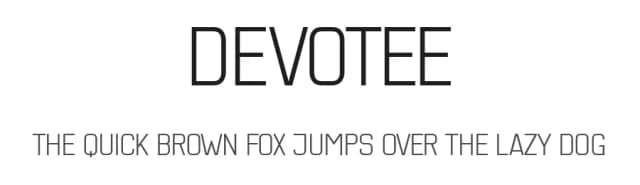
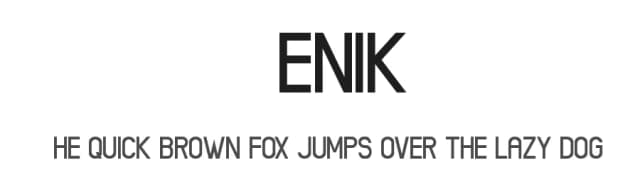
Fonts that look visually alike — matched by our Font Finder model.




Kiona Specifications
| Font Family | Kiona |
| Style | Normal |
| Full Name | Kiona |
| Version | 1.00 September 11, 2011, initial release |
| Weight | 400 (Regular) |
| Glyph Count | 236 glyphs |
| PostScript Name | Kiona |
| Format | TTF (TrueType) |
| File Size | 11.3 KB |
Languages Supported
Kiona supports 209 languages.
How to Install Kiona Font
Step-by-step instructions for every platform
- 1Download the Kiona font file (.ttf or .otf).
- 2Locate the downloaded file in your Downloads folder.
- 3Right-click the font file.
- 4Select "Install" to install for the current user, or "Install for all users" to make it available system-wide.
- 5Kiona is now available in Word, Photoshop, Illustrator, and all other apps.
More by Michael Muranaka
View all →
Browse fonts by theme
Curated collections →Saw a font in a picture? Identify any font from an image with our free Font Finder.
More Sans Serif Fonts
Browse all →
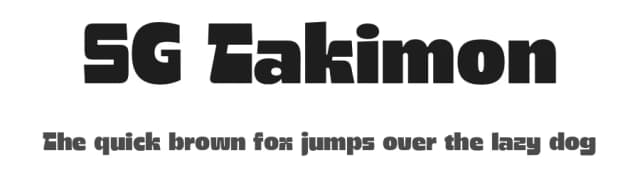
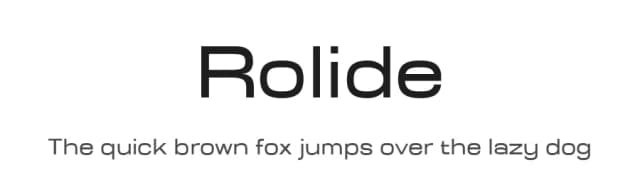
What pairs well with Kiona Font?
Kiona Font is a versatile sans-serif font that works for both headings and body text. Pair it with a contrasting serif or slab serif font to add visual interest and a clear distinction between titles and body copy.


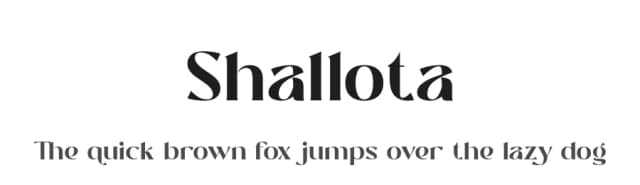

Premium Sans Serif Fonts
★ PremiumWant something with more weights, glyphs, and commercial polish? These premium sans serif fonts are worth a look.


Kiona Font
Reviewed by the FontBoxDL team · Updated June 2026
License: 100% Free