 Firefox
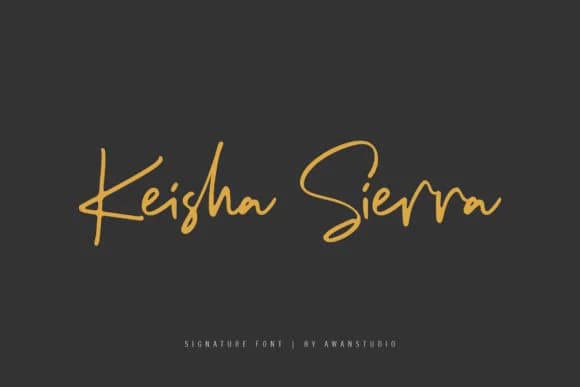 1 / 9
1 / 9About Keisha Sierra Font
Keisha Sierra is a handwritten script typeface designed by Awanstudioz that captures the natural rhythm and genuine fluidity of actual pen strokes on paper. The letterforms display authentic variation in weight and character across each letter, creating movement that would be impossible to fake with a perfectly uniform font. It's the kind of typeface that doesn't strive for mechanical perfection. Instead, it succeeds precisely because it reads as genuinely human made.
This script shines in spaces where warmth and approachability matter just as much as visual aesthetics. Design wedding invitation suites that feel like they came from someone who actually cares, create Etsy product labels that stop shoppers mid-scroll, or hand-letter social media graphics for small brands. Boutique skincare packaging, personalized gift tags for seasonal mailings, greeting card collections, and DIY craft signage all benefit from Keisha Sierra's authentic personality. The font carries enough polish for professional use while retaining the handmade confidence that makes people connect with what they're seeing, which is a harder balance to achieve than it sounds.
Keisha Sierra is ideal for designers and small business owners who seek authentic character without compromise. You'll find it on Creative Fabrica, ready to use in your next creative project.
Style & Use Cases
- Overall Style
- Elegant, Flowing, Keisha Sierra
- Use Case
- Invitations, Branding
- Ideal For
- wedding stationery, greeting cards, and signatures
- Pairs With
- a simple uppercase sans
How to Install Keisha Sierra Font Font
Step-by-step instructions for every platform
- 1Download the Keisha Sierra Font font file (.ttf or .otf).
- 2Locate the downloaded file in your Downloads folder.
- 3Right-click the font file.
- 4Select "Install" to install for the current user, or "Install for all users" to make it available system-wide.
- 5Keisha Sierra Font is now available in Word, Photoshop, Illustrator, and all other apps.
More by Awanstudioz
View all →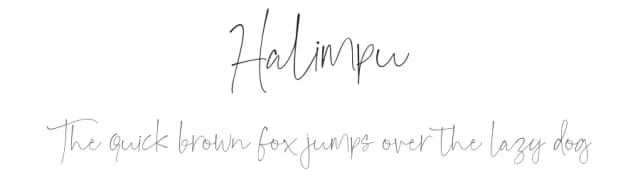
Browse fonts by theme
Curated collections →Saw a font in a picture? Identify any font from an image with our free Font Finder.
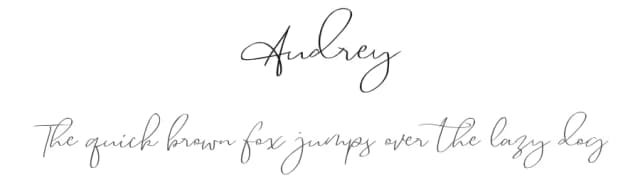
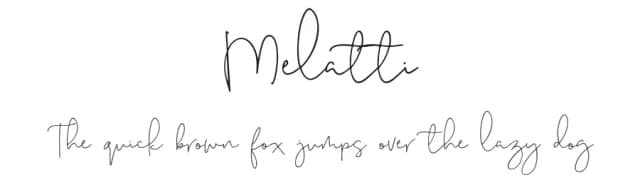
More Script Handwritten Fonts
Browse all →







What pairs well with Keisha Sierra Font?
Keisha Sierra Font is a script font that shines as a display or heading face. Pair it with a clean sans-serif or serif font for body text — the contrast creates a clear hierarchy while the two styles stay balanced and easy to read.



Keisha Sierra Font
by Awanstudioz
Reviewed by the FontBoxDL team · Updated August 2026