 Firefox
 1 / 10
About Justone Font
Justone from Omotu Studio captures that raw, hand-signed quality that catches the eye and registers as genuinely personal. The letterforms carry visible texture and organic rhythm throughout, each stroke built with the kind of irregularity that signals real handwriting rather than digital perfection. It's made for display work where an authentic human touch matters more than technical polish.
This handwritten script finds its best work in contexts where authenticity and craft signal real value to the buyer or reader. It shines on luxury product labels for artisanal goods, sophisticated event stationery and wedding invitations, signature-based brand logos for creative studios and boutiques, or custom merchandise packaging designed to feel handcrafted rather than mass-produced. The texture and irregular baseline reinforce that handmade quality throughout the set, letting each letter look genuinely drawn instead of algorithmic.
The font includes uppercase and lowercase letters, numerals, punctuation, plus alternates and ligatures for variety across different applications. Full multilingual support and OpenType compatibility work with Adobe apps, Corel Draw, and standard software. Justone fits any brand building trust through the visual language of craft and personal attention. Find it on Creative Fabrica in TTF, OTF, and WOFF formats.
Style & Use Cases
- Overall Style
- Elegant, Flowing
- Use Case
- Invitations, Branding
- Ideal For
- wedding stationery, greeting cards, and signatures
- Pairs With
- a simple uppercase sans
How to Install Justone Font
Step-by-step instructions for every platform
- 1Download the Justone font file (.ttf or .otf).
- 2Locate the downloaded file in your Downloads folder.
- 3Right-click the font file.
- 4Select "Install" to install for the current user, or "Install for all users" to make it available system-wide.
- 5Justone is now available in Word, Photoshop, Illustrator, and all other apps.
More by Omotu Studio
View all →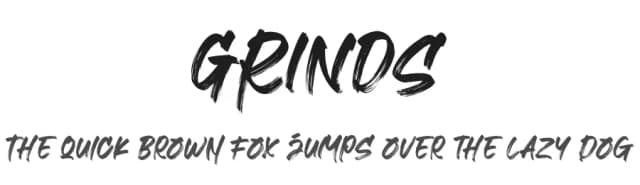
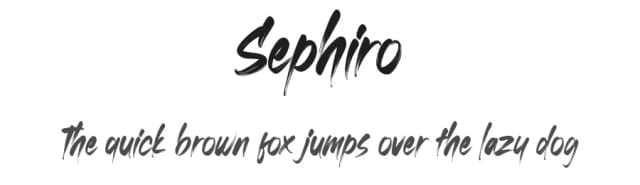
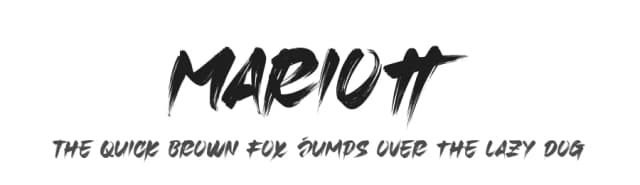
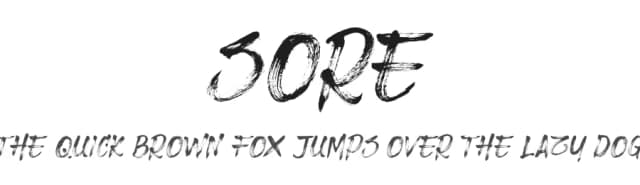
Browse fonts by theme
Curated collections →Saw a font in a picture? Identify any font from an image with our free Font Finder.
More Script Handwritten Fonts
Browse all →







What pairs well with Justone Font?
Justone Font is a script font that shines as a display or heading face. Pair it with a clean sans-serif or serif font for body text — the contrast creates a clear hierarchy while the two styles stay balanced and easy to read.



Justone Font
by Omotu Studio
Reviewed by the FontBoxDL team · Updated July 2026