 Firefox
 1 / 9
1 / 9About Julietta Signature Font
Julietta Signature Font by Madatype Studio is a flowing handwritten script that brings the warmth of genuine penmanship to digital work. Unlike stiff imitations, the letterforms feel natural and intentional, maintaining legibility even when used at smaller sizes. This character matters for projects where authenticity speaks louder than decoration.
Wedding invitation suites are an obvious fit, but Julietta Signature also excels on luxury product labels and packaging where that personal touch differentiates your brand. Event signage for upscale gatherings benefits from its refined voice, while thank-you cards and gift tags gain the kind of intimacy that mass-produced type cannot deliver. Small business owners use fonts like this for custom business cards and personalized stationery that stand out without trying too hard.
The real value is knowing when to deploy it. Julietta Signature works when you need hand-drawn warmth but not display drama, when restraint and elegance serve your message better than theatrical flourishes. It's equally at home as a headline or anchoring a short block of body text. If your project needs something that reads as genuinely written by hand, grab Julietta Signature from Creative Fabrica.
Style & Use Cases
- Overall Style
- Elegant, Flowing, Julietta Signature
- Use Case
- Invitations, Branding
- Ideal For
- wedding stationery, greeting cards, and signatures
- Pairs With
- a simple uppercase sans
How to Install Julietta Signature Font Font
Step-by-step instructions for every platform
- 1Download the Julietta Signature Font font file (.ttf or .otf).
- 2Locate the downloaded file in your Downloads folder.
- 3Right-click the font file.
- 4Select "Install" to install for the current user, or "Install for all users" to make it available system-wide.
- 5Julietta Signature Font is now available in Word, Photoshop, Illustrator, and all other apps.
More by Madatype Studio
View all →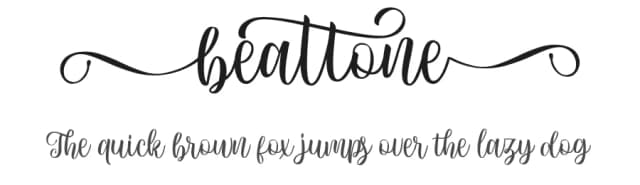
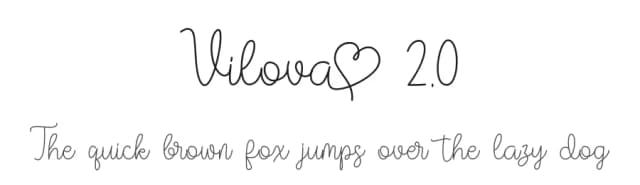
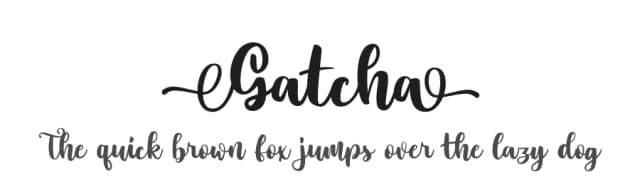
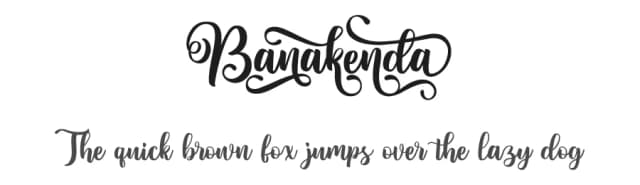
Browse fonts by theme
Curated collections →Saw a font in a picture? Identify any font from an image with our free Font Finder.
More Script Handwritten Fonts
Browse all →







What pairs well with Julietta Signature Font?
Julietta Signature Font is a script font that shines as a display or heading face. Pair it with a clean sans-serif or serif font for body text — the contrast creates a clear hierarchy while the two styles stay balanced and easy to read.



Julietta Signature Font
Reviewed by the FontBoxDL team · Updated August 2026