 Firefox
 1 / 3
1 / 3Loading font…
About Hostil Font
Hostil Free, by Intellecta Design
Hostil Free has a differnt font style set than the orioginal "Hostil" font. Purchase the original Hostil (a multi-language family of eight fonts) with respective commercial licences at MyFonts.Com, visiting
http://new.myfonts.com/fonts/intellecta/hostil/
INTELLECTA DESIGN makes research and development of fonts with historical and artistical relevant forms. This font is a FREE software for personal and non-commercial use only. But donations for my HISTORICAL STUDIES about the history of the letters, calligraphy and typography are accepted. This font is for unlimited distribution, since attached in a file zip together with this text. For commercial use you need register this software by sending U$ 17,00 to the following paypal account -
[email protected]
- After that, you need sent me a e-mail (
[email protected]
), so I will send to you a legal permission to use the font.
DRINKWARE ARE WELCOME !!!!
If you want to use this font FULL LIFE without any restrictions, you can also place a link to my site in your website. If you create any
More...
work of artistic nature with this font, I will be glad to publish it in social networ ks.
See my commercial library (HUNDREDS OF amazing and beautiful fonts) here :
https://payhip.com/IntellectaDesign
sincerely, Paulo W
==================================================================================
THE ORIGINAL FONT
Hostil is a modern typeface ready to fight for you. In any territory. Hostil has complete sets in Latin, Hebrew, Cyrillic, and Greek chracters. Plus Central European, Vietnamese, Baltic, Turkish complete sets with all diacritic signs and punctuation marks and extra characters belonging this ranges. Hostil has a wide variety of presentations, like Regular, Bold, Italic, Outline Wide, ExtraWide, Shadow and Compressed.
Style & Use Cases
- Overall Style
- Clean, Modern, Basic
- Use Case
- Body Text, UI
- Ideal For
- branding, interfaces, and modern layouts
- Pairs With
- a contrasting serif for headings
Similar Fonts
Fonts that look visually alike — matched by our Font Finder model.


Hostil Specifications
| Font Family | HostilBeveled |
| Style | Regular |
| Full Name | HostilBeveled |
| Version | 2.003 2012 |
| Weight | 400 (Regular) |
| Glyph Count | 217 glyphs |
| PostScript Name | HostilBeveled |
| Format | TTF (TrueType) |
| File Size | 111 KB |
Languages Supported
Hostil supports 213 languages.
How to Install Hostil Font
Step-by-step instructions for every platform
- 1Download the Hostil font file (.ttf or .otf).
- 2Locate the downloaded file in your Downloads folder.
- 3Right-click the font file.
- 4Select "Install" to install for the current user, or "Install for all users" to make it available system-wide.
- 5Hostil is now available in Word, Photoshop, Illustrator, and all other apps.
More by Intellecta Design
View all →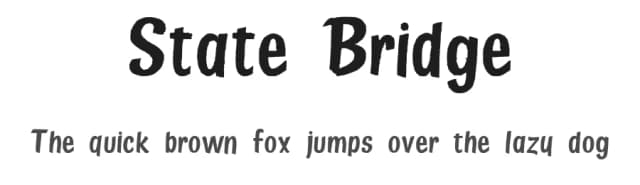
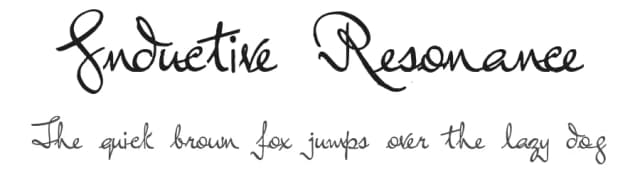
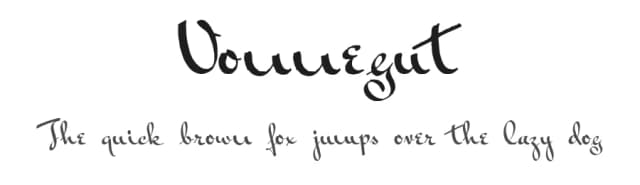
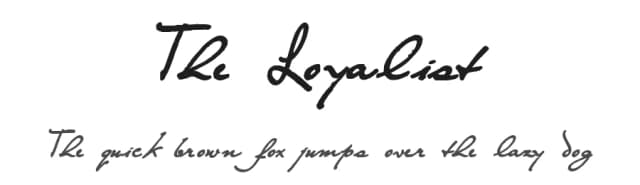
Browse fonts by theme
Curated collections →Saw a font in a picture? Identify any font from an image with our free Font Finder.
More Sans Serif Fonts
Browse all →
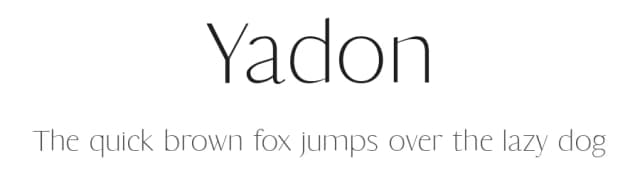
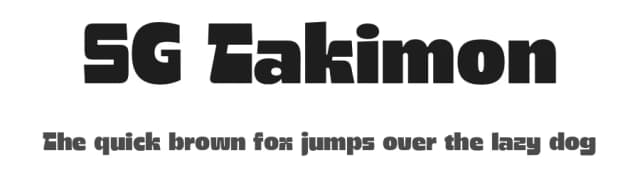
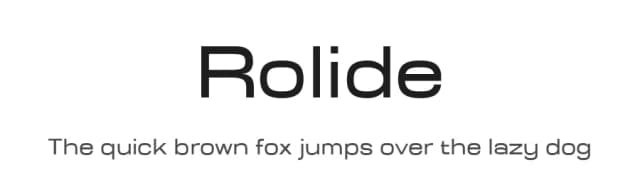
What pairs well with Hostil Font?
Hostil Font is a versatile sans-serif font that works for both headings and body text. Pair it with a contrasting serif or slab serif font to add visual interest and a clear distinction between titles and body copy.


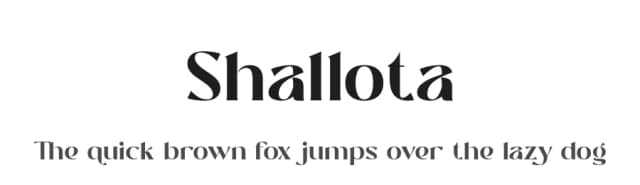

Premium Sans Serif Fonts
★ PremiumWant something with more weights, glyphs, and commercial polish? These premium sans serif fonts are worth a look.


Hostil Font
Reviewed by the FontBoxDL team · Updated June 2026
License: Free for personal use