 Firefox
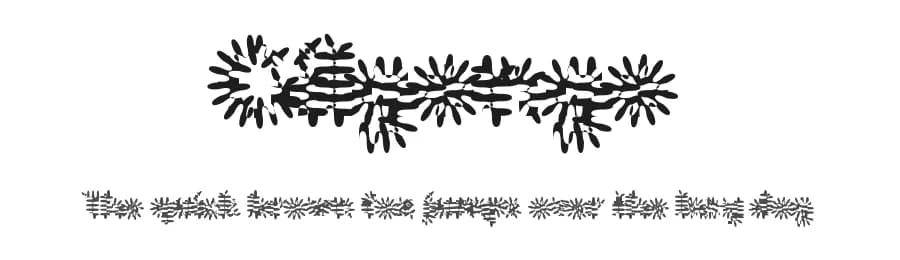 1 / 3
1 / 3Loading font…
About Gilgongo Font
Gilgongo is a sans-serif typeface created by Apostrophic Labs in regular weight, designed to provide reliable and straightforward functionality for contemporary design work of all kinds. With 222 glyphs and support for 217+ languages using Latin scripts, this font serves designers and crafters working across international projects and domestic applications with equal aplomb.
Its straightforward character makes it suitable for a range of practical design applications. Website headers and navigation text benefit from Gilgongo's legible, neutral presence, as do app UI labels and interface text elements. Email marketing campaigns and blog body copy both work well when set in this typeface. Document templates, social media graphics, and digital presentations all gain a solid typographic foundation. Business owners will also find it useful for printed signage, business cards, and other promotional materials requiring clear, readable typography.
Available as a free download from this page, Gilgongo comes with licence terms shown there; review those terms before any commercial use or deployment. Consider pairing it with a geometric display font for visual contrast in your design systems, or combining it with serif typefaces where mixed typography is desired. The broad language support makes it particularly practical for multi-language websites and international print projects.
Style & Use Cases
- Overall Style
- Clean, Modern, Basic
- Use Case
- Body Text, UI
- Ideal For
- branding, interfaces, and modern layouts
- Pairs With
- a contrasting serif for headings
Gilgongo Specifications
| Font Family | Gilgongo Pap |
| Style | Regular |
| Full Name | Gilgongo Pap |
| Version | 1.0 |
| Weight | 400 (Regular) |
| Glyph Count | 222 glyphs |
| PostScript Name | GilgongoPap |
| Designer | Apostrophe |
| Format | TTF (TrueType) |
| File Size | 157.9 KB |
Languages Supported
Gilgongo supports 217 languages.
How to Install Gilgongo Font
Step-by-step instructions for every platform
- 1Download the Gilgongo font file (.ttf or .otf).
- 2Locate the downloaded file in your Downloads folder.
- 3Right-click the font file.
- 4Select "Install" to install for the current user, or "Install for all users" to make it available system-wide.
- 5Gilgongo is now available in Word, Photoshop, Illustrator, and all other apps.
More by Apostrophic Labs
View all →
Browse fonts by theme
Curated collections →Saw a font in a picture? Identify any font from an image with our free Font Finder.
More Sans Serif Fonts
Browse all →
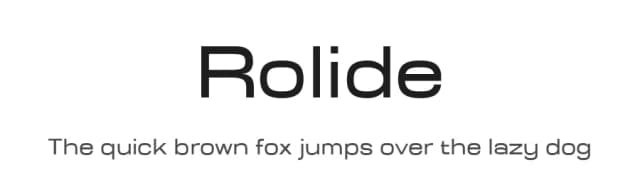
What pairs well with Gilgongo Font?
Gilgongo Font is a versatile sans-serif font that works for both headings and body text. Pair it with a contrasting serif or slab serif font to add visual interest and a clear distinction between titles and body copy.


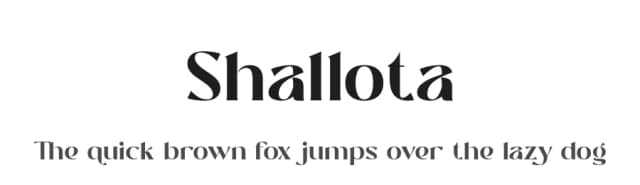

Premium Sans Serif Fonts
★ PremiumWant something with more weights, glyphs, and commercial polish? These premium sans serif fonts are worth a look.


Gilgongo Font
Reviewed by the FontBoxDL team · Updated October 2026
License: 100% Free