 Firefox
 1 / 6
1 / 6About Gianetta Font
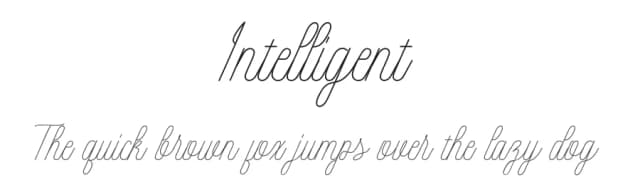
The flowing, hand-lettered strokes of Gianetta Font, designed by Danti, capture the ease and elegance of modern calligraphy without feeling stiff or overly formal. Each letterform moves naturally across the page, giving your work a personal touch that feels like it came from a real pen rather than a computer. For wedding invitation suites, custom Etsy product labels, or personalized greeting cards, this script brings genuine character and sophistication to designs that stand out. It feels immediately more human and thoughtful than most typefaces.
Gianetta's relaxed confidence shines in lifestyle branding applications like boutique skincare labels, Instagram Story headers, coffee shop menus, and personalized podcast covers. The font maintains readability even at smaller sizes, adapting across digital and print without losing its handmade charm. Hand-lettered event signage for maker fairs, business correspondence, supporting text that needs personality without overwhelming the layout: this typeface handles them all. Its natural rhythm feels both warm and authoritative, successfully bridging refined elegance with genuine character in ways that more formal scripts can't match.
Gianetta suits anyone building a brand that values craftsmanship and genuine character over slick polish. Find it on Creative Fabrica to add this elegant script to your design toolkit.
Style & Use Cases
- Overall Style
- Elegant, Flowing, Gianetta
- Use Case
- Invitations, Branding
- Ideal For
- wedding stationery, greeting cards, and signatures
- Pairs With
- a simple uppercase sans
How to Install Gianetta Font Font
Step-by-step instructions for every platform
- 1Download the Gianetta Font font file (.ttf or .otf).
- 2Locate the downloaded file in your Downloads folder.
- 3Right-click the font file.
- 4Select "Install" to install for the current user, or "Install for all users" to make it available system-wide.
- 5Gianetta Font is now available in Word, Photoshop, Illustrator, and all other apps.
Browse fonts by theme
Curated collections →Saw a font in a picture? Identify any font from an image with our free Font Finder.
More Script Handwritten Fonts
Browse all →







What pairs well with Gianetta Font?
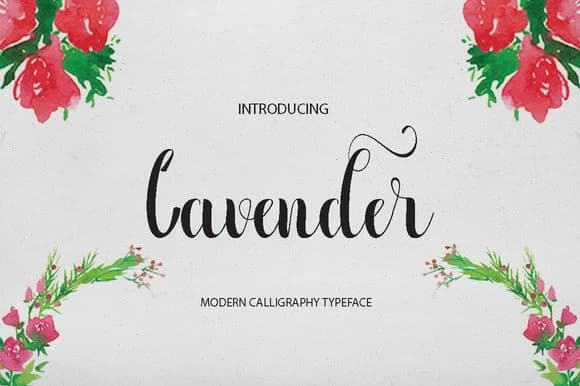
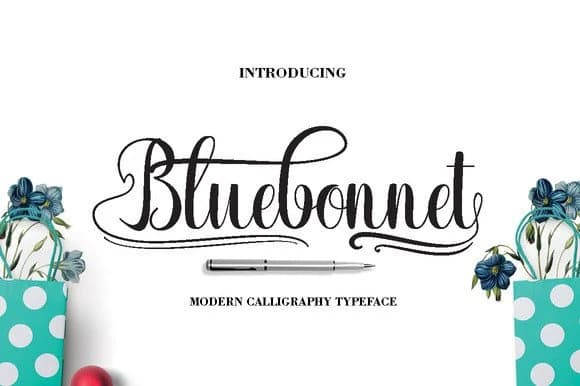
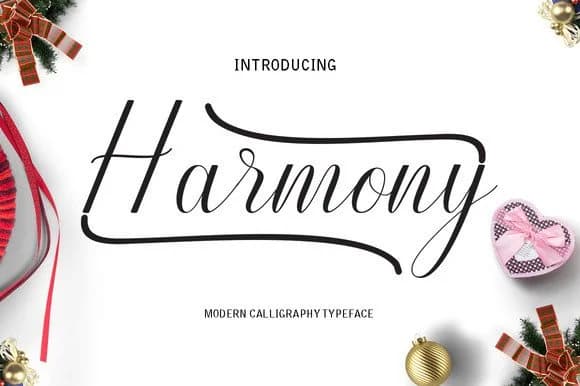
Gianetta Font is a script font that shines as a display or heading face. Pair it with a clean sans-serif or serif font for body text — the contrast creates a clear hierarchy while the two styles stay balanced and easy to read.



Gianetta Font
by Danti
Reviewed by the FontBoxDL team · Updated May 2026