 Firefox
 1 / 3
1 / 3Loading font…
About Forta Font
Forta is a sans-serif typeface designed by Andrzej Wróż that delivers clean, legible character forms suitable for both digital and print applications. With 299 glyphs and support for over 243 Latin-based languages, this font accommodates a broad international audience without sacrificing functionality or clarity. From website navigation systems to social media graphics, product packaging labels, and presentation decks, Forta provides a dependable foundation for professional typography across nearly every medium.
The font's straightforward construction makes it equally effective on screen and on paper. App buttons and interface labels benefit immediately from its clarity, as do email newsletters, presentation slides, and business documents requiring readable body text. Designers working with multilingual content can maintain consistent typography across projects targeting diverse geographic markets without needing to switch typefaces mid-project. The extensive language support removes barriers when your audience speaks different languages, ensuring that text remains legible and properly formatted regardless of region or cultural context.
Released under the Open Font License, Forta is free for both personal and commercial use. This typeface serves designers seeking a practical, internationally-minded sans-serif that prioritizes readability and accessibility, making it an ideal choice for projects where legibility and inclusivity matter most.
Style & Use Cases
- Overall Style
- Clean, Modern, Sans Serif
- Use Case
- Body Text, UI
- Ideal For
- branding, interfaces, and modern layouts
- Pairs With
- a contrasting serif for headings
Forta Specifications
| Font Family | FORTA |
| Style | Regular |
| Full Name | FORTA |
| Version | 1.000 |
| Weight | 400 (Regular) |
| Glyph Count | 299 glyphs |
| PostScript Name | FORTA |
| Designer | Andrzej Wróz CREATIVE HANDS |
| Format | TTF (TrueType) |
| File Size | 332.2 KB |
Languages Supported
Forta supports 243 languages.
How to Install Forta Font
Step-by-step instructions for every platform
- 1Download the Forta font file (.ttf or .otf).
- 2Locate the downloaded file in your Downloads folder.
- 3Right-click the font file.
- 4Select "Install" to install for the current user, or "Install for all users" to make it available system-wide.
- 5Forta is now available in Word, Photoshop, Illustrator, and all other apps.
More by Andrzej Wróż
View all →
Browse fonts by theme
Curated collections →Saw a font in a picture? Identify any font from an image with our free Font Finder.
More Sans Serif Fonts
Browse all →

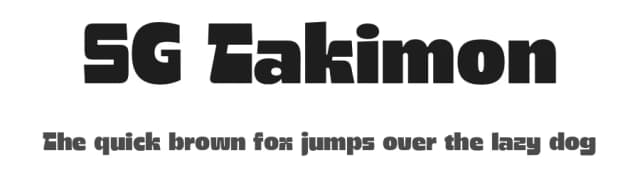
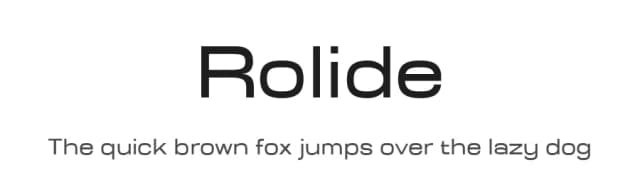
What pairs well with Forta Font?
Forta Font is a versatile sans-serif font that works for both headings and body text. Pair it with a contrasting serif or slab serif font to add visual interest and a clear distinction between titles and body copy.


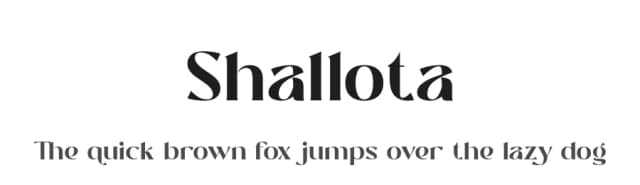

Premium Sans Serif Fonts
★ PremiumWant something with more weights, glyphs, and commercial polish? These premium sans serif fonts are worth a look.


Forta Font
by Andrzej Wróż
Reviewed by the FontBoxDL team · Updated October 2026