 Firefox
 1 / 3
1 / 3Loading font…
About Evogria Font
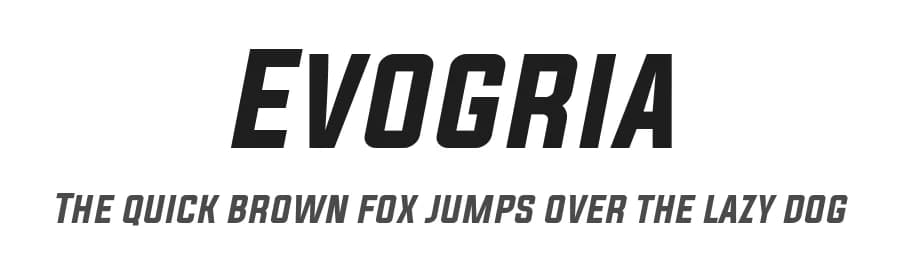
Evogria is an italic sans-serif typeface by 7NTypes, offering a contemporary slant for designers and typographers working across multiple languages and international projects. With 499 glyphs supporting 318+ Latin-based languages, it provides the breadth needed for global design applications. The typeface's italic styling brings dynamic movement and visual emphasis to straightforward sans-serif forms, making it a capable tool for layouts demanding both clarity and distinctive personality.
Use Evogria for website headers and landing page headlines, where the slanted letterforms add kinetic energy without sacrificing readability. Marketing materials and social media graphics gain modern flair through its geometric simplicity, while editorial layouts benefit from dynamic contrast when the italic pairs with a roman companion. Product packaging labels, app interface text, and email headers all showcase the typeface's clean construction with subtle character. Its broad language support ensures consistent typography across international campaigns reaching diverse audiences.
Available as a free download from this page under the licence terms shown on the listing, Evogria works best when paired with a regular roman weight. This pairing creates clear visual hierarchy and emphasis throughout any design system, allowing the italic to add presence and personality to headlines while the roman provides stability in body copy or supporting text.
Style & Use Cases
- Overall Style
- Clean, Modern, Basic
- Use Case
- Body Text, UI
- Ideal For
- branding, interfaces, and modern layouts
- Pairs With
- a contrasting serif for headings
Similar Fonts
Fonts that look visually alike — matched by our Font Finder model.


Evogria Specifications
| Font Family | Evogria |
| Style | Italic |
| Full Name | Evogria Italic |
| Version | 1.00 August 23, 2014, initial release |
| Weight | 400 (Regular) |
| Glyph Count | 499 glyphs |
| PostScript Name | Evogria-Italic |
| Designer | Situjuh Nazara |
| Format | TTF (TrueType) |
| File Size | 70.9 KB |
Languages Supported
Evogria supports 318 languages.
How to Install Evogria Font
Step-by-step instructions for every platform
- 1Download the Evogria font file (.ttf or .otf).
- 2Locate the downloaded file in your Downloads folder.
- 3Right-click the font file.
- 4Select "Install" to install for the current user, or "Install for all users" to make it available system-wide.
- 5Evogria is now available in Word, Photoshop, Illustrator, and all other apps.
More by 7NTypes
View all →
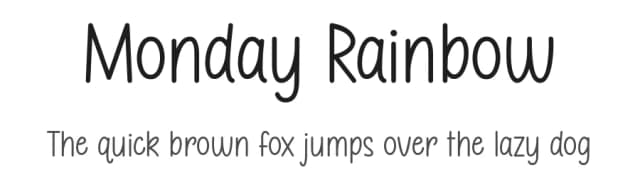
Browse fonts by theme
Curated collections →Saw a font in a picture? Identify any font from an image with our free Font Finder.
More Sans Serif Fonts
Browse all →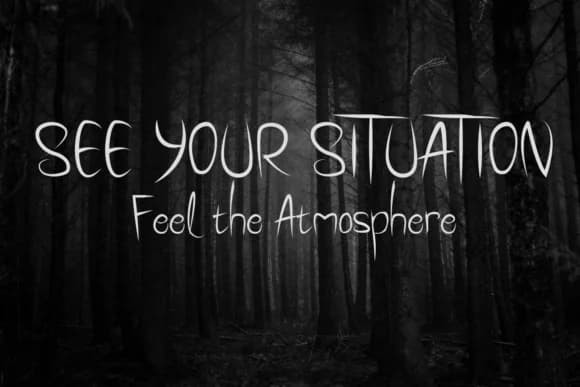
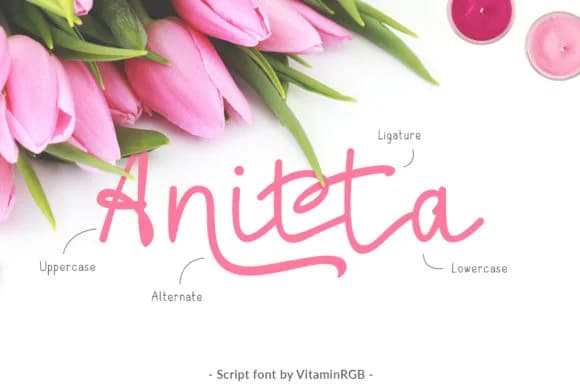
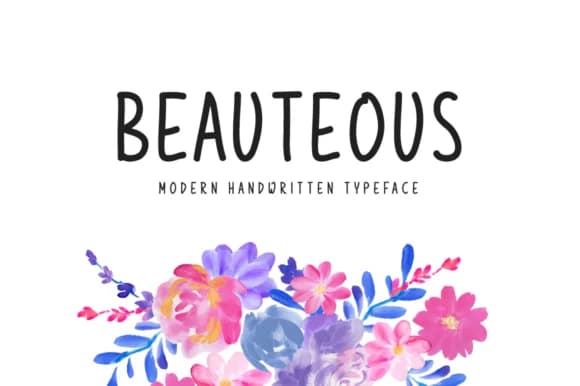
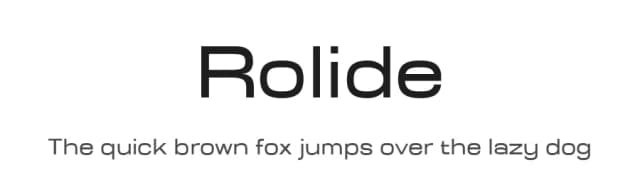
What pairs well with Evogria Font?
Evogria Font is a versatile sans-serif font that works for both headings and body text. Pair it with a contrasting serif or slab serif font to add visual interest and a clear distinction between titles and body copy.


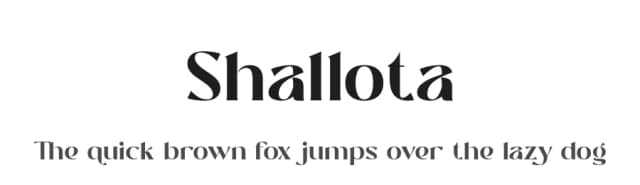

Premium Sans Serif Fonts
★ PremiumWant something with more weights, glyphs, and commercial polish? These premium sans serif fonts are worth a look.


Evogria Font
by 7NTypes
Reviewed by the FontBoxDL team · Updated October 2026