 Firefox
 1 / 3
1 / 3Loading font…
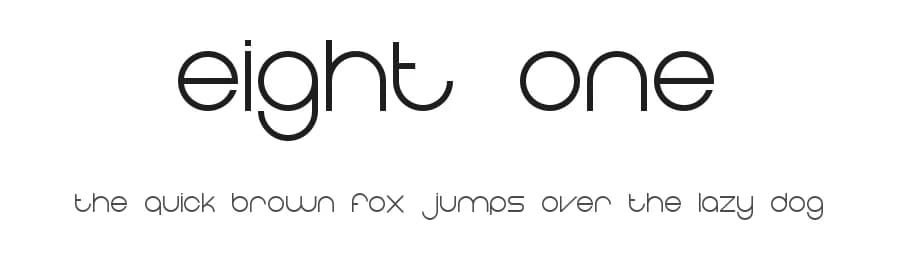
About Eight One Font
Eight One is a clean, straightforward sans-serif designed by Jerry Hodge from Tendron, offering a Regular weight that works reliably across 216+ Latin-based languages with 220 glyphs. This no-nonsense typeface excels in situations where clarity and legibility are paramount, making it an excellent choice for app UI labels, website headers, and printed materials like brochures or business cards.
The font's straightforward design and consistent letterforms make it particularly effective for digital products and interfaces where readability at various sizes matters most. Designers building Etsy shop banners, social media graphics, or editorial layouts will find Eight One delivers clean, professional results without unnecessary visual complexity. Its substantial language support means teams working with international audiences can rely on consistent character rendering and accurate representation across diverse projects and regions. The typeface handles both screen-based and print applications with equal aplomb, maintaining its clarity whether rendered at headline sizes or small body text.
Pair Eight One with a serif accent font for headings to introduce visual hierarchy and warmth to otherwise neutral layouts, or rely on it alone for a minimalist, modern aesthetic. The font is available as a free download from this page; review the licence terms displayed there for details on permitted usage and restrictions.
Style & Use Cases
- Overall Style
- Clean, Modern, Basic
- Use Case
- Body Text, UI
- Ideal For
- branding, interfaces, and modern layouts
- Pairs With
- a contrasting serif for headings
Similar Fonts
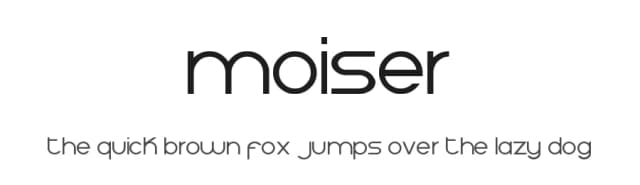
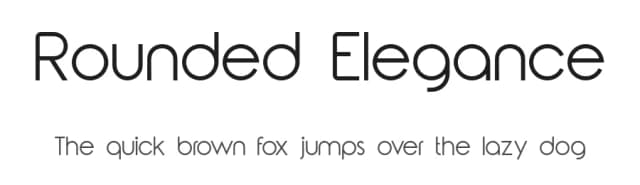
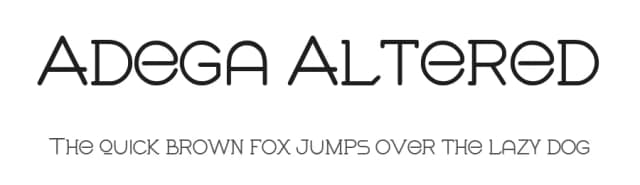
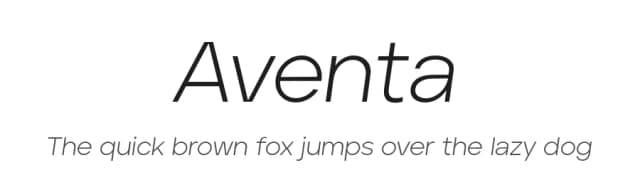
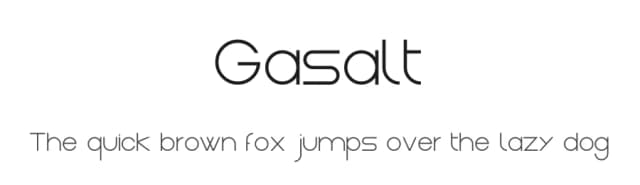
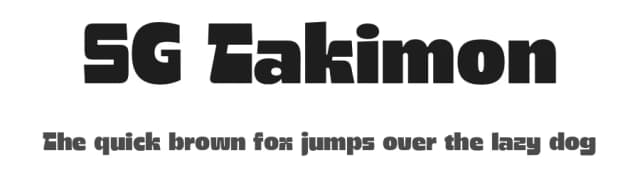
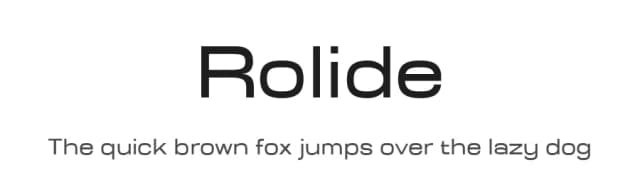
Fonts that look visually alike — matched by our Font Finder model.

Eight One Specifications
| Font Family | Eight One |
| Style | Regular |
| Full Name | Eight One |
| Version | 000.010 |
| Weight | 400 (Regular) |
| Glyph Count | 220 glyphs |
| PostScript Name | EightOne |
| Designer | Tendron |
| Format | TTF (TrueType) |
| File Size | 46.8 KB |
Languages Supported
Eight One supports 216 languages.
How to Install Eight One Font
Step-by-step instructions for every platform
- 1Download the Eight One font file (.ttf or .otf).
- 2Locate the downloaded file in your Downloads folder.
- 3Right-click the font file.
- 4Select "Install" to install for the current user, or "Install for all users" to make it available system-wide.
- 5Eight One is now available in Word, Photoshop, Illustrator, and all other apps.
Browse fonts by theme
Curated collections →Saw a font in a picture? Identify any font from an image with our free Font Finder.
More Sans Serif Fonts
Browse all →
What pairs well with Eight One Font?
Eight One Font is a versatile sans-serif font that works for both headings and body text. Pair it with a contrasting serif or slab serif font to add visual interest and a clear distinction between titles and body copy.



Premium Sans Serif Fonts
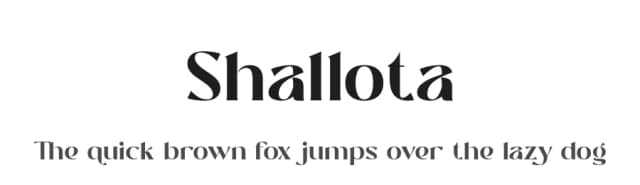
★ PremiumWant something with more weights, glyphs, and commercial polish? These premium sans serif fonts are worth a look.


Eight One Font
by Jerry Hodge
Reviewed by the FontBoxDL team · Updated October 2026