 Firefox
 1 / 3
1 / 3Loading font…
About Djavaloca Font
Djavaloca is update font from Javaloca.
Hi!
Thank you for downloading this font.
My fonts are free for personal use with the demo version.
If you want to use one of my fonts for your commercial project,
you can buy the commercial license by sending me
through Paypal to address:
[email protected]
After the payment, send me e-mail or DM via Instagram (@instink).
or Find me at,
Crella Market :
https://crella.net/store/inst-inktype-store/
Creative Fabrica :
https://www.creativefabrica.com/designer/inst-inktype
You can also use the Donate button Dafont.
Regular donations are also welcome. :)
_ _ _ _ _ _ _ _ _ _ _ _ _ _ _ _ _ _ _ _ _ _ _ _ _ _
Hai, untuk penggunaan font demo, hanya untuk PERSONAL SAJA.
Tidak diperbolehkan untuk penggunaan KOMERSIL apapun, kecuali anda membeli LISENSI-nya
lebih dulu.Untuk pembelian lisensi silahkan kontak email saya.
Apabila anda melanggar/menggunakan untuk kebutuhan KOMERSIL tanpa membeli Lisensinya lebih dulu,
Anda akan dikenai biaya minimal Rp.35.000.000,00 (Tiga Puluh Lima Juta Rupiah).
Terima Kasih,
mari saling support,
_ _ _ _ _ _ _ _ _ _ _ _ _ _ _ _ _ _ _ _ _ _ _ _ _ _
Thank You,
More...
Best Regards
inst.ink!type
Style & Use Cases
- Overall Style
- Clean, Modern, Basic
- Use Case
- Body Text, UI
- Ideal For
- branding, interfaces, and modern layouts
- Pairs With
- a contrasting serif for headings
Similar Fonts
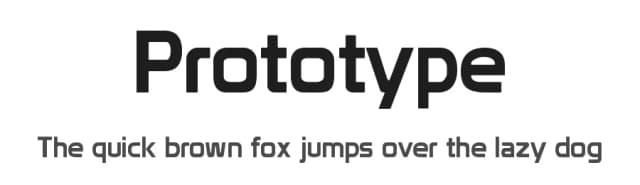
Fonts that look visually alike — matched by our Font Finder model.


Djavaloca Specifications
| Font Family | Djavaloca - DEMO |
| Style | Regular |
| Full Name | Djavaloca - DEMO Regular |
| Version | 1.000 |
| Weight | 400 (Regular) |
| Glyph Count | 117 glyphs |
| PostScript Name | DjavalocaDEMO-Regular |
| Designer | Galih Sulistya Aji |
| Format | TTF (TrueType) |
| File Size | 62.5 KB |
Languages Supported
Djavaloca supports 169 languages.
How to Install Djavaloca Font
Step-by-step instructions for every platform
- 1Download the Djavaloca font file (.ttf or .otf).
- 2Locate the downloaded file in your Downloads folder.
- 3Right-click the font file.
- 4Select "Install" to install for the current user, or "Install for all users" to make it available system-wide.
- 5Djavaloca is now available in Word, Photoshop, Illustrator, and all other apps.
More by inst.ink!type
View all →



Browse fonts by theme
Curated collections →Saw a font in a picture? Identify any font from an image with our free Font Finder.
More Sans Serif Fonts
Browse all →
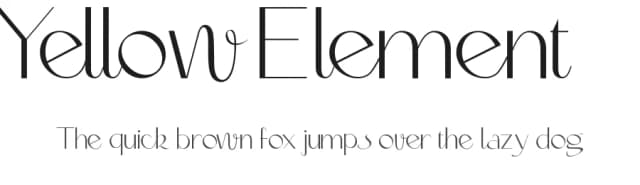

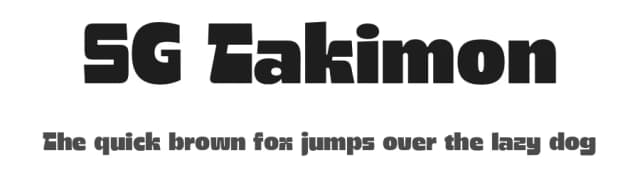

What pairs well with Djavaloca Font?
Djavaloca Font is a versatile sans-serif font that works for both headings and body text. Pair it with a contrasting serif or slab serif font to add visual interest and a clear distinction between titles and body copy.


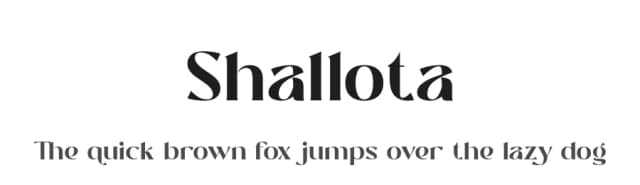

Premium Sans Serif Fonts
★ PremiumWant something with more weights, glyphs, and commercial polish? These premium sans serif fonts are worth a look.


Djavaloca Font
Reviewed by the FontBoxDL team · Updated June 2026
License: Free for personal use