 Firefox
 1 / 9
1 / 9About Distoria Script Font
Picture yourself designing a wedding invitation suite for a high-end events company. Distoria Script by Zane Studio is a classic signature font with an italic slant that brings exactly this kind of refined presence to your work.
This script hits the sweet spot between formal and warm. Wedding invitation suites feel personal yet sophisticated in Distoria's italic curves. Luxury cosmetics packaging and perfume branding both benefit from its flowing letterforms, which read as hand-drawn without sacrificing polish. Fine dining menus, high-end event stationery, and restaurant branding all take on an understated elegance when set in this script. Boutique product labels and similar applications benefit from its natural, upscale character, with each piece suggesting quality and thoughtfulness without needing to be loud about it.
The italic angle gives the typeface a forward momentum that feels contemporary even though the letterforms are timeless. At display sizes, Distoria shines whether enlarged for signage or reduced to smaller labels, maintaining its refinement and character throughout. The single weight keeps application straightforward and consistent across all your brand materials. Its proportions are adaptable enough for your entire design system, working well across both digital and print projects. Find Distoria on Creative Fabrica.
Style & Use Cases
- Overall Style
- Elegant, Flowing, Distoria
- Use Case
- Invitations, Branding
- Ideal For
- wedding stationery, greeting cards, and signatures
- Pairs With
- a simple uppercase sans
How to Install Distoria Script Font Font
Step-by-step instructions for every platform
- 1Download the Distoria Script Font font file (.ttf or .otf).
- 2Locate the downloaded file in your Downloads folder.
- 3Right-click the font file.
- 4Select "Install" to install for the current user, or "Install for all users" to make it available system-wide.
- 5Distoria Script Font is now available in Word, Photoshop, Illustrator, and all other apps.
More by Zane Studio
View all →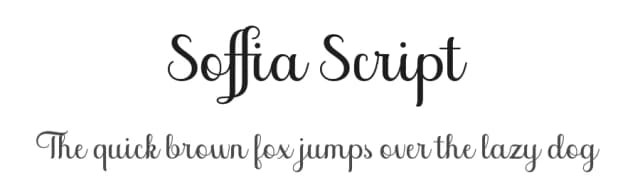
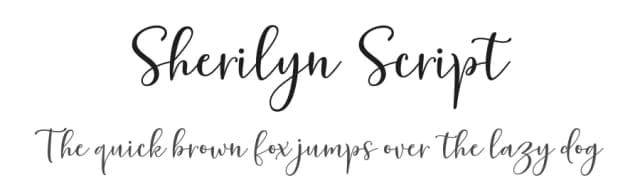
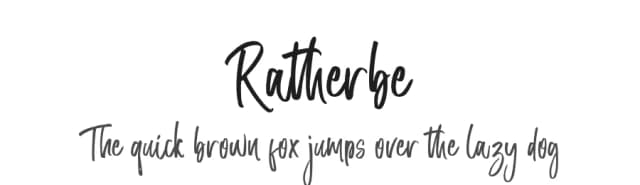
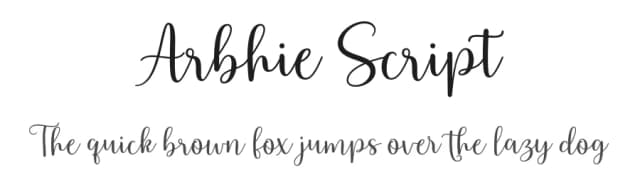
Browse fonts by theme
Curated collections →Saw a font in a picture? Identify any font from an image with our free Font Finder.
More Script Handwritten Fonts
Browse all →







What pairs well with Distoria Script Font?
Distoria Script Font is a script font that shines as a display or heading face. Pair it with a clean sans-serif or serif font for body text — the contrast creates a clear hierarchy while the two styles stay balanced and easy to read.



Distoria Script Font
by Zane Studio
Reviewed by the FontBoxDL team · Updated June 2026