 Firefox
 1 / 3
1 / 3Loading font…
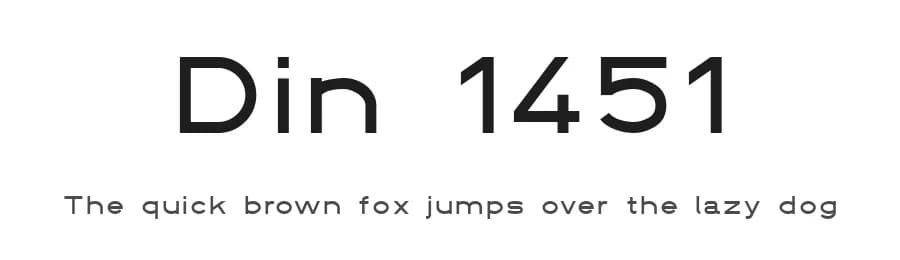
About Din 1451 Font
Din 1451 is a sans-serif typeface designed by Peter Wiegel, offering a straightforward, functional typographic alternative for designers who prioritize legibility and neutrality. With 221 glyphs and multilingual support covering 216+ Latin-based languages, this regular-weight font performs reliably across websites, mobile applications, software interfaces, and multilingual content systems. Its geometric clarity suits technical documentation, app UI labels, corporate reports, data visualization dashboards, and minimal brand identities for technology companies, where straightforward typography takes priority over visual ornamentation.
The typeface excels in contexts demanding neutral, no-nonsense text that recedes into the background without distraction. Wayfinding signage, product specification sheets, software dashboards, form labels, and technical manuals all benefit from its direct character and broad language coverage. Available as a free download from this page, Din 1451 comes with license terms you should review carefully before any commercial use.
Choose Din 1451 over conventional sans-serif defaults when your project prioritizes functionality over visual personality and when international language support matters practically rather than hypothetically. Its combination of simplicity and extensive language coverage makes it particularly valuable for multilingual systems and global applications where consistency and legibility must remain constant across diverse typographic contexts and environments.
Style & Use Cases
- Overall Style
- Clean, Modern, Basic
- Use Case
- Body Text, UI
- Ideal For
- branding, interfaces, and modern layouts
- Pairs With
- a contrasting serif for headings
Similar Fonts
Fonts that look visually alike — matched by our Font Finder model.


Din 1451 Specifications
| Font Family | DIN 1451 fette Breitschrift 1936 |
| Style | Regular |
| Full Name | DIN 1451 fette Breitschrift 1936 |
| Weight | 400 (Regular) |
| Glyph Count | 221 glyphs |
| PostScript Name | DIN1451fetteBreitschrift1936-Regular |
| Format | TTF (TrueType) |
| File Size | 47.6 KB |
Languages Supported
Din 1451 supports 216 languages.
How to Install Din 1451 Font
Step-by-step instructions for every platform
- 1Download the Din 1451 font file (.ttf or .otf).
- 2Locate the downloaded file in your Downloads folder.
- 3Right-click the font file.
- 4Select "Install" to install for the current user, or "Install for all users" to make it available system-wide.
- 5Din 1451 is now available in Word, Photoshop, Illustrator, and all other apps.
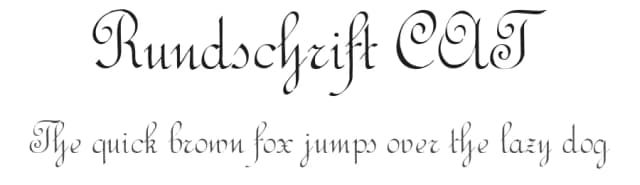
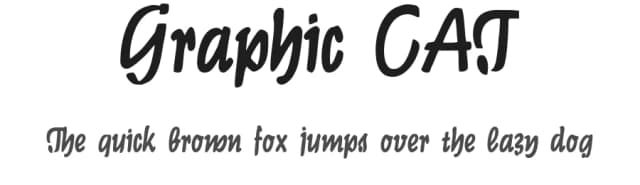
More by Peter Wiegel
View all →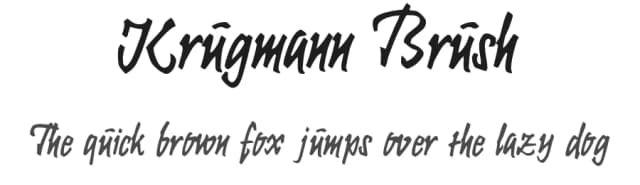
Browse fonts by theme
Curated collections →Saw a font in a picture? Identify any font from an image with our free Font Finder.
More Sans Serif Fonts
Browse all →
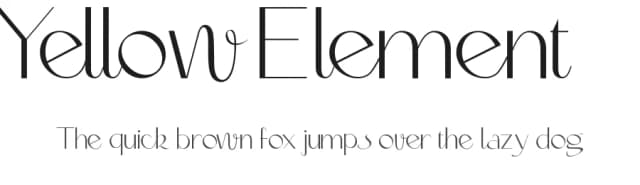
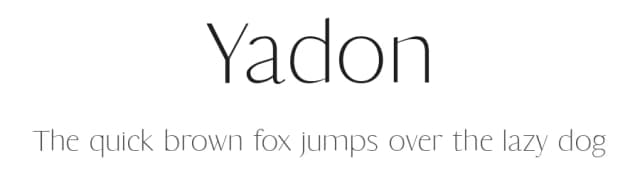
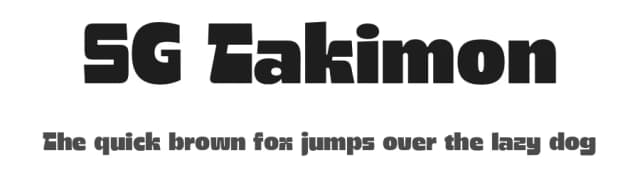
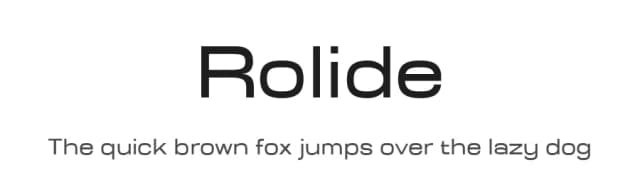
What pairs well with Din 1451 Font?
Din 1451 Font is a versatile sans-serif font that works for both headings and body text. Pair it with a contrasting serif or slab serif font to add visual interest and a clear distinction between titles and body copy.



Premium Sans Serif Fonts
★ PremiumWant something with more weights, glyphs, and commercial polish? These premium sans serif fonts are worth a look.


Din 1451 Font
by Peter Wiegel
Reviewed by the FontBoxDL team · Updated October 2026