 Firefox
 1 / 3
1 / 3Loading font…
About Denvor Font
Picture a freelance designer sitting down to work on a brand identity for a sustainable fashion startup, needing a typeface that reads equally well on screen as it does in print. That designer would reach for Denvor, a clean, functional sans-serif created by Mas Anis at Huntype. With support for 107+ Latin-based languages, this typeface handles everything from English product labels to European packaging without missing a beat.
Clean geometry and solid letterforms make Denvor well-suited for tech startup websites, boutique product packaging, restaurant menu systems, and international brand campaigns where legibility at any scale is genuinely non-negotiable. The broad language support helps tremendously when managing complex multilingual projects: international packaging, website headers that need to work across multiple markets, and collateral for regional expansion all benefit directly from the wide language coverage. A regular weight keeps things straightforward without sacrificing the sophistication that clients always expect.
At display sizes, lock in your tracking to maintain that clean geometric feel, especially when setting text in all caps for headlines or signage. Denvor holds up well across everything from small web body text to large-format applications. Try the free demo for personal work, get the full commercial version on Creative Fabrica.
Style & Use Cases
- Overall Style
- Clean, Modern, Sans Serif
- Use Case
- Body Text, UI
- Ideal For
- branding, interfaces, and modern layouts
- Pairs With
- a contrasting serif for headings
Denvor Specifications
| Font Family | Denvor |
| Style | Regular |
| Full Name | Denvor |
| Version | 1.00 |
| Weight | 400 (Regular) |
| Glyph Count | 116 glyphs |
| PostScript Name | Denvor |
| Designer | Mas Anis |
| Format | TTF (TrueType) |
| File Size | 15 KB |
Languages Supported
Denvor supports 107 languages.
How to Install Denvor Font
Step-by-step instructions for every platform
- 1Download the Denvor font file (.ttf or .otf).
- 2Locate the downloaded file in your Downloads folder.
- 3Right-click the font file.
- 4Select "Install" to install for the current user, or "Install for all users" to make it available system-wide.
- 5Denvor is now available in Word, Photoshop, Illustrator, and all other apps.
Browse fonts by theme
Curated collections →Saw a font in a picture? Identify any font from an image with our free Font Finder.
More Sans Serif Fonts
Browse all →
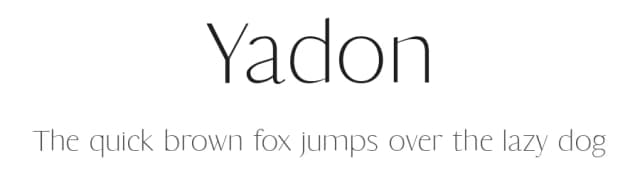
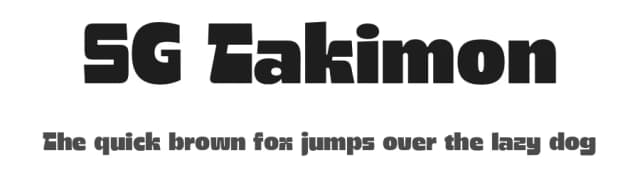
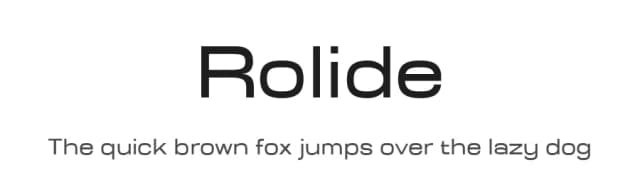
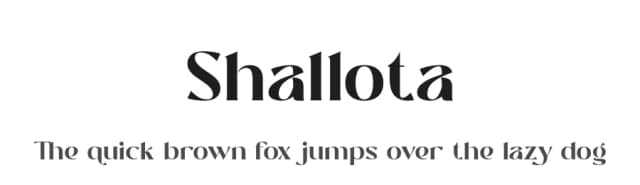
What pairs well with Denvor Font?
Denvor Font is a versatile sans-serif font that works for both headings and body text. Pair it with a contrasting serif or slab serif font to add visual interest and a clear distinction between titles and body copy.



Denvor Font
by Mas Anis
Reviewed by the FontBoxDL team · Updated August 2026