 Firefox
 1 / 7
1 / 7About DeBorstel Brush Pro Font
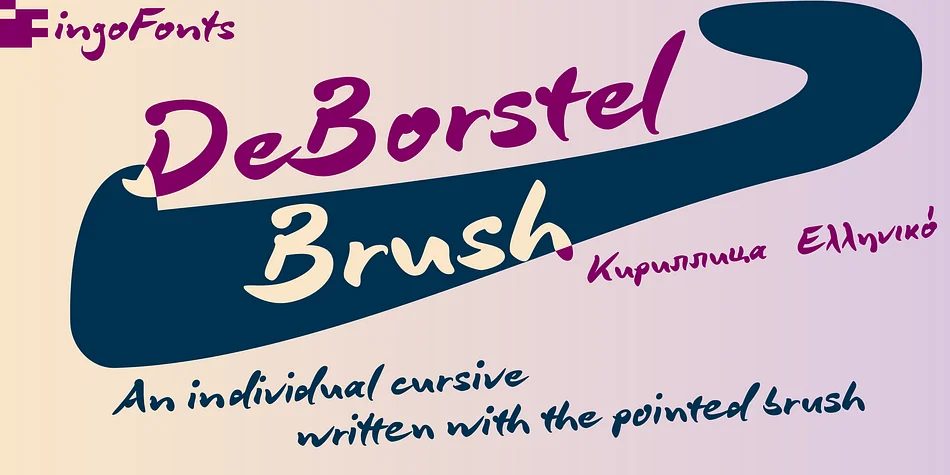
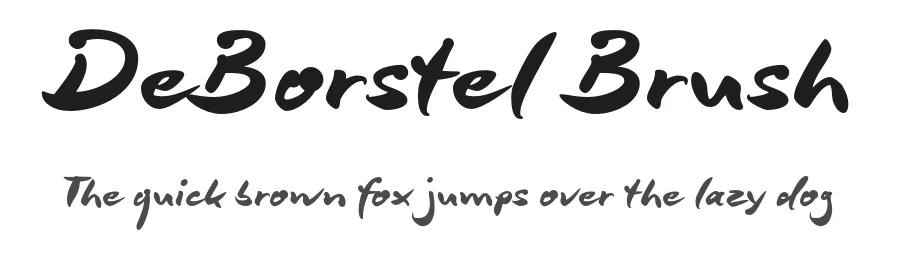
Imagine you're hand-lettering a wine label or wedding invitation suite, and you want that brushed energy but also the flexibility of a typeface. That's what ingoFonts created with DeBorstel Brush Pro, a brush script that captures the spontaneity of work done with a pointed pen. The name is Dutch for "brush," and it earns that through every stroke. The capitals sit almost formally balanced, while the lowercase letters remain intentionally uneven, each one individual to keep the whole thing feeling drawn rather than designed.
Activate the ligatures and the typeface gains character. They're built from alternate letter forms that smooth problem combinations and step up the hand-drawn feel instantly. For even more variation, the discretionary ligatures unlock additional alternates for a, e, g, i, j, l, n, o, s, t, u, and z, putting real control in your hands over how much personality each letter carries. This flexibility makes the font ideal for cosmetics packaging, indie food labels, hand-lettered event posters, and craft brand identities where personality matters more than mechanical consistency. The brush weight delivers warmth at any size, and you can shift between standard and alternate forms to keep repeated letters from feeling too uniform. Get it on Creative Fabrica and bring this brushed character to your next project.
Style & Use Cases
- Overall Style
- Elegant, Flowing
- Use Case
- Invitations, Branding
- Ideal For
- wedding stationery, greeting cards, and signatures
- Pairs With
- a simple uppercase sans
How to Install DeBorstel Brush Pro Font
Step-by-step instructions for every platform
- 1Download the DeBorstel Brush Pro font file (.ttf or .otf).
- 2Locate the downloaded file in your Downloads folder.
- 3Right-click the font file.
- 4Select "Install" to install for the current user, or "Install for all users" to make it available system-wide.
- 5DeBorstel Brush Pro is now available in Word, Photoshop, Illustrator, and all other apps.
More by ingoFonts
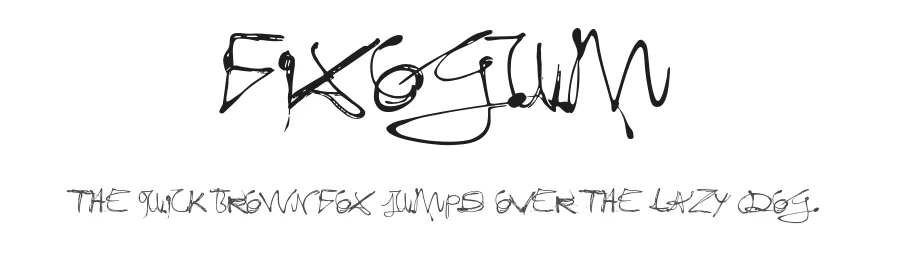
View all →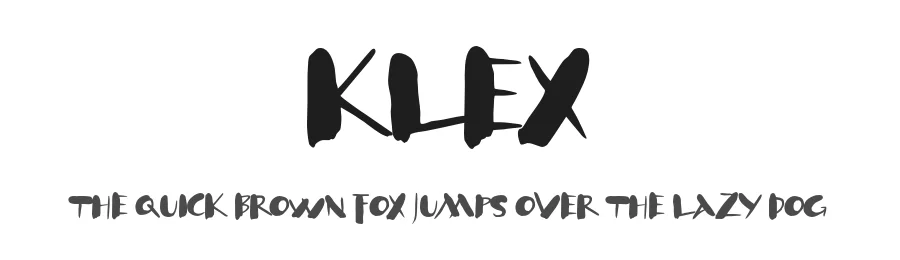
Browse fonts by theme
Curated collections →Saw a font in a picture? Identify any font from an image with our free Font Finder.
More Script Handwritten Fonts
Browse all →







What pairs well with DeBorstel Brush Pro Font?
DeBorstel Brush Pro Font is a script font that shines as a display or heading face. Pair it with a clean sans-serif or serif font for body text — the contrast creates a clear hierarchy while the two styles stay balanced and easy to read.




DeBorstel Brush Pro Font
by ingoFonts
Reviewed by the FontBoxDL team · Updated July 2026