 Firefox
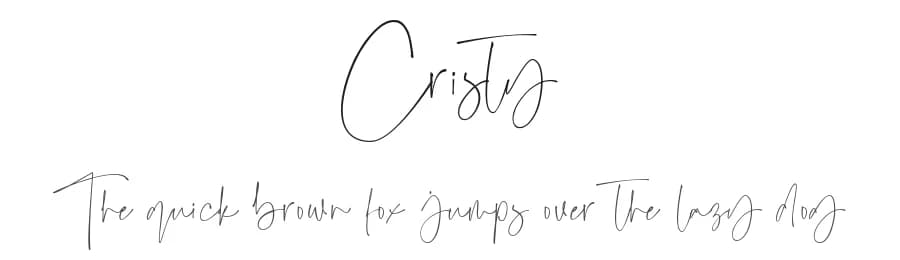 1 / 3
1 / 3Loading font…
About Cristy Font
ONLY FOR PERSONAL USE!
This font can only be used for personal purposes only. If you want to use this font for commercial purposes click link down below :
https://www.creativefabrica.com/product/cristy/ref/448115/
email:
[email protected]
instagram: @ moove.std
Thank you
Style & Use Cases
- Overall Style
- Elegant, Flowing, Script
- Use Case
- Invitations, Branding
- Ideal For
- wedding stationery, greeting cards, and signatures
- Pairs With
- a simple uppercase sans
Similar Fonts
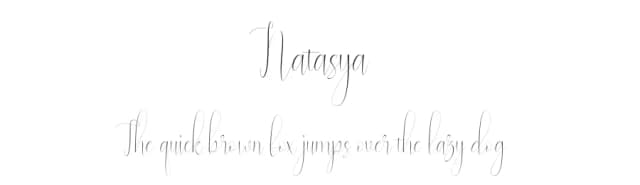
Fonts that look visually alike — matched by our Font Finder model.




Cristy Specifications
| Font Family | Cristy |
| Style | Regular |
| Full Name | Cristy |
| Version | 1.00 |
| Weight | 400 (Regular) |
| Glyph Count | 270 glyphs |
| PostScript Name | Cristy |
| Format | TTF (TrueType) |
| File Size | 94 KB |
OpenType Features
Cristy ships with 1 OpenType feature you can switch on in apps that support them (Illustrator, InDesign, Affinity, Figma, CSS font-feature-settings).
- Standard ligatures
Languages Supported
Cristy supports 217 languages.
How to Install Cristy Font
Step-by-step instructions for every platform
- 1Download the Cristy font file (.ttf or .otf).
- 2Locate the downloaded file in your Downloads folder.
- 3Right-click the font file.
- 4Select "Install" to install for the current user, or "Install for all users" to make it available system-wide.
- 5Cristy is now available in Word, Photoshop, Illustrator, and all other apps.
More by Moove Studio
View all →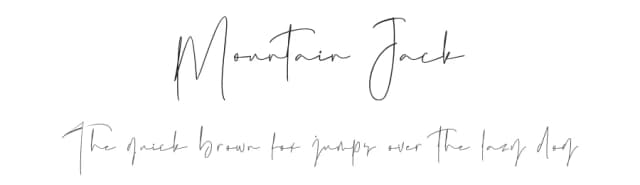
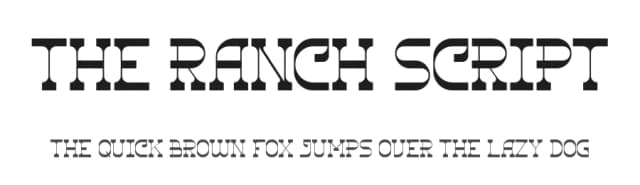
Browse fonts by theme
Curated collections →Saw a font in a picture? Identify any font from an image with our free Font Finder.
More Script Handwritten Fonts
Browse all →







What pairs well with Cristy Font?
Cristy Font is a script font that shines as a display or heading face. Pair it with a clean sans-serif or serif font for body text — the contrast creates a clear hierarchy while the two styles stay balanced and easy to read.



Premium Script Handwritten Fonts
★ PremiumWant something with more weights, glyphs, and commercial polish? These premium script handwritten fonts are worth a look.

Cristy Font
by Moove Studio
Reviewed by the FontBoxDL team · Updated July 2026
License: Free for personal use