 Firefox
 1 / 3
1 / 3Loading font…
About Codec Font
This font is for PERSONAL/NON-COMMERCIAL USE ONLY!
To see the full family and acquire the commercial license please visit our website:
http://www.zetafonts.com/codec
Join the exclusive Type Club to get free fonts and special offers on new releases!
https://www.zetafonts.com/typeclub
CONTACT US:
website:
http://www.zetafonts.com
have a question?:
[email protected]
---
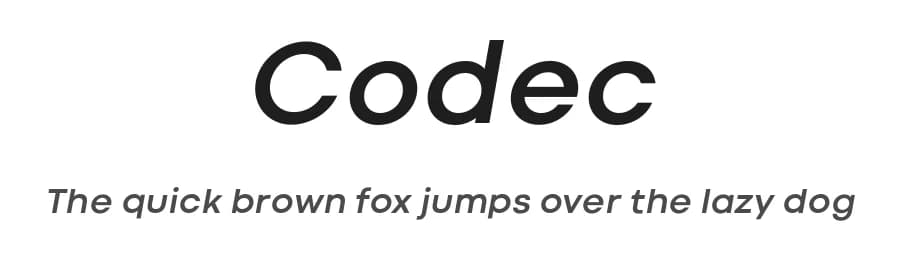
Codec is a geometric sans serif type system, designed by Cosimo Lorenzo Pancini with Francesco Canovaro and Andrea Tartarelli. Codec provides you with two coherent variant fonts built on the same base skeleton: Codec Cold and Codec Warm.
In Codec Cold terminals are always cut parallel or perpendicular to the baseline, emphasizing geometry and giving the typeface a more constructed look. In Codec Warm, on the contrary, open diagonal cuts and two-storey letterforms give the typeface a slightly more humanist look and a gentler, warmer text feeling.
Both Codec Cold and Codec Warm come with a wide range of glyphs for language coverage, including cyrillic and greek alphabets, and of open type features, including small caps, positional numerals and swash forms.
Codec typefaces also include over a hundred variant ligature and alternate glyphs.
More...
These glyphs, usually available as discretionary ligatures, have been made permanently active in the two Codec Logo subfamilies, designed for display use and logo design, and thus available with a bolder weight range and tighter metrics. Codec Logo Cold makes the cold geometry alive with funky ligatures, while Codec Logo Warm randomly stretches characters: both allow for quick, unexpected solutions in logo design and display type treatment.
Style & Use Cases
- Overall Style
- Bold, Clean, Modern, Basic
- Use Case
- Body Text, UI
- Ideal For
- branding, interfaces, and modern layouts
- Pairs With
- a contrasting serif for headings
Similar Fonts
Fonts that look visually alike — matched by our Font Finder model.





Codec Specifications
| Font Family | Codec Cold |
| Style | Bold Italic |
| Full Name | Codec Cold Bold Italic |
| Version | 1.000 |
| Weight | 700 (Bold) |
| Glyph Count | 1108 glyphs |
| PostScript Name | CodecCold-BoldItalic |
| Designer | Cosimo Lorenzo Pancini & Francesco Canovaro |
| Format | TTF (TrueType) |
| File Size | 243.8 KB |
OpenType Features
Codec ships with 14 OpenType features you can switch on in apps that support them (Illustrator, InDesign, Affinity, Figma, CSS font-feature-settings).
- Discretionary ligatures
- Fractions
- Standard ligatures
- Old-style figures
- Ordinals
- Stylistic alternates
- Scientific inferiors
- Small capitals
- Superscripts
- Swashes
- Titling capitals
- Tabular figures
- Slashed zero
- Stylistic sets (5)
Languages Supported
Codec supports 297 languages.
How to Install Codec Font
Step-by-step instructions for every platform
- 1Download the Codec font file (.ttf or .otf).
- 2Locate the downloaded file in your Downloads folder.
- 3Right-click the font file.
- 4Select "Install" to install for the current user, or "Install for all users" to make it available system-wide.
- 5Codec is now available in Word, Photoshop, Illustrator, and all other apps.
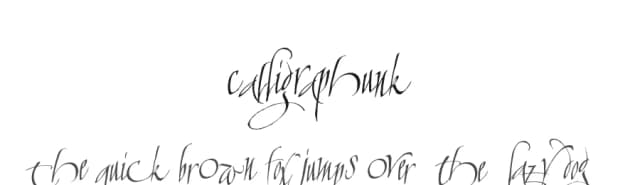
Browse fonts by theme
Curated collections →Saw a font in a picture? Identify any font from an image with our free Font Finder.
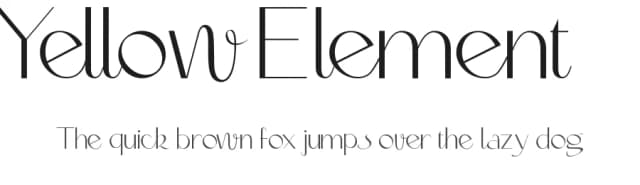
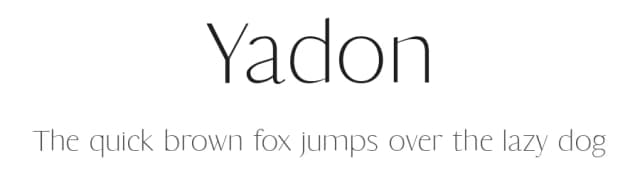
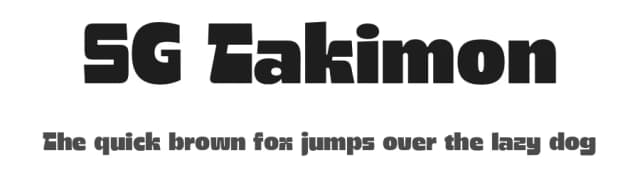
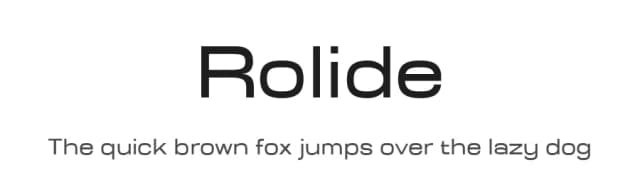
More Sans Serif Fonts
Browse all →
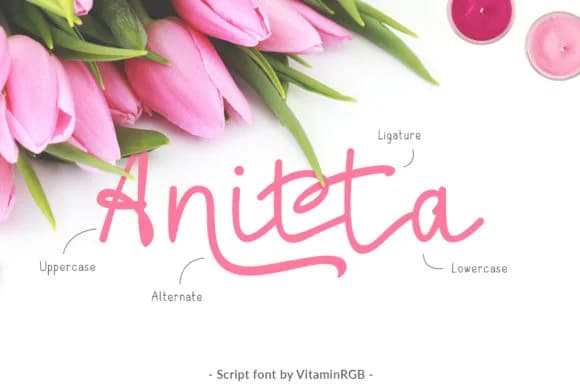
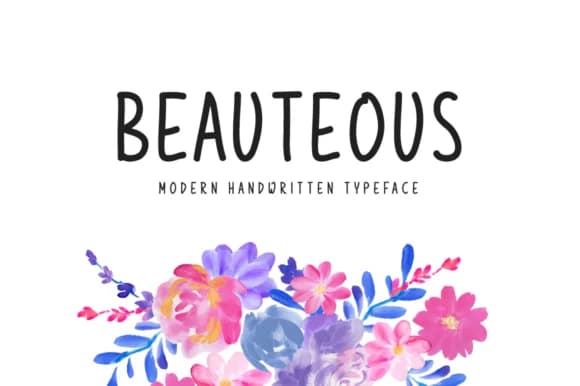
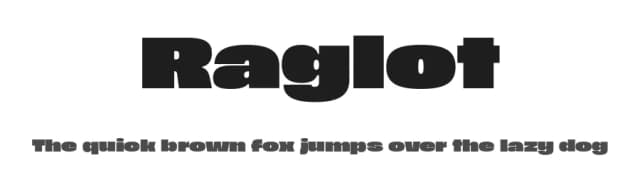
What pairs well with Codec Font?
Codec Font is a versatile sans-serif font that works for both headings and body text. Pair it with a contrasting serif or slab serif font to add visual interest and a clear distinction between titles and body copy.



Premium Sans Serif Fonts
★ PremiumWant something with more weights, glyphs, and commercial polish? These premium sans serif fonts are worth a look.


Codec Font
by Zetafonts
Reviewed by the FontBoxDL team · Updated July 2026
License: Free for personal use