 Firefox
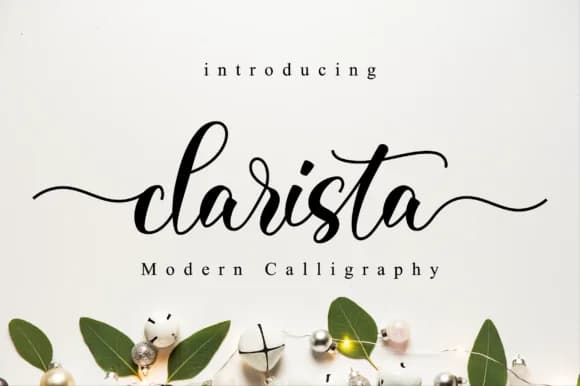 1 / 9
1 / 9About Clarista Script Font
Picture yourself hand-lettering a wedding invitation suite, knowing exactly what you want but realizing the hours of careful linework ahead. Clarista Script Font, designed by NissaStudio, delivers that flowing, organic feel without requiring you to pick up a brush and steady your hand. This handwritten aesthetic brings genuine warmth and character to work that truly depends on authenticity and personal connection.
The script works beautifully across high-end branding applications, especially on boutique product packaging where the design itself becomes part of your larger brand story. Custom event stationery, wedding programs, and hand-addressed envelopes all gain from the personal touch this font provides. You'll also find it strong for decorative social media headers, personalized greeting cards, and DIY craft signage that needs to look intentional rather than generic. Letterforms carry enough visual personality to catch attention while staying legible even when reduced to smaller sizes.
What makes this font useful is the range of glyphs and alternates, giving you variation to draw from when you're working with longer passages and need to avoid letter repetition. The weight maintains consistent rhythm throughout, working equally well as body text when needed or striking when enlarged for eye-catching headlines and logotypes. Get Clarista on Creative Fabrica and bring this handcrafted quality to your work.
Style & Use Cases
- Overall Style
- Elegant, Flowing, Clarista
- Use Case
- Invitations, Branding
- Ideal For
- wedding stationery, greeting cards, and signatures
- Pairs With
- a simple uppercase sans
How to Install Clarista Script Font Font
Step-by-step instructions for every platform
- 1Download the Clarista Script Font font file (.ttf or .otf).
- 2Locate the downloaded file in your Downloads folder.
- 3Right-click the font file.
- 4Select "Install" to install for the current user, or "Install for all users" to make it available system-wide.
- 5Clarista Script Font is now available in Word, Photoshop, Illustrator, and all other apps.
More by NissaStudio
View all →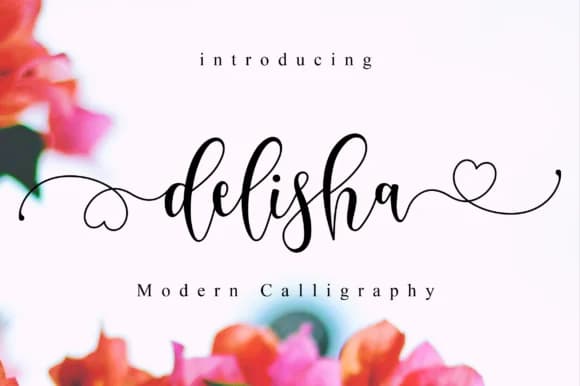
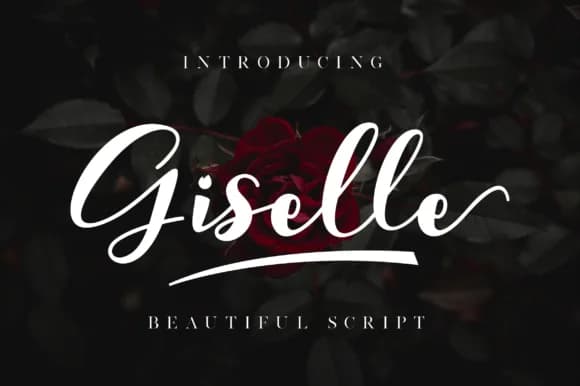
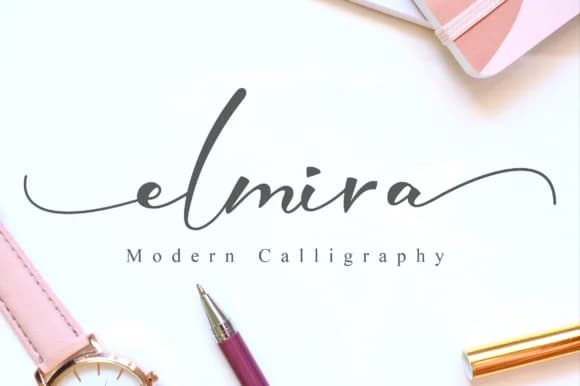
Browse fonts by theme
Curated collections →Saw a font in a picture? Identify any font from an image with our free Font Finder.
More Script Handwritten Fonts
Browse all →







What pairs well with Clarista Script Font?
Clarista Script Font is a script font that shines as a display or heading face. Pair it with a clean sans-serif or serif font for body text — the contrast creates a clear hierarchy while the two styles stay balanced and easy to read.



Clarista Script Font
by NissaStudio
Reviewed by the FontBoxDL team · Updated September 2026