 Firefox
 1 / 8
1 / 8About Chunk Story Font
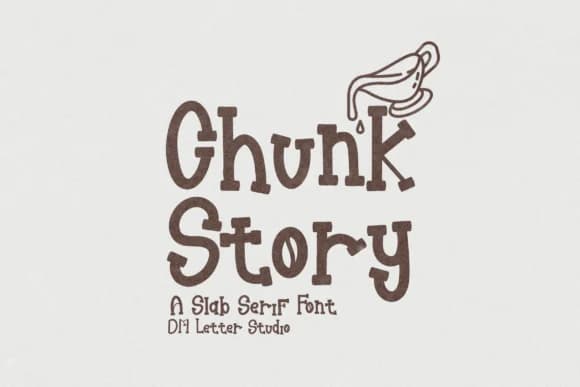
Chunk Story by dmletter31 is a bold, hand-drawn display font that brings narrative energy into every letterform. The chunky slab-serif construction gives it an artisanal quality without sacrificing legibility, making it ideal for work where personality matters as much as readability. This typeface hits its stride in specific niches: food packaging labels where boutique snack boxes and craft condiment containers need visual warmth, comic book lettering and title treatments that demand thick expressive strokes, YouTube thumbnail design where bold type commands attention even in a tiny frame, and branding for children's product lines or picture book illustration.
What separates Chunk Story from generic chunky typefaces is how thoughtfully it balances boldness with accessibility. The organic strokes read clearly whether the type is blown up poster-size or handled at smaller scales, maintaining legibility without loss of soul. It carries the genuine feeling of something handmade and intentional, even though the letterforms maintain consistent weight and proportion throughout the character set. You get a typeface that looks crafted rather than sterile, deliberate rather than corporate.
If you're building a project that thrives on warmth and approachable visual boldness, grab Chunk Story from Creative Fabrica.
Style & Use Cases
- Overall Style
- Sturdy, Confident, Chunky Font
- Use Case
- Headlines, Merch
- Ideal For
- vintage posters, logos, and product packaging
- Pairs With
- a light sans-serif
How to Install Chunk Story Font
Step-by-step instructions for every platform
- 1Download the Chunk Story font file (.ttf or .otf).
- 2Locate the downloaded file in your Downloads folder.
- 3Right-click the font file.
- 4Select "Install" to install for the current user, or "Install for all users" to make it available system-wide.
- 5Chunk Story is now available in Word, Photoshop, Illustrator, and all other apps.
More by dmletter31
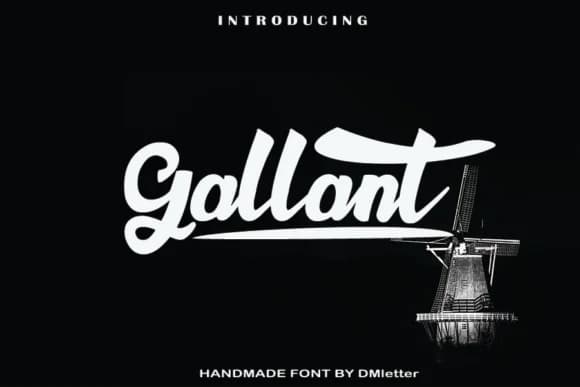
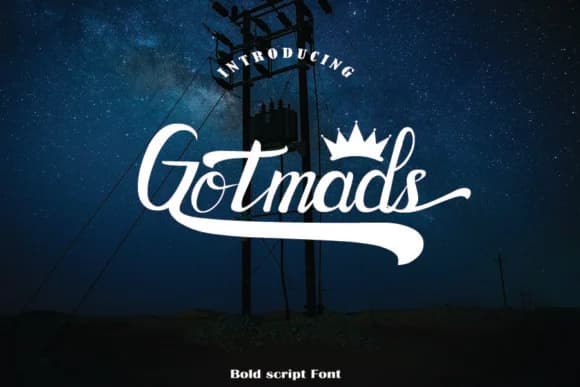
View all →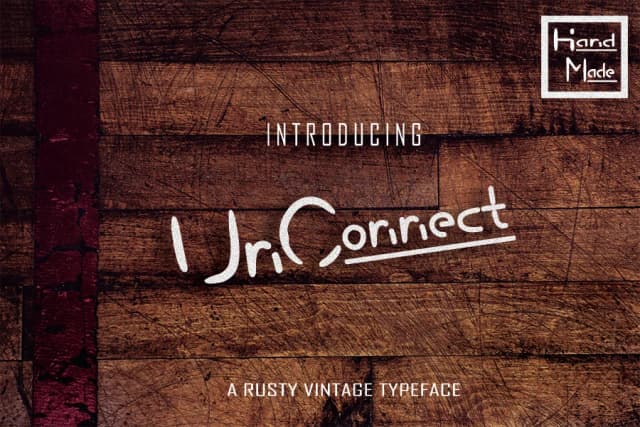
Browse fonts by theme
Curated collections →Saw a font in a picture? Identify any font from an image with our free Font Finder.
More Slab Serif Fonts
Browse all →







What pairs well with Chunk Story Font?
Chunk Story Font is a slab serif font that shines as a display or heading face. Pair it with a clean sans-serif or serif font for body text — the contrast creates a clear hierarchy while the two styles stay balanced and easy to read.



Chunk Story Font
by dmletter31
Reviewed by the FontBoxDL team · Updated August 2026