 Firefox
 1 / 9
1 / 9About Carstenz Font
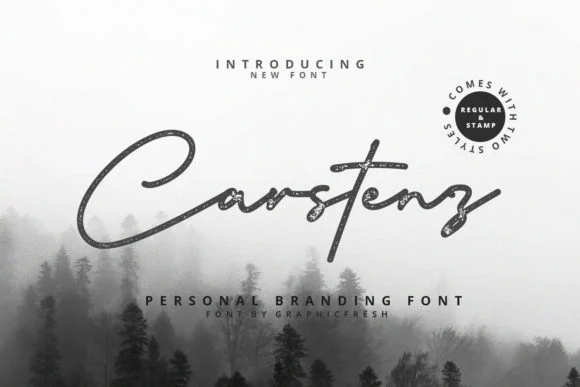
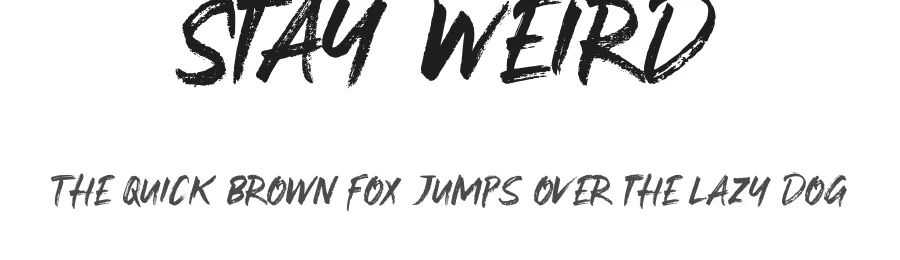
Carstenz, created by Graphicfresh, is a contemporary script typeface with genuine character. The letterforms strike that balance between refined and approachable: hand-drawn warmth without the shakiness that often makes scripts feel amateurish or fragile. It's the kind of voice that works across editorial layouts, branding applications, and any professional context where personality matters more than sterile perfection.
Carstenz comes in regular and stamp variations, and here's the practical advantage: neither requires special software to use. That accessibility opens them up to coffee shop menu cards, boutique wine label designs, luxury wedding invitation suites, and small-business packaging projects where a handcrafted aesthetic carries real weight. The stamp style brings added texture useful for vintage product labels, letterpress-inspired business cards, or anywhere a weathered, tactile impression feels more genuine than clinical geometry. The regular weight brings the same voice to logos, website headlines, and brand identity materials with a more refined, composed temperament.
Carstenz is built for designers and makers who understand that distinctive character often outlasts trendy finishes. Choose it when your project needs authenticity without sacrificing professional execution. Available on Creative Fabrica.
Style & Use Cases
- Overall Style
- Elegant, Flowing, Carstenz
- Use Case
- Invitations, Branding
- Ideal For
- wedding stationery, greeting cards, and signatures
- Pairs With
- a simple uppercase sans
How to Install Carstenz Font Font
Step-by-step instructions for every platform
- 1Download the Carstenz Font font file (.ttf or .otf).
- 2Locate the downloaded file in your Downloads folder.
- 3Right-click the font file.
- 4Select "Install" to install for the current user, or "Install for all users" to make it available system-wide.
- 5Carstenz Font is now available in Word, Photoshop, Illustrator, and all other apps.
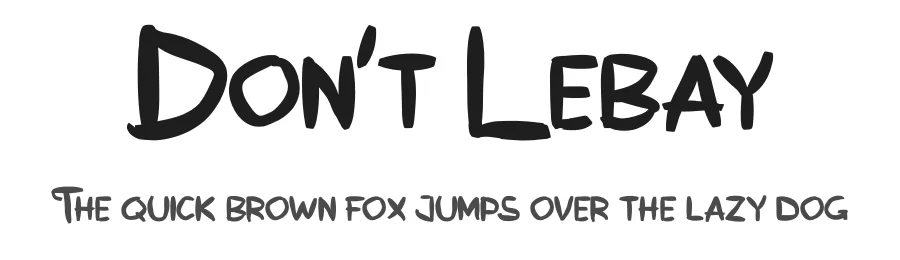
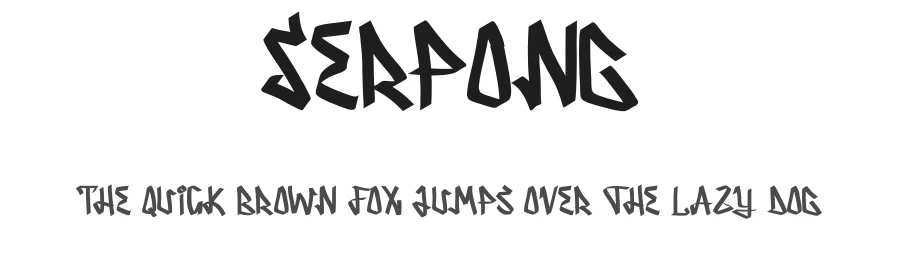
More by Graphicfresh
View all →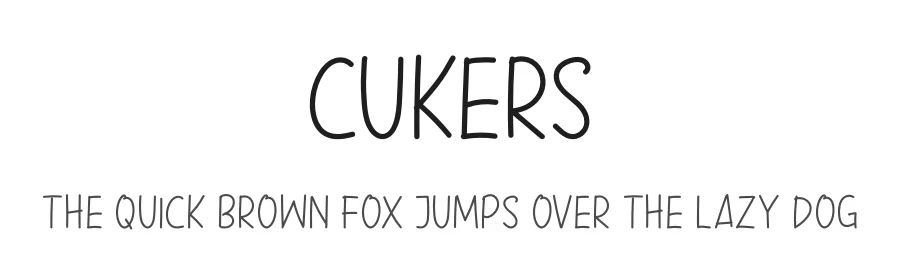
Browse fonts by theme
Curated collections →Saw a font in a picture? Identify any font from an image with our free Font Finder.
More Script Handwritten Fonts
Browse all →







What pairs well with Carstenz Font?
Carstenz Font is a script font that shines as a display or heading face. Pair it with a clean sans-serif or serif font for body text — the contrast creates a clear hierarchy while the two styles stay balanced and easy to read.




Carstenz Font
by Graphicfresh
Reviewed by the FontBoxDL team · Updated May 2026