 Firefox
 1 / 8
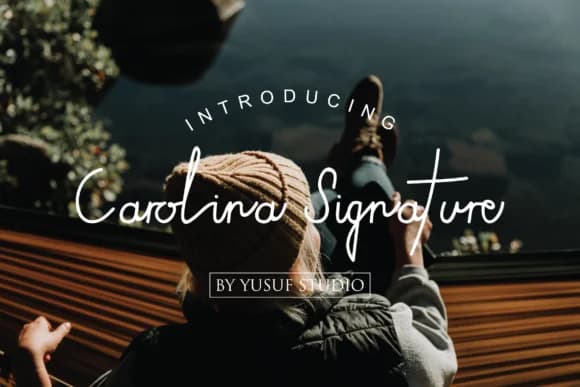
1 / 8About Carolina Signature Font
Carolina Signature, designed by hidayart94, captures that personal, fluid quality of authentic handwriting with genuine character and refinement. The letterforms flow naturally across the page, each curve suggesting the motion of a pen guided by a practiced hand rather than following rigid, mechanical rules. There's a warmth here that connects emotionally with readers while maintaining enough polish to work in professional contexts. The result feels handwritten but not rough, thoughtful but not overwrought.
This script excels for wedding invitation suites, where couples want something that feels deeply personal and intimate without sacrificing elegance or readability. It's equally at home adorning boutique packaging for artisanal goods, creating an immediate sense of care and attention. Product labels for handmade soaps or natural skincare lines benefit from this approachable refinement. Custom stationery sets that make a memorable first impression practically demand a voice like this. Social media graphics for lifestyle brands and independent creators come alive with its distinctive character, helping you stand out when everyone else relies on the same overused script fonts.
Use it for projects that need a genuine human touch in your brand identity. Find it on Creative Fabrica, ready to bring handwritten warmth to your invitations, logos, packaging, watermarks, and beyond.
Style & Use Cases
- Overall Style
- Elegant, Flowing, Carolina Signature
- Use Case
- Invitations, Branding
- Ideal For
- wedding stationery, greeting cards, and signatures
- Pairs With
- a simple uppercase sans
How to Install Carolina Signature Font Font
Step-by-step instructions for every platform
- 1Download the Carolina Signature Font font file (.ttf or .otf).
- 2Locate the downloaded file in your Downloads folder.
- 3Right-click the font file.
- 4Select "Install" to install for the current user, or "Install for all users" to make it available system-wide.
- 5Carolina Signature Font is now available in Word, Photoshop, Illustrator, and all other apps.
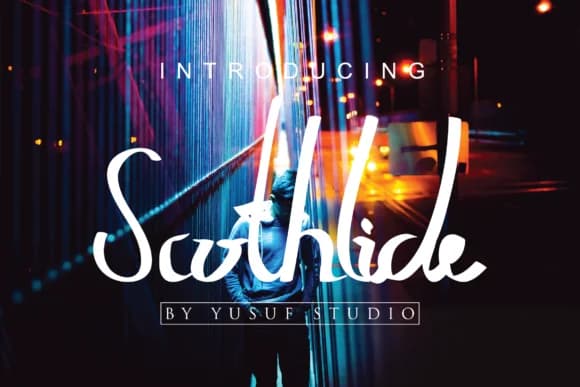
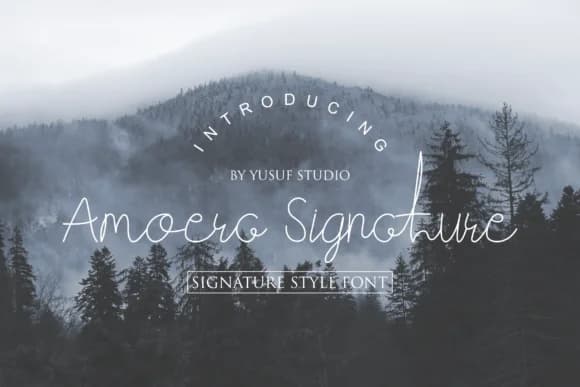
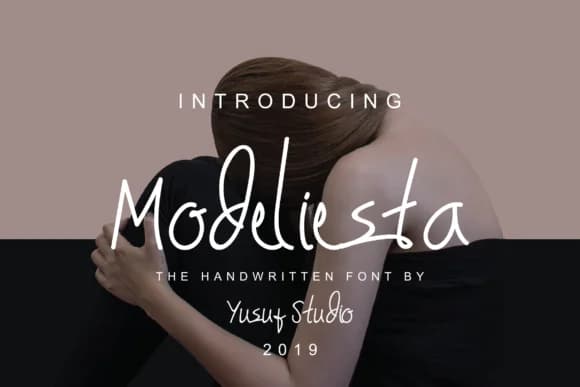
Browse fonts by theme
Curated collections →Saw a font in a picture? Identify any font from an image with our free Font Finder.
More Script Handwritten Fonts
Browse all →







What pairs well with Carolina Signature Font?
Carolina Signature Font is a script font that shines as a display or heading face. Pair it with a clean sans-serif or serif font for body text — the contrast creates a clear hierarchy while the two styles stay balanced and easy to read.



Carolina Signature Font
by hidayart94
Reviewed by the FontBoxDL team · Updated June 2026