 Firefox
 1 / 8
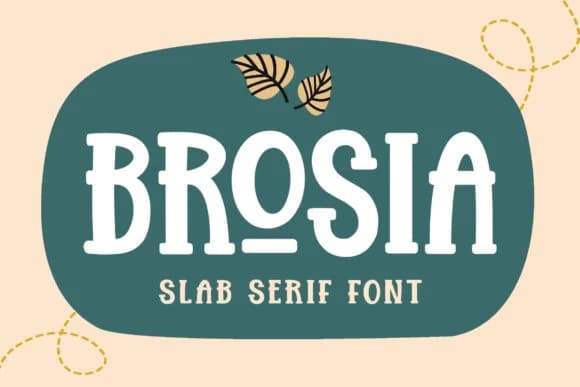
1 / 8About Brosia Font
Bold and instantly recognizable, Brosia carries the visual weight and character needed to build hierarchy that sticks in memory. Subectype crafted this chunky slab serif specifically for display work, delivering personality that performs beautifully across brand identity systems, packaging design, and editorial layouts seeking contemporary serif presence with attitude.
The typeface excels wherever logotypes and brand marks demand personality with conviction. Boutique retailers, lifestyle-focused labels, and artisanal makers increasingly turn to it for conveying both approachability and a sense of handcrafted quality. Short-form headlines in editorial and digital magazines gain presence from its confident proportions and sturdy letterforms. Quote graphics destined for social media feeds draw authority from Brosia's chunky presence. Product packaging labels for craft businesses, small-batch goods, and handmade collections sit naturally in its frame. Built for all-caps display settings and outfitted with alternate letterforms, this font is ideal for headlines, callouts, logotypes, and accent work (body text is not its role).
Combine Brosia with a neutral, minimal sans-serif typeface such as Helvetica or a contemporary Grotesk to balance its visual weight and allow both fonts breathing room. You'll find it on Creative Fabrica, ready to bring contemporary serif confidence to your next identity, packaging, or editorial project.
Style & Use Cases
- Overall Style
- Sturdy, Confident, Slab
- Use Case
- Headlines, Merch
- Ideal For
- vintage posters, logos, and product packaging
- Pairs With
- a light sans-serif
How to Install Brosia Font
Step-by-step instructions for every platform
- 1Download the Brosia font file (.ttf or .otf).
- 2Locate the downloaded file in your Downloads folder.
- 3Right-click the font file.
- 4Select "Install" to install for the current user, or "Install for all users" to make it available system-wide.
- 5Brosia is now available in Word, Photoshop, Illustrator, and all other apps.
More by Subectype
View all →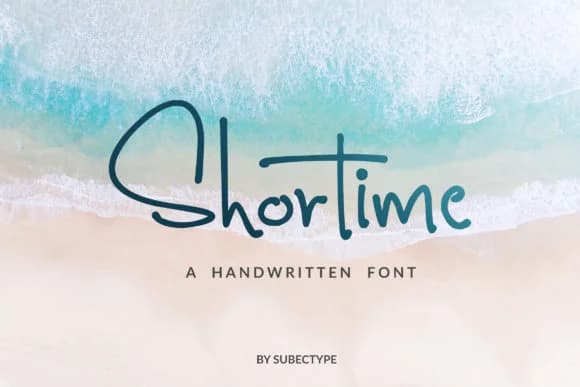
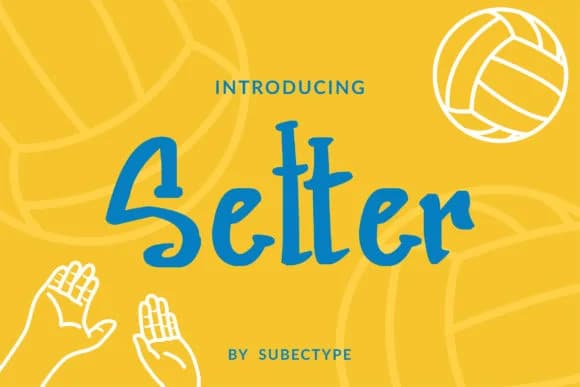
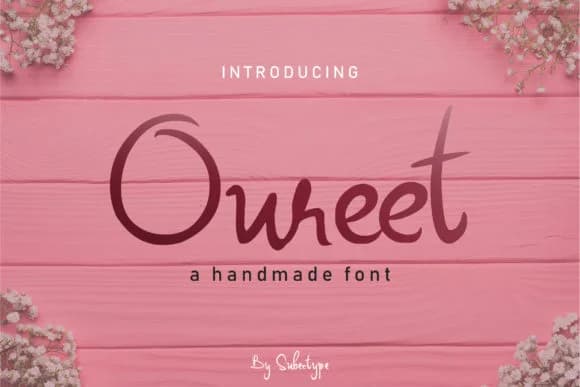
Browse fonts by theme
Curated collections →Saw a font in a picture? Identify any font from an image with our free Font Finder.
More Slab Serif Fonts
Browse all →







What pairs well with Brosia Font?
Brosia Font is a slab serif font that shines as a display or heading face. Pair it with a clean sans-serif or serif font for body text — the contrast creates a clear hierarchy while the two styles stay balanced and easy to read.



Brosia Font
by Subectype
Reviewed by the FontBoxDL team · Updated September 2026