 Firefox
 1 / 7
1 / 7About Brittle Font
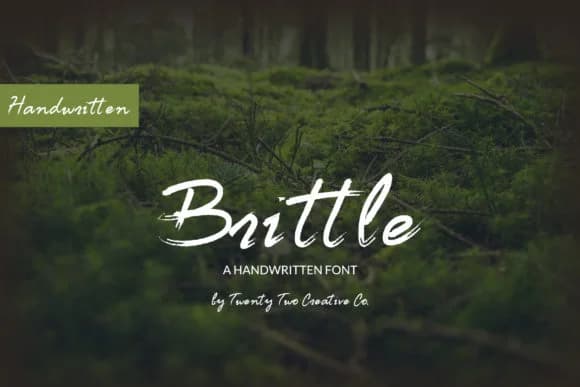
Brittle by Twenty Two is a hand-lettered script inspired by the crisp, irregular texture of twigs breaking underfoot. The font's fragile character and uneven baseline make it especially strong for wedding invitation suites where authentic personality matters more than polish. Small-batch product labels that signal genuine craft, botanical book covers, and branding for sustainable or natural-goods companies all shine with this script's personality. Each letter carries that lived-in, slightly broken quality that photographs beautifully on physical packaging. Hand-poured candle labels and artisanal skincare boxes gain quiet credibility through this typeface without any need to shout.
Editorial applications benefit from what makes this script special too. Blog headers, online lookbooks, and printed zines gain presence from its organic energy. Building a nature-focused brand identity or designing DIY craft signage becomes simpler when you have a typeface that feels genuinely rooted instead of artificially rustic. The slightly broken texture reinforces the natural materials story, making this particularly useful for projects where environmental values and authentic craft sit at the center of what you're doing. The script holds its own across scales without losing the character that makes it worth choosing.
Get Brittle on Creative Fabrica and add this textured, organic script to your next project.
Style & Use Cases
- Overall Style
- Elegant, Flowing, Brittle
- Use Case
- Invitations, Branding
- Ideal For
- wedding stationery, greeting cards, and signatures
- Pairs With
- a simple uppercase sans
How to Install Brittle Font Font
Step-by-step instructions for every platform
- 1Download the Brittle Font font file (.ttf or .otf).
- 2Locate the downloaded file in your Downloads folder.
- 3Right-click the font file.
- 4Select "Install" to install for the current user, or "Install for all users" to make it available system-wide.
- 5Brittle Font is now available in Word, Photoshop, Illustrator, and all other apps.
More by Twenty Two
View all →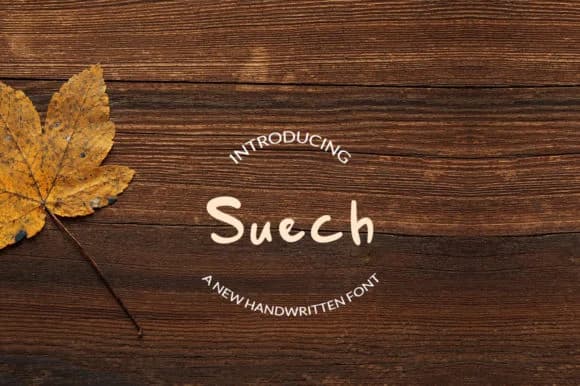
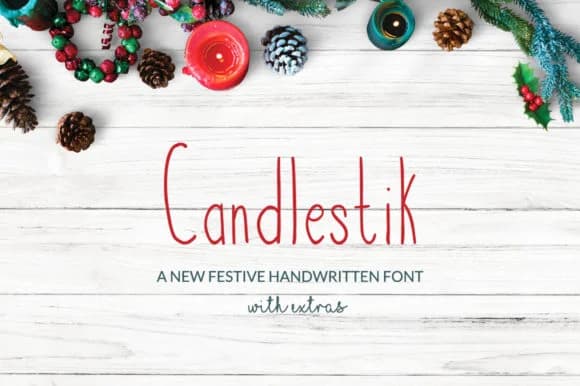
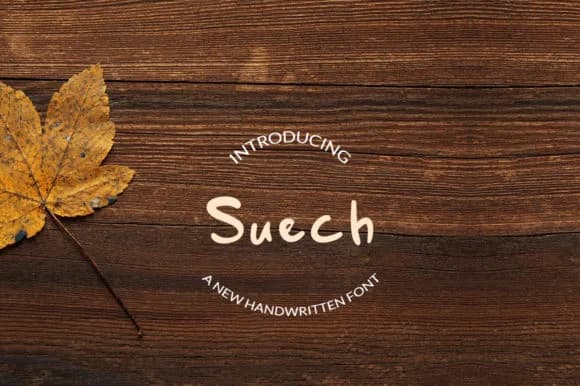
Browse fonts by theme
Curated collections →Saw a font in a picture? Identify any font from an image with our free Font Finder.
More Script Handwritten Fonts
Browse all →







What pairs well with Brittle Font?
Brittle Font is a script font that shines as a display or heading face. Pair it with a clean sans-serif or serif font for body text — the contrast creates a clear hierarchy while the two styles stay balanced and easy to read.



Brittle Font
by Twenty Two
Reviewed by the FontBoxDL team · Updated May 2026