 Firefox
 1 / 6
1 / 6About Brightime Font
Brightime feels warm and inviting, yet maintains the polish of a contemporary design. Stripes Studio's handwritten script carries authenticity without sacrificing legibility, a trait many script fonts struggle to achieve. The letterforms strike that balance between casual energy and refined control, making it accessible for projects that need personality without overwhelming complexity.
Wedding invitation suites, custom greeting card sets, and specialty tea or candle packaging all showcase what makes this font shine. Boutique skincare labels, artisan product packaging, and storefront window signage work beautifully with Brightime's approachable personality. You can even run it at display sizes in layouts where careful typographic pairing matters, or use it for body text in more intimate, handcrafted-feeling projects. The font's personality translates across digital and print contexts without demanding excessive stylistic choices from the designer.
Pair Brightime with a clean, geometric sans-serif in layouts that require hierarchy and visual contrast, letting the script shine for emotional moments while the sans-serif handles information hierarchy. This pairing strategy works especially well for wedding invitations and thank-you cards, product packaging where secondary text needs clarity, and editorial layouts that layer warmth and legibility together. Grab it from Creative Fabrica and start bringing distinctive character to your next project.
Style & Use Cases
- Overall Style
- Elegant, Flowing, Brightime
- Use Case
- Invitations, Branding
- Ideal For
- wedding stationery, greeting cards, and signatures
- Pairs With
- a simple uppercase sans
How to Install Brightime Font Font
Step-by-step instructions for every platform
- 1Download the Brightime Font font file (.ttf or .otf).
- 2Locate the downloaded file in your Downloads folder.
- 3Right-click the font file.
- 4Select "Install" to install for the current user, or "Install for all users" to make it available system-wide.
- 5Brightime Font is now available in Word, Photoshop, Illustrator, and all other apps.
More by Stripes Studio
View all →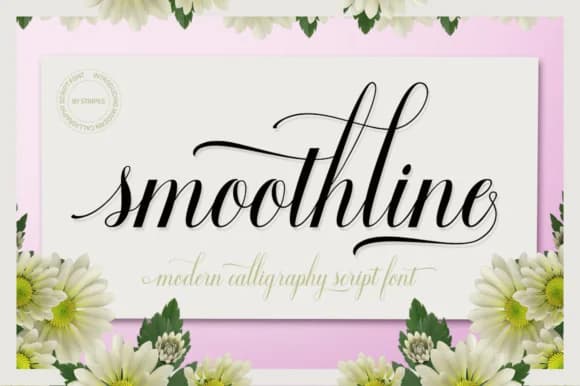
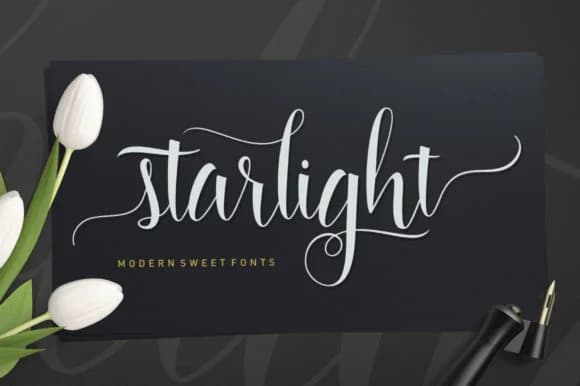
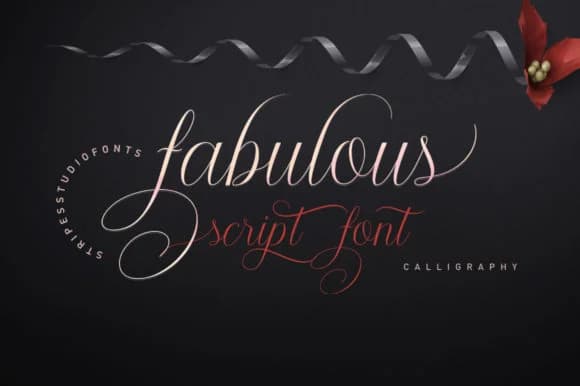
Browse fonts by theme
Curated collections →Saw a font in a picture? Identify any font from an image with our free Font Finder.
More Script Handwritten Fonts
Browse all →







What pairs well with Brightime Font?
Brightime Font is a script font that shines as a display or heading face. Pair it with a clean sans-serif or serif font for body text — the contrast creates a clear hierarchy while the two styles stay balanced and easy to read.



Brightime Font
Reviewed by the FontBoxDL team · Updated August 2026